
Questie
Autor:TheCrux_BBLast updated:11/11/2026 19:48:25217.9M2.2MB

Mod Introduction
Questie



Download
We suggest you use the CurseForge Client to manage your WoW addons in general.
Alternatively you can always use the direct download from here or the latest GitHub release and follow the Installation Guide in the Wiki to get the latest version of Questie up and running.
If you have problems, please read the Frequently Asked Questions.
Information
- Frequently Asked Questions
- Come chat with us on our Discord server.
- You can use the Issue Tracker to report bugs and post feature requests (requires a Github account).
- When creating an issue, please follow the template structure to speed up a possible fix.
- If you get an error message from the WoW client, please include the complete text or a screenshot of it in your report.
- You need to enter
/console scriptErrors 1once in the ingame chat for Lua error messages to be shown. You can later disable them again with/console scriptErrors 0.
- You need to enter
Trust us, it's (Good)!
Languages
Questie comes with translations for all official WoW Classic languages. These are:
English, German, French, Spanish, Portuguese, Russian, Chinese, Taiwanese, and Korean.
If you want to help with translations then check out the Translation folder and search for missing translations by:
["<yourLanguage>"] = false(e.g.["deDE"] = false) and replace thefalsewith a string of the new translation, e.g.["<yourLanguage>"] = "YourTranslation".
On top of that there is support for Ukrainian (through another addon). Following this guide You can add support for even more languages.
Contribution

- We are happy about every help and contribution we get, so feel free to submit a Pull Request on GitHub
- Additional information you might find interesting can be found here
- For questions hit us up on our Discord or open up an issue on GitHub
Donation
If you'd like to support the development of Questie by donating, you can do so via PayPal
Features
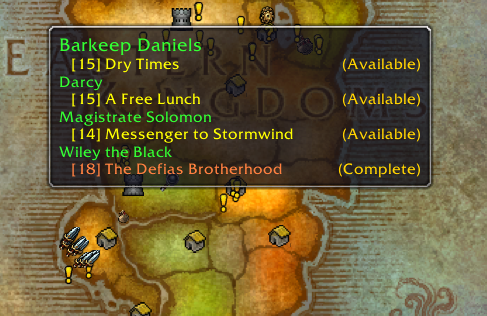
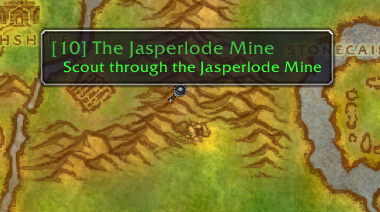
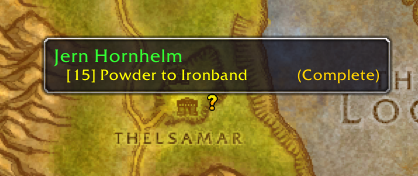
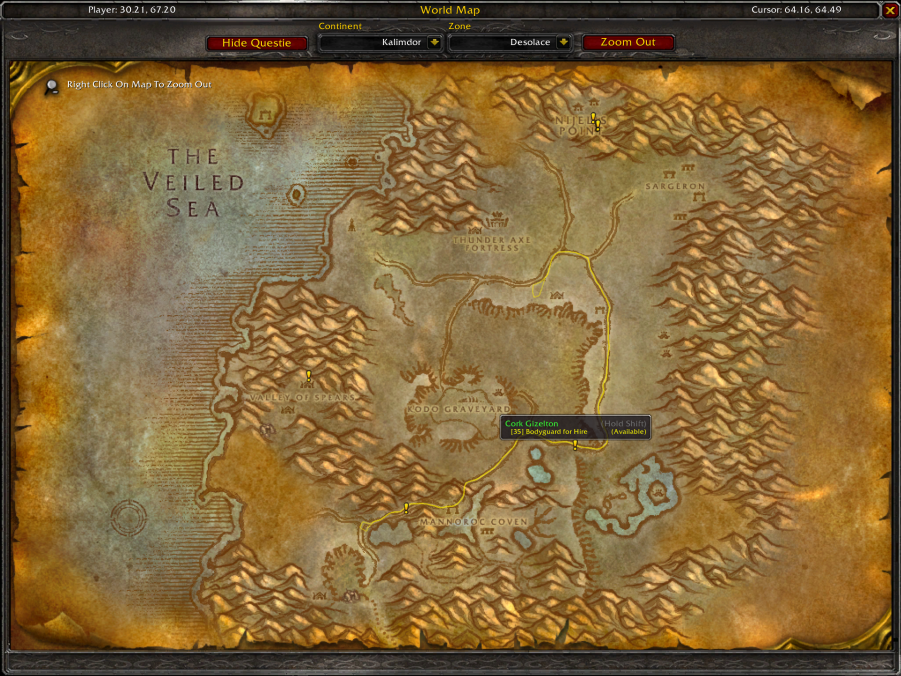
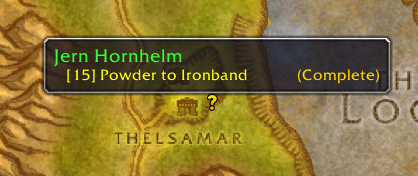
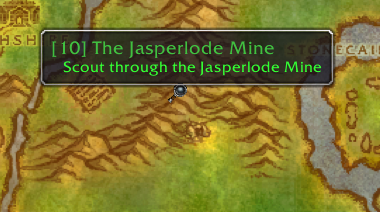
Show quests on map
- Show notes for quest start points, turn in points, and objectives.
- Waypoint lines for NPCs showing their pathing.
Quest Tracker
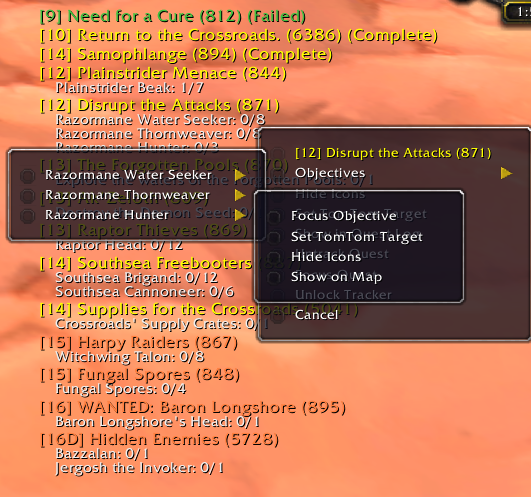
- Automatically tracks quests on accepting
- Can show all quests from the log at once (instead of default 5)
- Left click quest to open quest log (configurable)
- Right-click for more options, e.g.:
- Focus quest (makes other quest icons translucent)
- Point arrow towards objective (requires TomTom addon)
Quest Communication
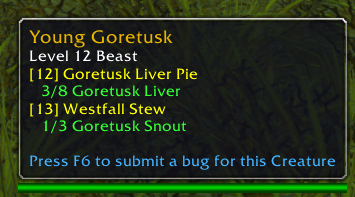
- You can see party members' quest progress in the tooltip.
Tooltips
- Show tooltips on map notes and quest NPCs/objects.
- Holding Shift while hovering over a map icon displays more information, like quest XP.
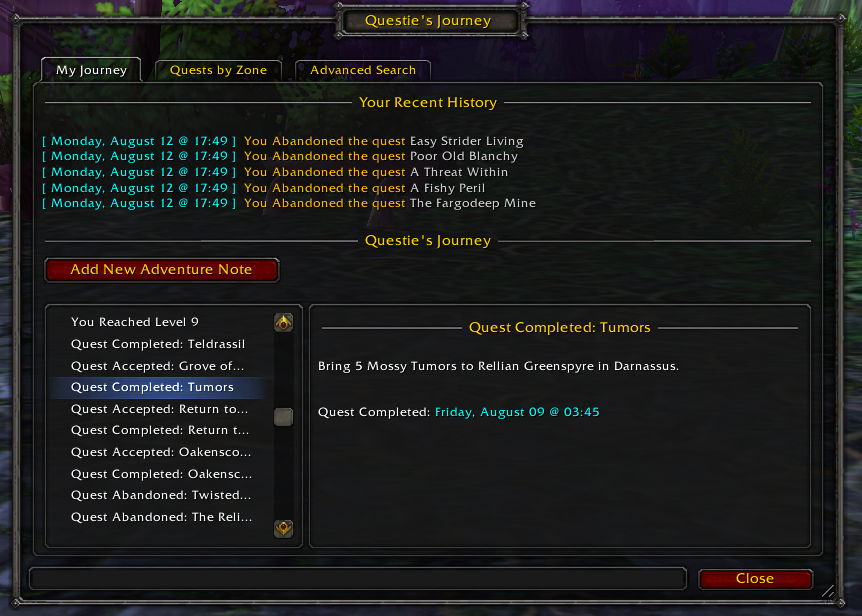
Journey Log
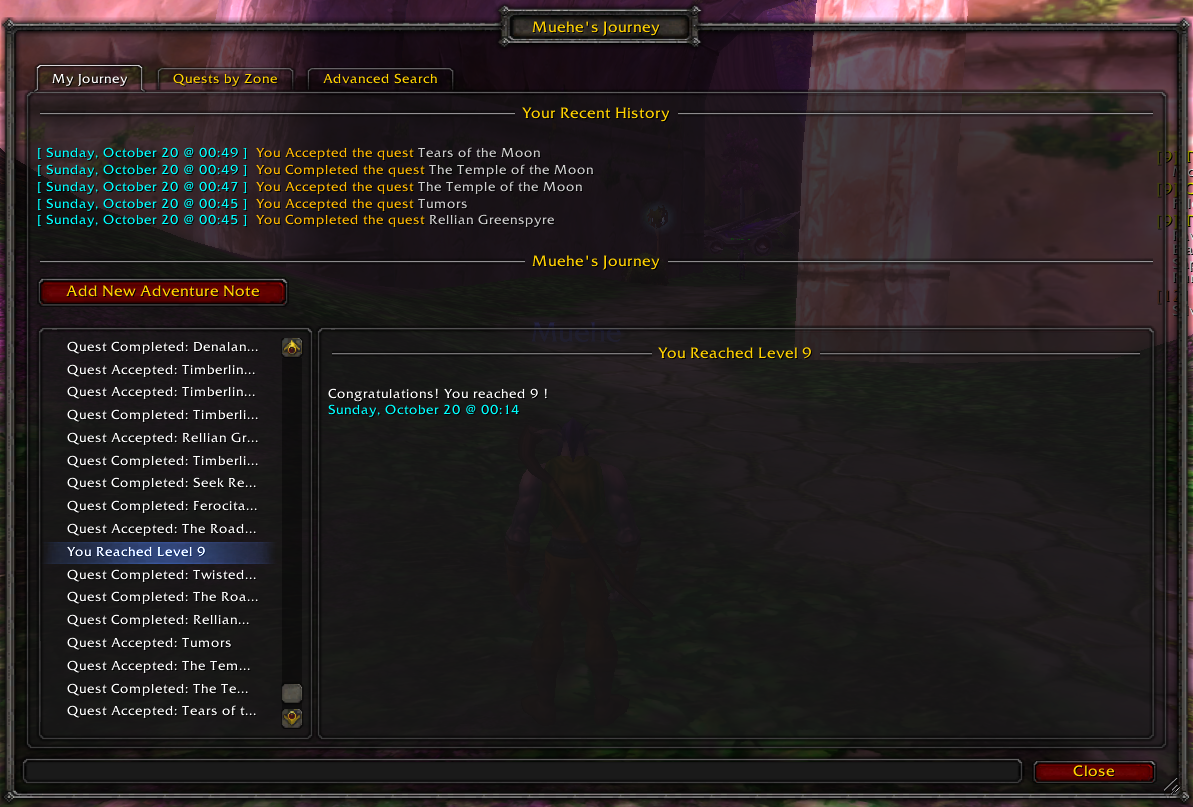
- Questie records the steps of your journey in the "My Journey" window. (left-click on minimap button and click "My Journey" to open or type
/questie journey)
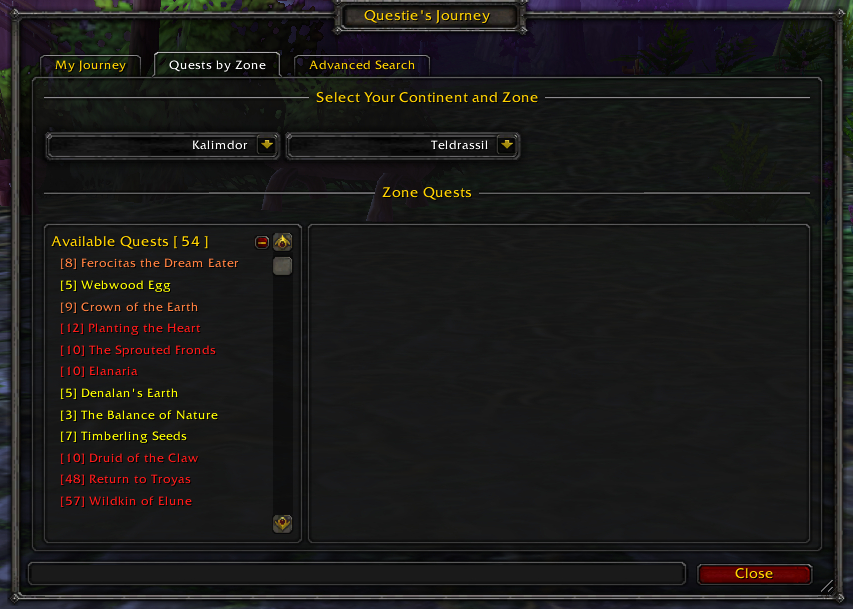
Quests by Zone
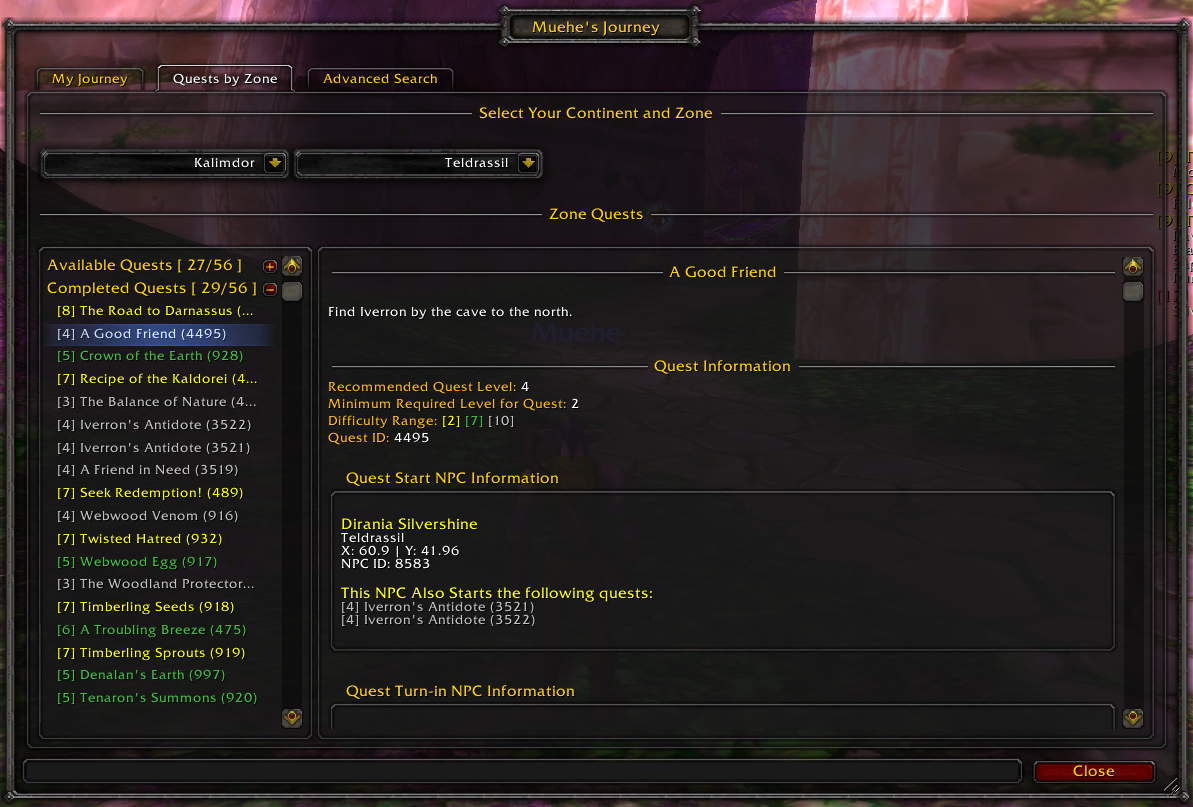
- Questie lists all the quests in a zone, sorted into completed and available. Gotta complete 'em all. (Left-click the minimap button and click "Quests by Zone" to open)
Search
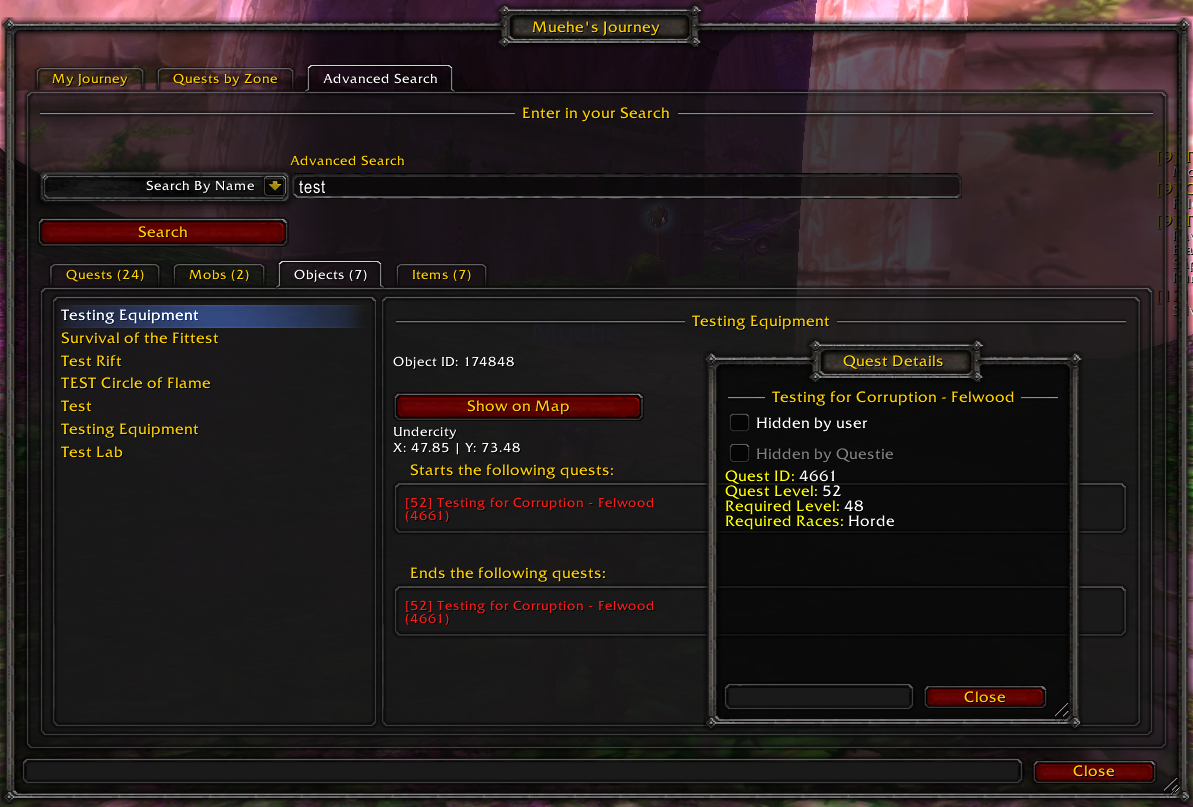
- Questie's database can be searched. (right-click on minimap button to open)
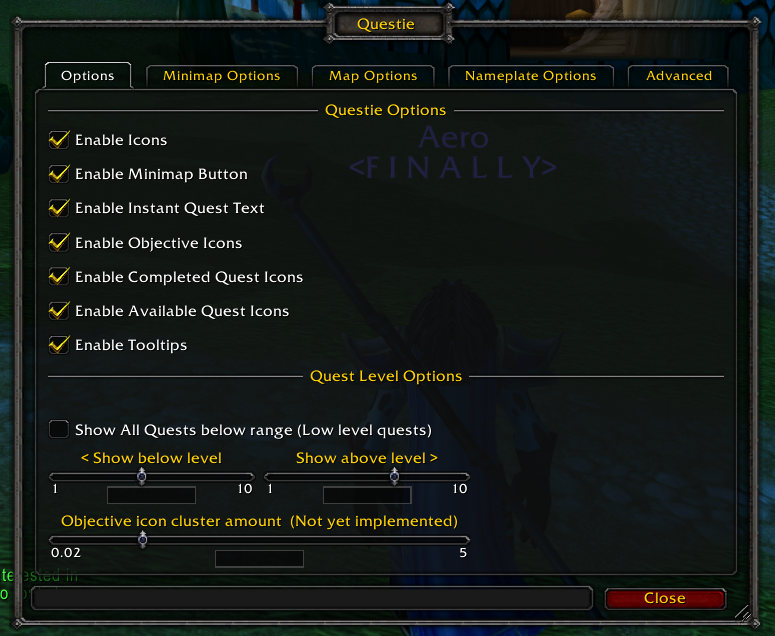
Configuration
- Extensive configuration options. (right-click on minimap button to open or type
/questie)


Download Mods For Free
Install LagoFast, start World of Warcraft: Forever and play with the mods you love.