
Immersive HUD
Autor:VTLILast updated:09/09/2026 08:04:572.3K22KB
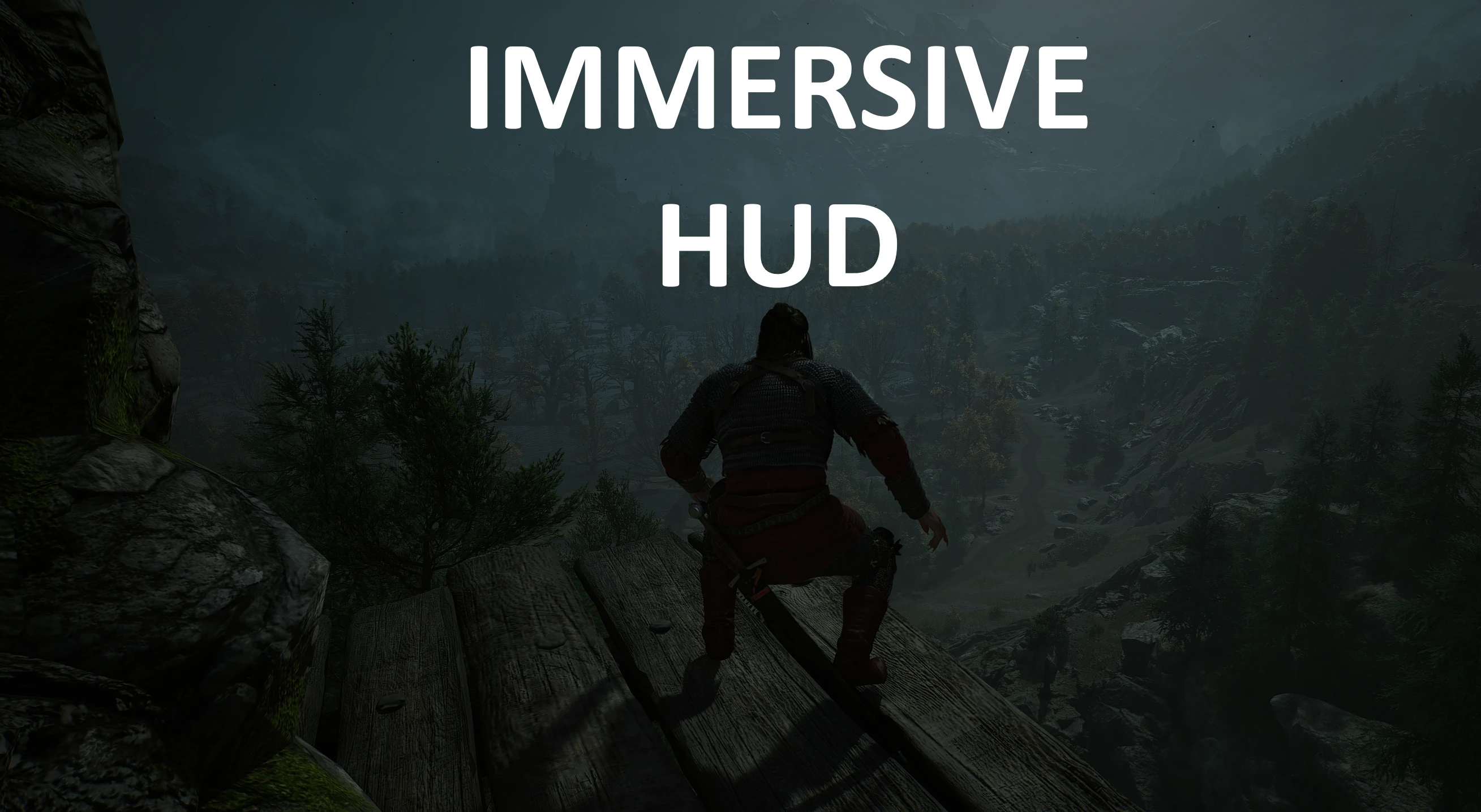

Mod Introduction
Enables and disables HUD elements based on the situation
Install the optional Dawnwalker Mod Menu And you can change every setting. from the main menu: No file editing.
Open Mod Settings, pick Immersive HUD, change a value and press Apply. Changes take effect within a couple of seconds.
Without the Mod Menu the mod still works great on its defaults!
Change these in the Mod Menu, or by hand in
If you edit files by hand, restart the game (or reload scripts) after changing them.
Immersive HUD
Your HUD, only when it matters. It fades away while you explore, keeps just your vitals bar when you're hurt, and comes right back the moment something happens.
Features
- Hides the whole HUD when nothing is going on, so exploration stays clean and cinematic: the game's own HUD logic keeps working underneath.
- Keep what you care about. Optionally keep the Compass And your level-up / quest-reward notifications visible even while the rest of the HUD is hidden, so you never miss a popup.
- Brings the full HUD straight back for what matters: combat, drawing your weapon, locking onto a target, focus mode, aiming a shadowstep, and while a prompt, loot window, or dialogue line is on screen.
Installation
- Install UE4SS into
Dawnwalker/Binaries/Win64/ - Drop the
into folderImmersiveHudDawnwalker/Binaries/Win64/ue4ss/Mods/ - (Optional) Install the Dawnwalker Mod Menu to configure it in-game.
- Launch the game.
Configure it in-game (recommended)
Install the optional Dawnwalker Mod Menu And you can change every setting. from the main menu: No file editing.
Open Mod Settings, pick Immersive HUD, change a value and press Apply. Changes take effect within a couple of seconds.
Without the Mod Menu the mod still works great on its defaults!
Settings
Change these in the Mod Menu, or by hand in
config.ini| Setting | Default | Effect |
|---|---|---|
| Hide after | 3–4 s | Seconds of inactivity before the HUD hides. |
| Vitals bar when idle | On | Keep only the vitals bar while idle and hide the rest. Off hides everything. |
| Vitals opacity | 50% | How dim the vitals bar is while idle. Lower it for a subtler bar. |
| Keep compass | Off | Keep the compass on screen even while the HUD is hidden. |
| Keep notifications | On | Keep level-up and quest-reward popups visible even while hidden. |
| HUD opacity when shown / hidden | 100% / 0% | How opaque the HUD is when up, and what it fades to when hidden. |
| Smooth fade | On | Toggle entire HUD visibility. Off snaps instantly. |
| Bring the HUD back for… | mostly On | Combat, weapon drawn, focus, lock-on, aiming, prompts/loot/dialogue - turn any off to stop it from appearing for that. |
| Health not full | Off | Keep the full HUD up while wounded. Off by default. |
| Peek duration | 5 s | How long F6 holds the HUD up. |
This tool is provided by the third party [bufftool]

Download Mods For Free
Install LagoFast, start The Blood of Dawnwalker and play with the mods you love.
We use cookies to make interactions with our websites andservices easy and meaningful. For more information aboutthe cookies we use or to find out how you can disable cookies, click here.