
Known POI Icons
Autor:kindiboyLast updated:06/09/2026 18:57:171.3K1KB

Mod Introduction
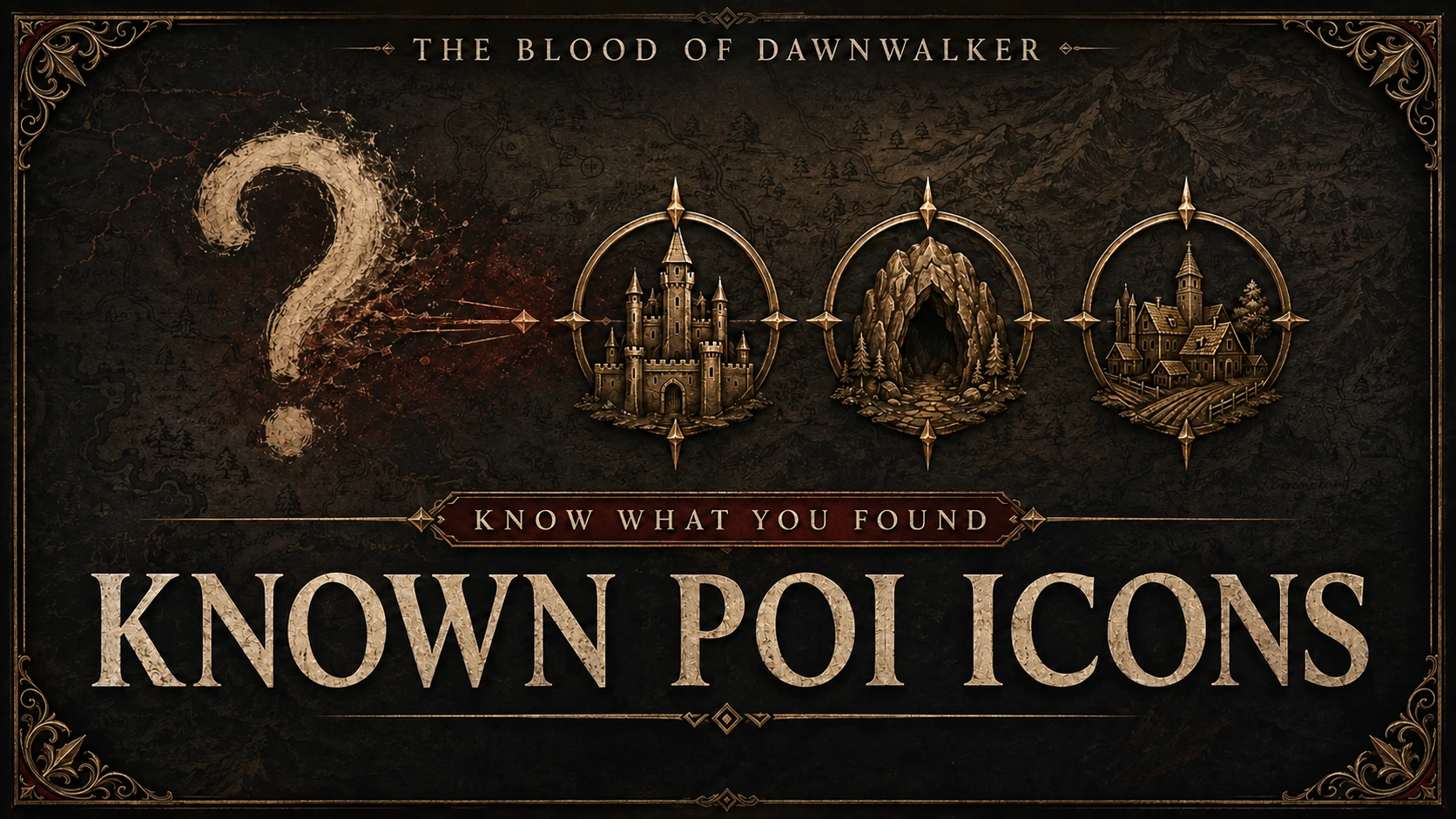
Known POI Icons (0.1.0 release candidate) replaces the question mark on a spotted point of interest with its actual location-type icon, making the map easier to read.

Description
Known POI Icons (0.1.0 release candidate) replaces the question mark on a spotted point of interest with its actual location-type icon, making the map easier to read.
Installation instructions
Close the game.
2. Install a compatible UE4SS version if needed.
3. Extract the mod ZIP into The Blood of Dawnwalker installation folder and merge the included Dawnwalker folder.
4. Launch the game and open the map.
The mod folder should be Dawnwalker/Binaries/Win64/ue4ss/Mods/KnownPOIIcons.
To uninstall, close the game and remove only that KnownPOIIcons folder.
Main features
- Displays the actual icon for a discovered point of interest instead of a question mark.
- Preserves the location's discovery state.
- Does not reveal undiscovered areas, unlock fast travel or mark locations completed.
Tested on 13 existing question-mark widgets: all selected their real icons and retained their discovery states.
Requirements
The Blood of Dawnwalker and compatible UE4SS. Tested development setup: Steam build 25129649 with Dawnwalker UE4SS RC5. UEBridge is not required.
Other mods replacing the same map POI icon lookup may conflict. Recheck compatibility after game updates.
Shout outs
Thanks to the creator of No Question Marks for the inspiration. This is an independently written replacement; no third-party script is included.
Thanks to the UE4SS contributors and the game developers.
This tool is provided by the third party [bufftool]

Download Mods For Free
Install LagoFast, start The Blood of Dawnwalker and play with the mods you love.
We use cookies to make interactions with our websites andservices easy and meaningful. For more information aboutthe cookies we use or to find out how you can disable cookies, click here.