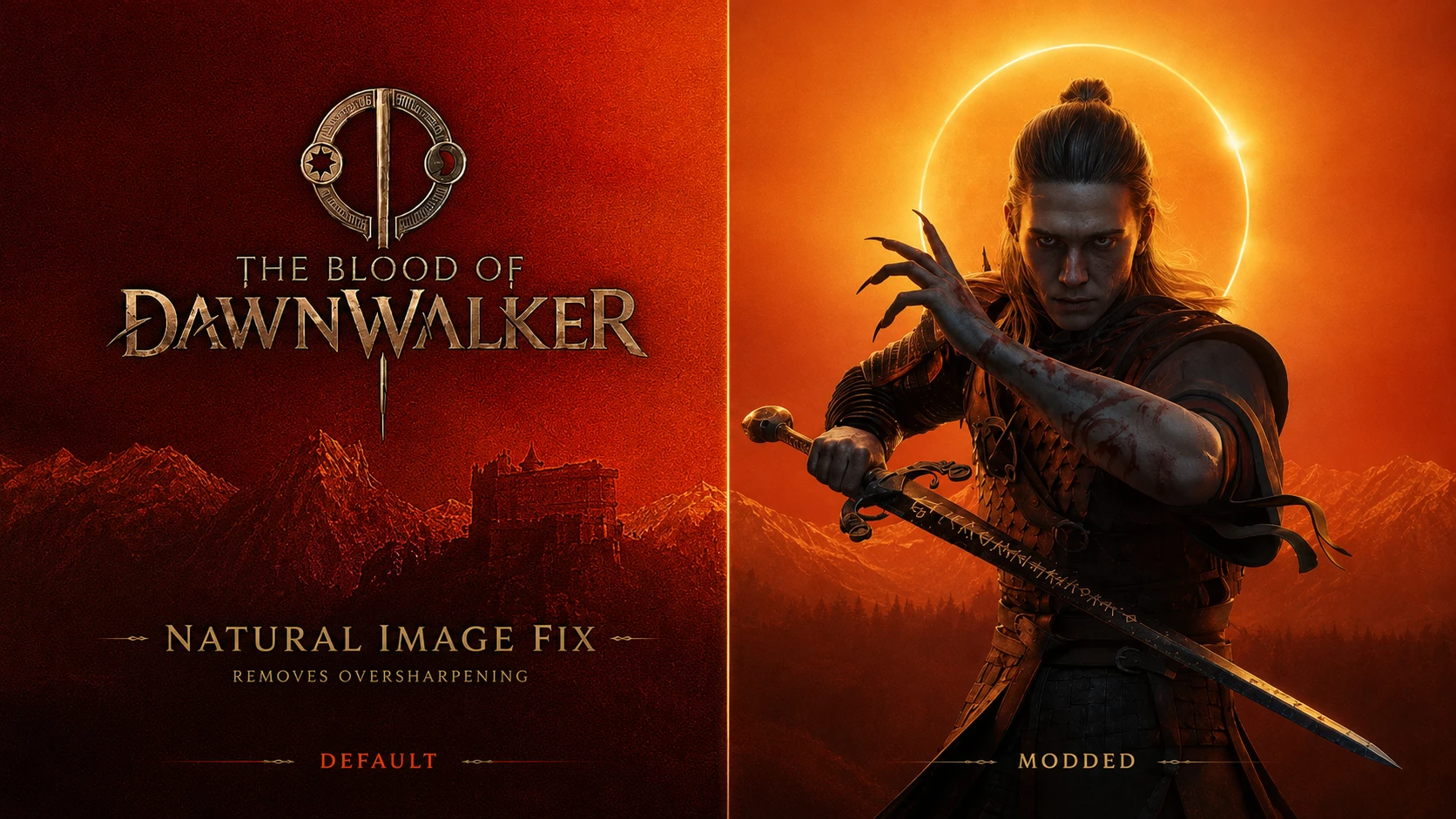
Natural Image Fix removes the excessive sharpening applied by default in The Blood of Dawnwalker, resulting in a cleaner, more natural image without altering the game's art direction.
The Blood of Dawnwalker - Natural Image Fix
Natural Image Fix removes the excessive sharpening applied by default in The Blood of Dawnwalker, resulting in a cleaner, more natural image without altering the game’s art direction. This mod is designed for players who want to reduce the harsh, overprocessed look caused by oversharpening, while preserving the original visual style, texture detail, lighting, and overall atmosphere of the game.
What this mod does:
Removes excessive image sharpening
Restores a more natural and cleaner presentation
Preserves texture detail without adding blur
Keeps the game’s original visual identity intact
What this mod does not do:
Does not Change LOD
Yes not Alter textures
Yes Not Modify contrast, colors, or lighting.
Does No Lower resolution or add blur filters.
Technical notes:
This version is built as a lightweight runtime solution and does not patch the game executable directly. It was made to be as clean and update-friendly as possible.
Installation:
Open the game folder where: The Blood of Dawnwalker\Dawnwalker\Binaries\Win64
Copy the mod files into that folder
Launch the game normally
Removal:
Simply remove the mod files from the game folder.
Why use this mod:
Some players may find the default image sharpening too aggressive, especially on high-resolution displays or when using image reconstruction/upscaling features. This mod aims to provide a more balanced, natural image by removing that harsh edge enhancement.
This tool is provided by the third party [bufftool]
Download Mods For Free
Install LagoFast, start The Blood of Dawnwalker and play with the mods you love.
We use cookies to make interactions with our websites andservices easy and meaningful. For more information aboutthe cookies we use or to find out how you can disable cookies, click here.