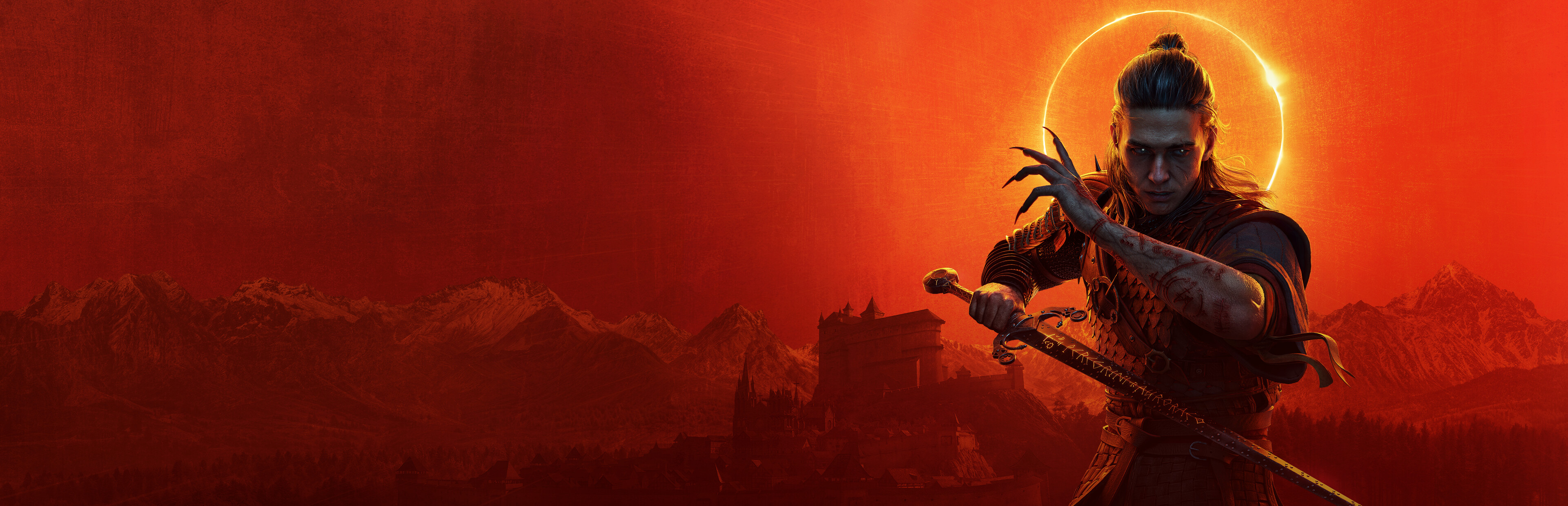
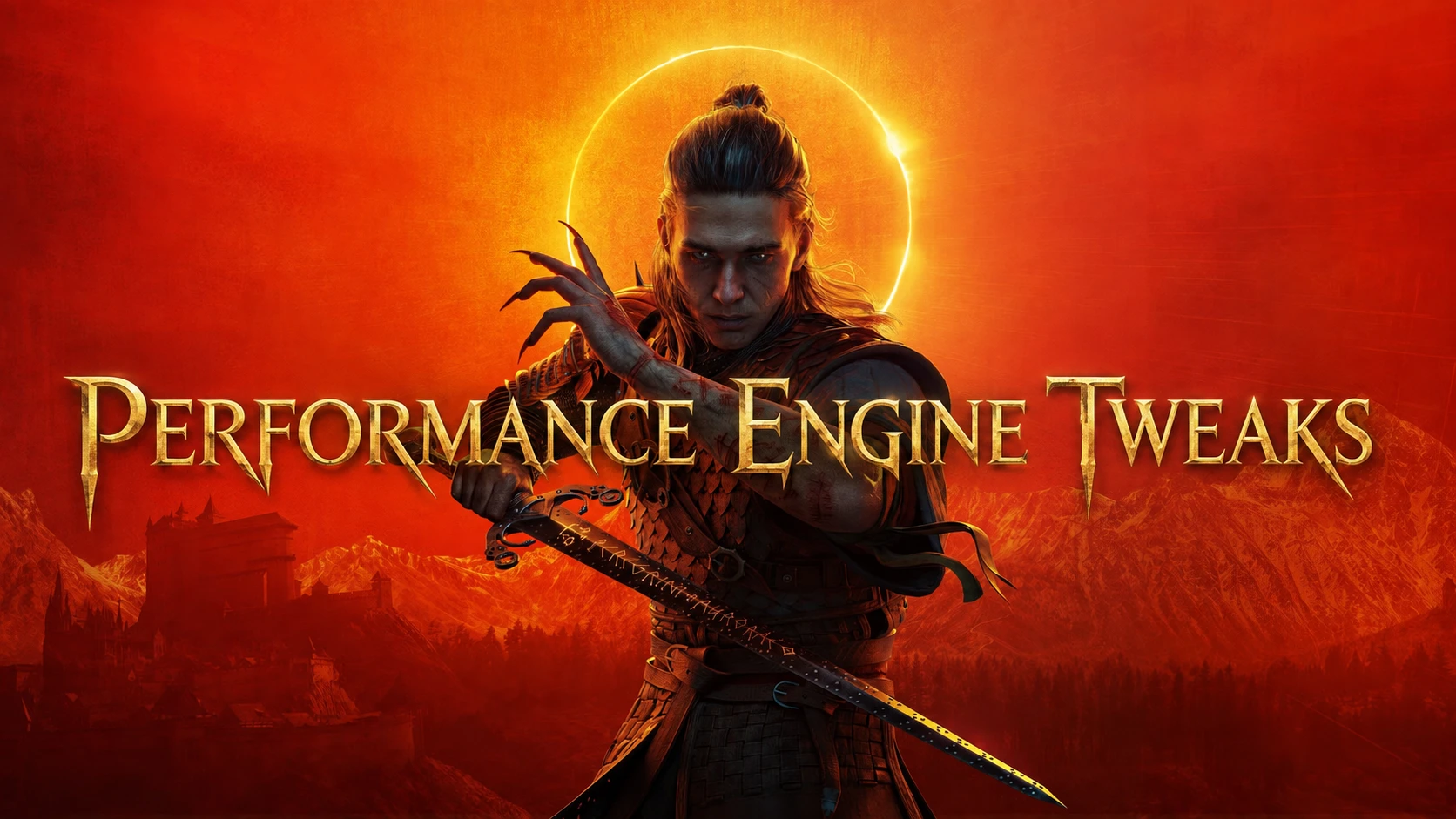
A focused performance and clean-visual Engine.ini that targets PSO, asset-streaming and GC hitches while removing motion blur, depth of field, film grain, chromatic aberration, vignette, bloom and lens flares.
THE BLOOD OF DAWNWALKER PERFORMANCE BY DAY. CLARITY BY NIGHT. :One focused Engine.ini for both sides of the hunt.
The translation cannot be provided because you haven't given the source text. Please share the text you want translated.
One focused Engine.ini for smoother traversal and a cleaner image, while leaving the game's main quality controls in your hands.
DAYLIGHT // PERFORMANCE
Prepares additional rendering pipelines before their first use
Allows supported asset-streaming work to use parallel CPU tasks.
Distributes unusually large texture-upload bursts over multiple frames.
Adapts streamed-level insertion to the available frame budget
Avoids forcing a full garbage collection after every streamed-level removal
These changes focus on avoidable frame-time spikes. They do not guarantee higher average FPS on every PC, and the first load may perform additional background PSO preparation.
NIGHTFALL // CLEAN VISUALS
Motion blur removed
Depth of field removed
Film grain removed
Chromatic aberration removed
Standard Unreal Engine vignette removed
Bloom and lens flares removed
Exposure, eye adaptation and fog stay enabled so the game's dark scenes and day-to-night transitions keep their intended brightness.
Left under the game's control: Lumen, Nanite, shadows, volumetrics, anti-aliasing, upscaling, frame generation, resolution and frame limits.
The world is vast. But how you travel it is up to you.
INSTALLATION // BEFORE NIGHTFALL
Launch the game once, then close it.
Back up your existing Engine.ini if you have one.
Place the included Engine.ini in:
%LOCALAPPDATA%\Dawnwalker\Saved\Config\Windows
KNOW BEFORE YOU INSTALL
First-time shader compilation, traversal loading, and game-logic stalls can still occur.
The texture-upload limit activates only during unusually large bursts.
避免强制回收可暂时在RAM中保留更多数据,直至虚幻引擎的增量清理将其处理。
The vignette setting overrides Unreal Engine's default tonemapper. Custom low-health, damage, or gameplay overlays may still be displayed.
This mod does not require UE4SS and does not change saves or gameplay.
Other Engine.ini mods can conflict with it.
UNINSTALLATION // BREAK THE CURSE
Restore your backup. If you did not have an Engine.ini before installing the mod, delete the modded file.
I've completed all the upgrades. Thirty days. Thirty nights. One less layer of blur.
Support My Modding Work Optional support helps me spend more time maintaining and building mods. Support on Ko-fi
This tool is provided by the third party [bufftool]
Download Mods For Free
Install LagoFast, start The Blood of Dawnwalker and play with the mods you love.
We use cookies to make interactions with our websites andservices easy and meaningful. For more information aboutthe cookies we use or to find out how you can disable cookies, click here.