
PlayStation DualSense Button Prompts
Autor:bruender09Last updated:03/09/2026 10:20:4519.6K154KB

Mod Introduction
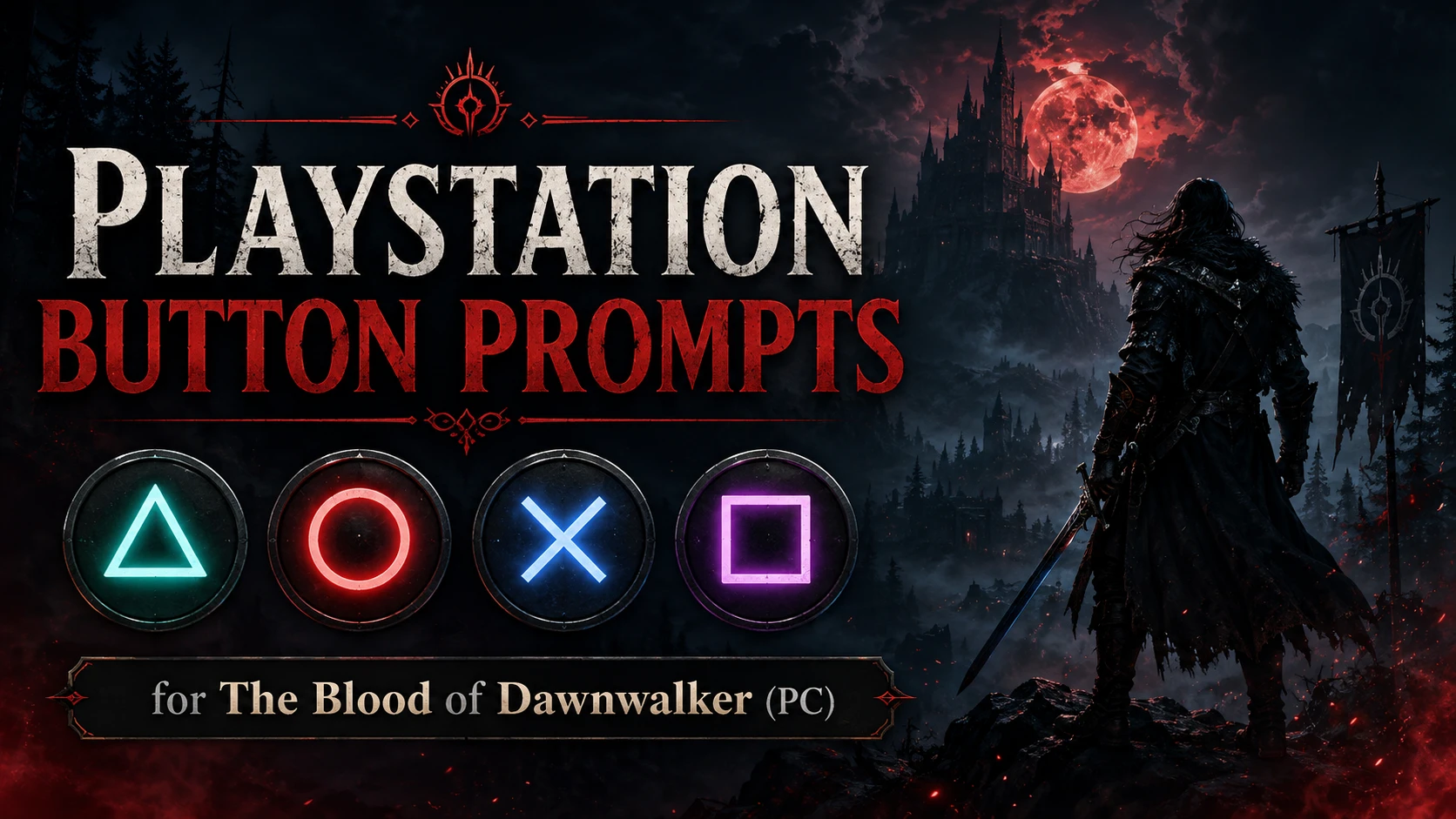
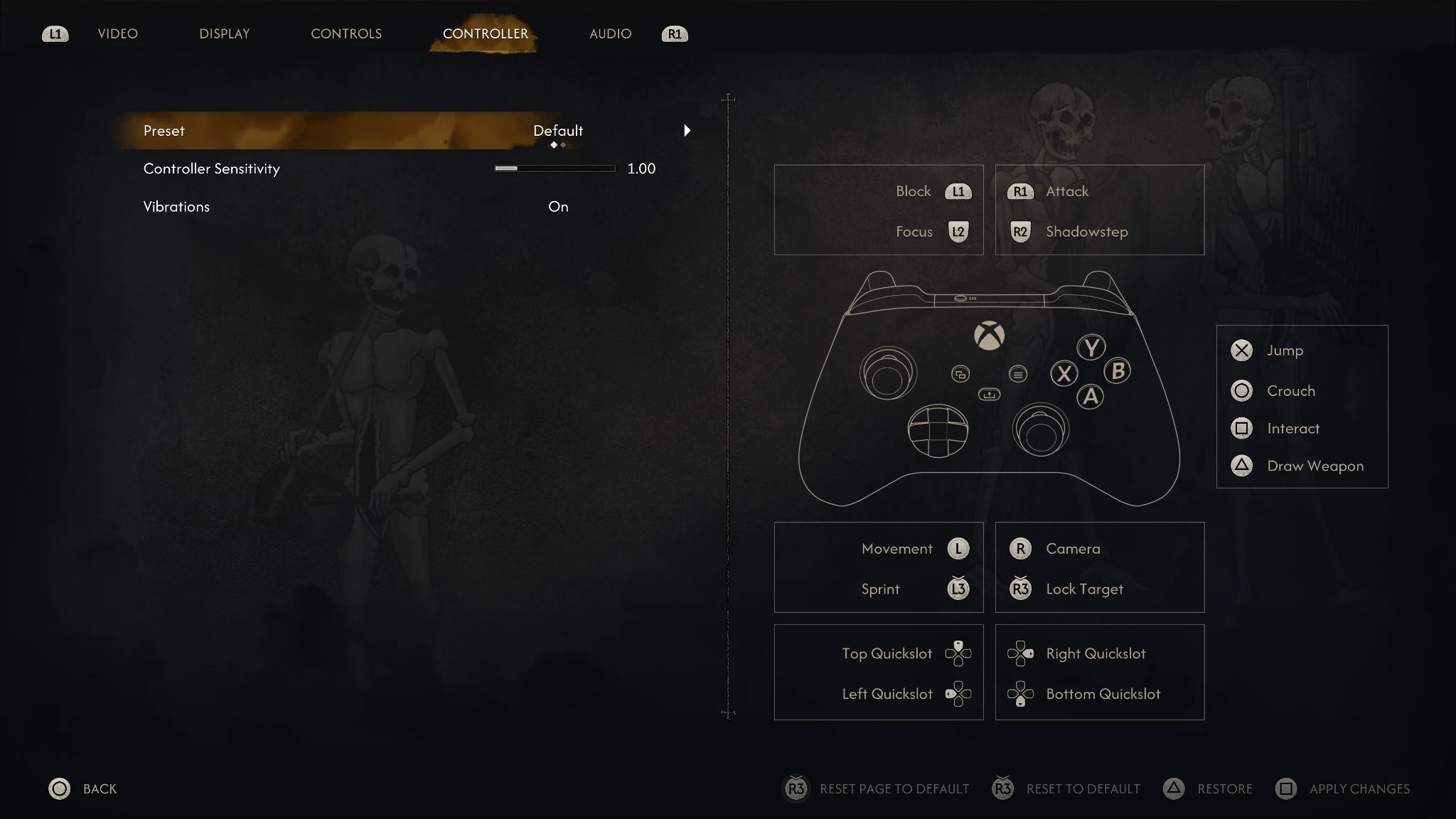
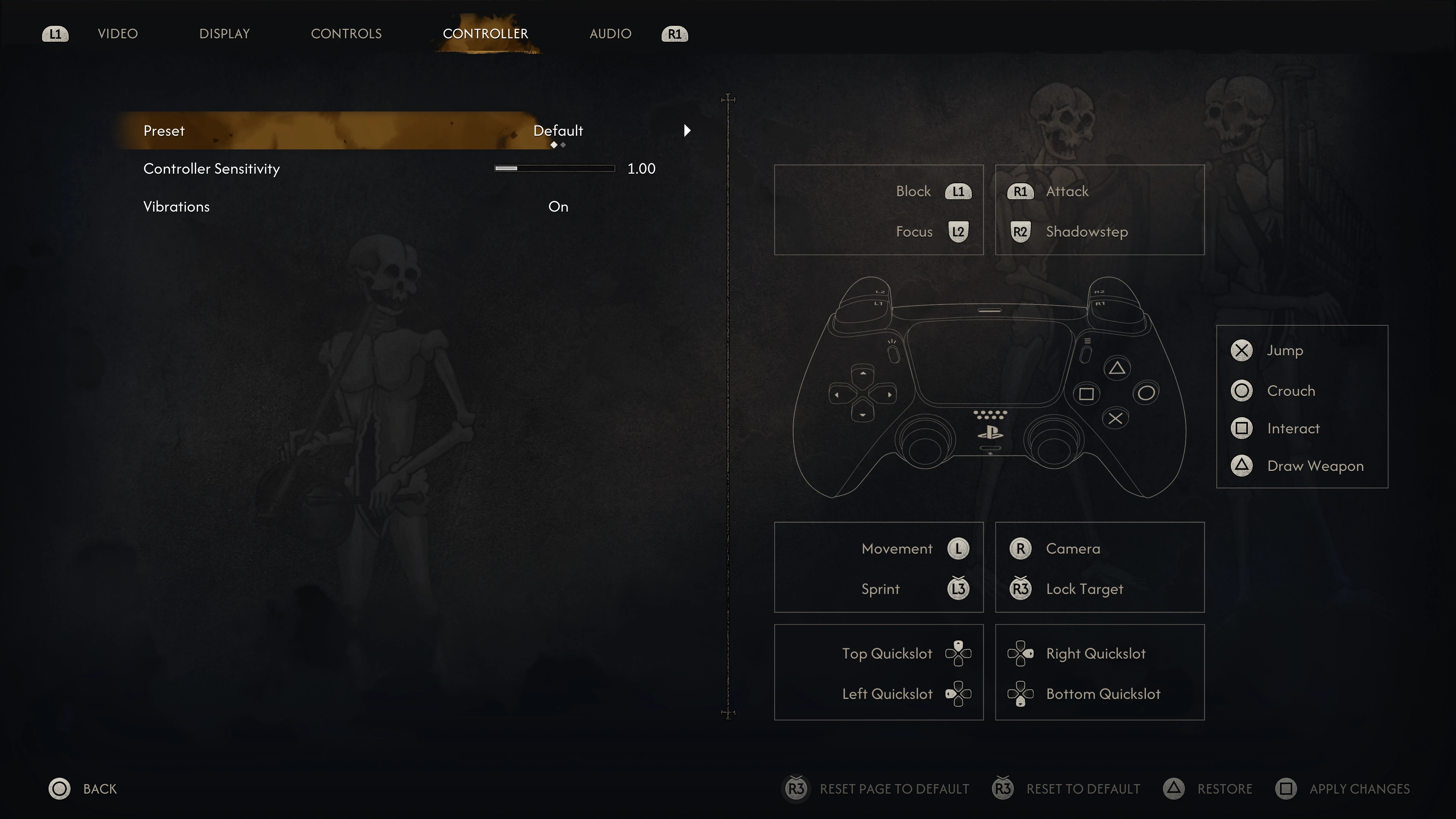
Replaces Dawnwalker's Xbox button glyphs with the game's built-in DualSense icons using the correct PlayStation layout.
Installation: Extract all three files into: The Blood of Dawnwalker game folder. Ensure three zzz_DualSenseAtlas files are in your The Blood of Dawnwalker\Dawnwalker\Content\Paks folder. Launch and enjoy correct button prompts!
Uninstallation: Delete the three zzz_DualSenseAtlasSafe files.
Notes: This changes prompt glyphs only and does not alter controller detection or functionality. The static Xbox controller illustration on the Controller settings page remains unchanged. Steam input should remain on.
This tool is provided by the third party [bufftool]

Download Mods For Free
Install LagoFast, start The Blood of Dawnwalker and play with the mods you love.
We use cookies to make interactions with our websites andservices easy and meaningful. For more information aboutthe cookies we use or to find out how you can disable cookies, click here.