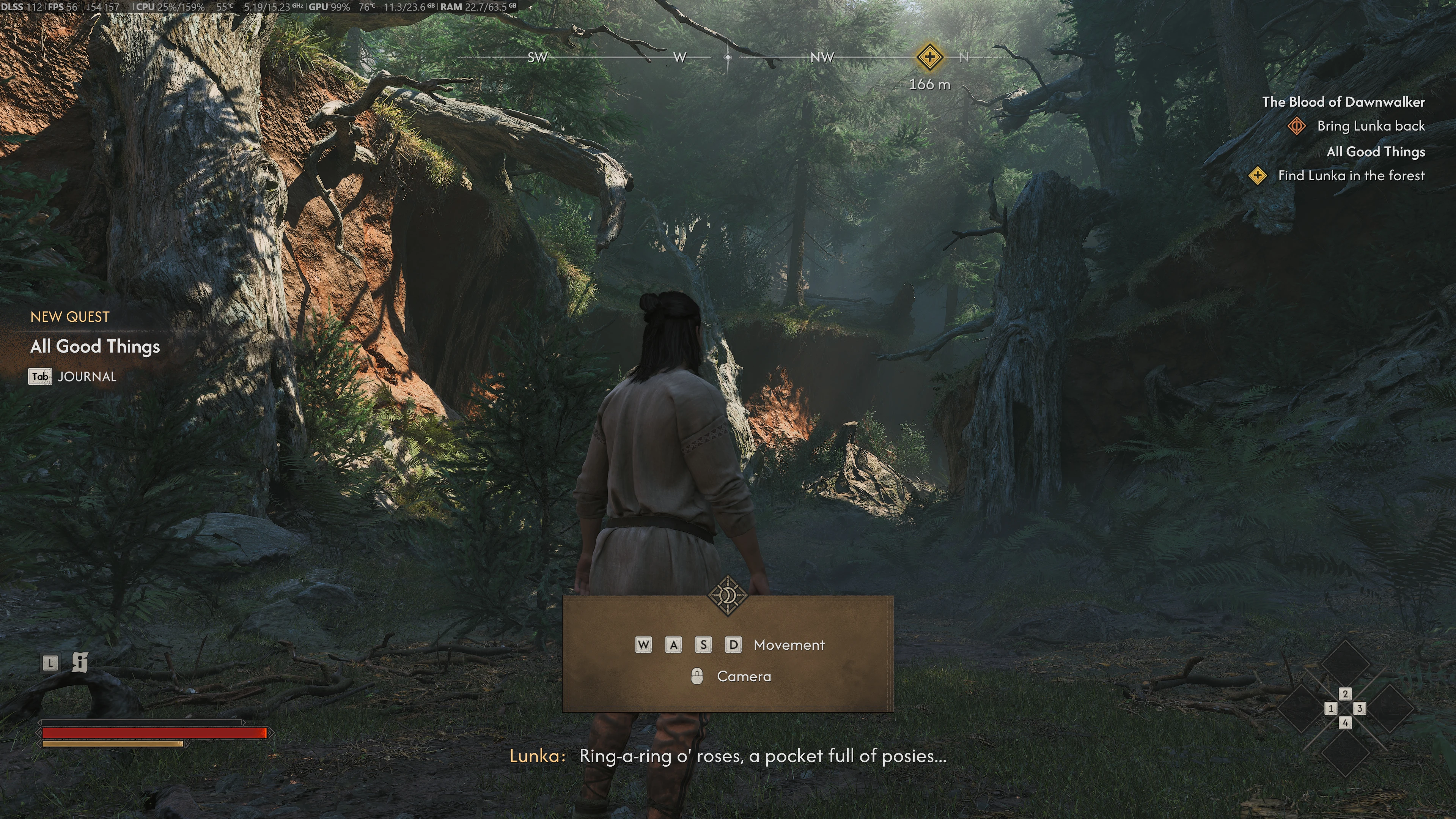
Removes the FPS cap from menus and cutscenes, with an optional custom FPS limit. Works with or without DLSS and Frame Generation.
THE BLOOD OF DAWNWALKER UNCAPPED CUTSCENE AND MENU FPS Remove the FPS cap from menus and cutscenes, or set your own limit.
Quick note from me: I originally made this for my own playthrough and decided to share it in case other people find it useful. This is my first mod, and I am not a professional mod developer. I am actively testing it as I play through the game, and everything has been working well so far, but I have not tested every part of the game yet.
FEATURES
Uncaps menus and cutscenes that the game normally locks to 30 FPS
Custom rendered FPS limit if you prefer 60, 90, 120, 144, or another value
Gameplay settings are left alone
Works with or without DLSS and Frame Generation
Simple drag-and-drop installation No mod manager required
Some cutscenes may disable Frame Generation themselves. This mod does not force Frame Generation back on. It only removes the underlying 30 FPS cap. INSTALLATION
Open your game installation folder.
Go to Dawnwalker\Binaries\Win64.
Make sure Dawnwalker.exe is in the folder.
Place dwmapi.dll and Dawnwalker Cutscene FPS.ini beside it.
Launch the game normally.
Steam: Right-click the game in your library, select Manage > Browse local files, then open Dawnwalker\Binaries\Win64. Other launchers: Look for an option such as Browse files, Manage installation, or Open install location. The correct folder is always the one containing Dawnwalker.exe. CONFIGURATION Open DawnwalkerCutsceneFPS.ini One setting is contained in Notepad.
CutsceneFPS=0
0 = uncapped To use a custom limit, replace 0 with the real rendered FPS you want:
CutsceneFPS=60
If Frame Generation is enabled, generated frames are added afterward. The final DLSS output can therefore be higher than the value in the INI.
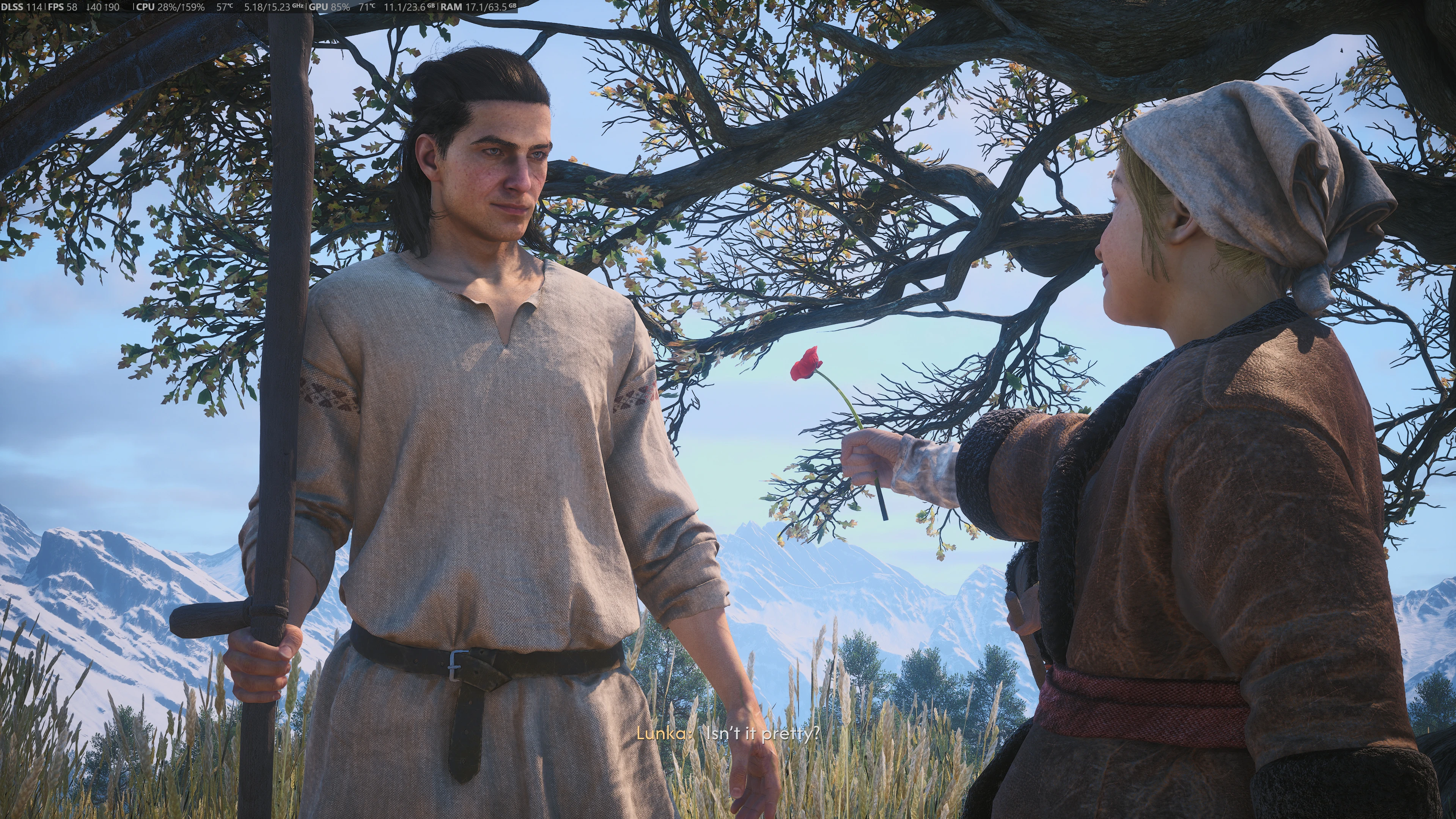
Frame Generation example:CutsceneFPS=40 Provides approximately 40 real FPS and roughly 80 displayed FPS with 2x Frame Generation. CutsceneFPS=60 Provides roughly 60 actual FPS and about 120 displayed FPS with 2x Frame Generation. Check the regular FPS number when testing the limit. The DLSS Includes the number of generated frames.
Save the file and restart the game after changing it. VSync, your monitor's refresh rate, and driver-level limits can still affect the final frame rate. COMPATIBILITY Confirmed working: Steam version I can't personally test every storefront. The mod locates the game's FPS setting dynamically rather than relying on a Steam-specific memory address, so it should also work with other PC versions. If you try it elsewhere, feel free to let me know whether it works. Game updates may change compatibility. If the game starts crashing or the mod stops working after an update, remove the DLL and check for a newer version of the mod.
Mod compatibility: This mod loads through dwmapi.dll. It may conflict with another mod that places a file with the same name beside Dawnwalker.exe.
UNINSTALLATION Delete the following files from the folder containing Dawnwalker.exe:
dwmapi.dll
DawnwalkerCutsceneFPS.ini
DawnwalkerCutsceneFPS.log, if present
No original game files are replaced, so deleting those files completely removes the mod. TROUBLESHOOTING The mod is not working. Make sure dwmapi.dll and DawnwalkerCutsceneFPS.ini are directly beside Dawnwalker.exe, not inside an extra folder. The game will not start Remove dwmapi.dll To disable the mod immediately.
I'm sharing this because it's been working for me, and I hope it makes your playthrough a bit smoother too. Clear bug reports and compatibility reports are always appreciated.
This tool is provided by the third party [bufftool]
Download Mods For Free
Install LagoFast, start The Blood of Dawnwalker and play with the mods you love.
We use cookies to make interactions with our websites andservices easy and meaningful. For more information aboutthe cookies we use or to find out how you can disable cookies, click here.