
Trade Lock
Autor:Vadson159Last updated:09/09/2026 12:10:42208534KB

Mod Introduction
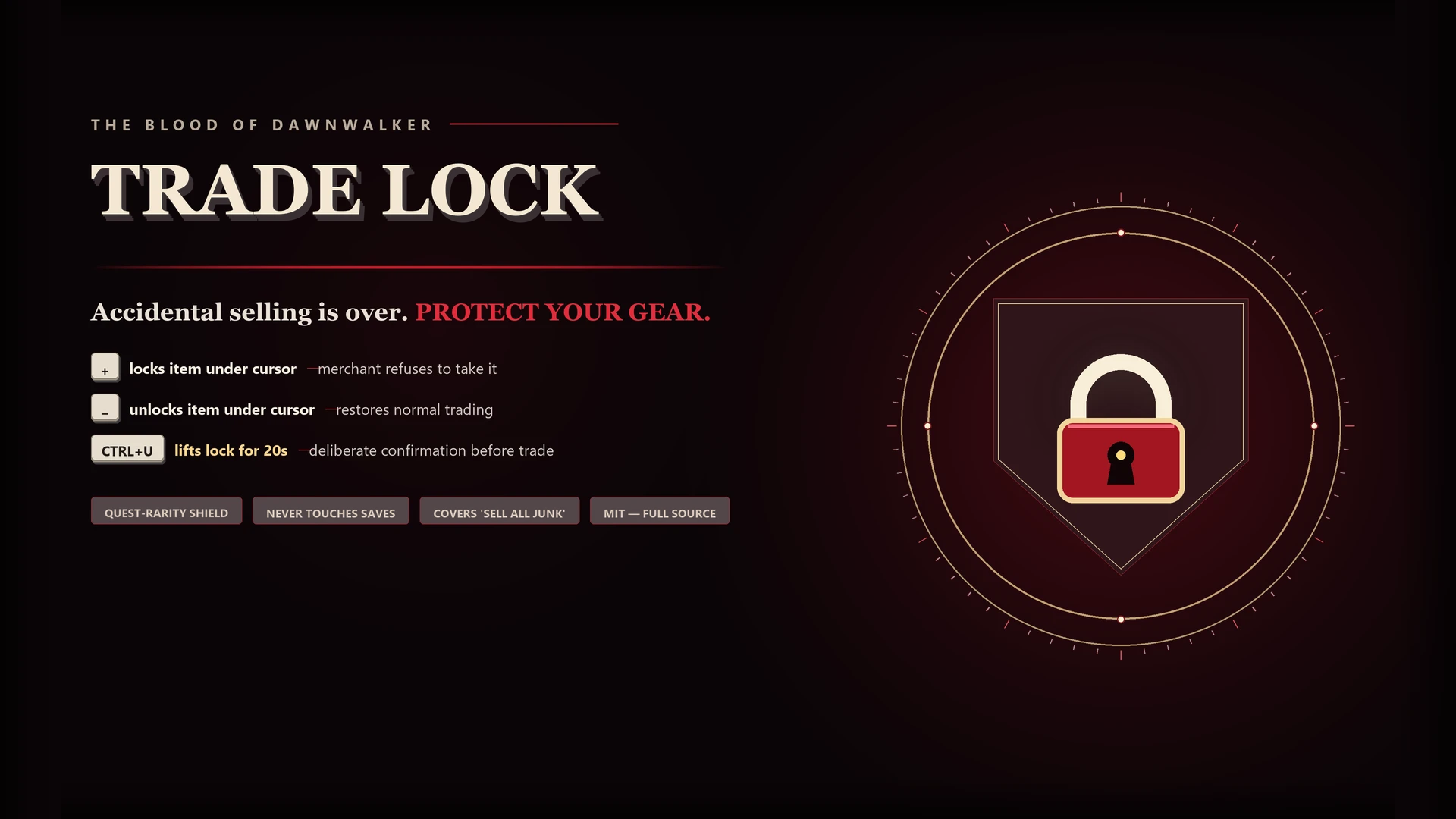
Prevents an accidental double-click from selling something you meant to keep. Mark an item unsellable with a single keypress — the game's own quest-item logic then protects it everywhere: double-click, drag, the sell button, and "sell all junk".
Description
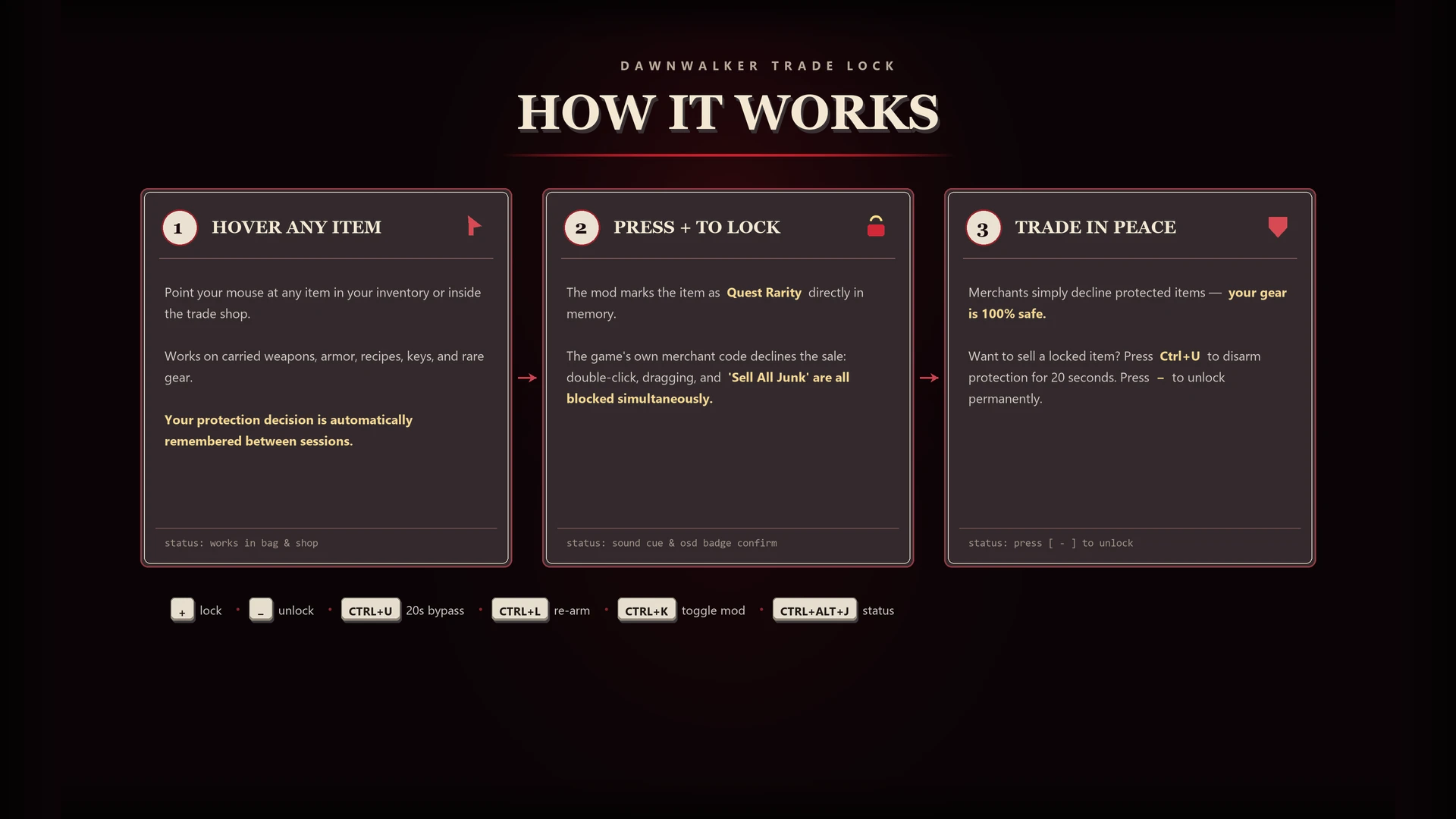
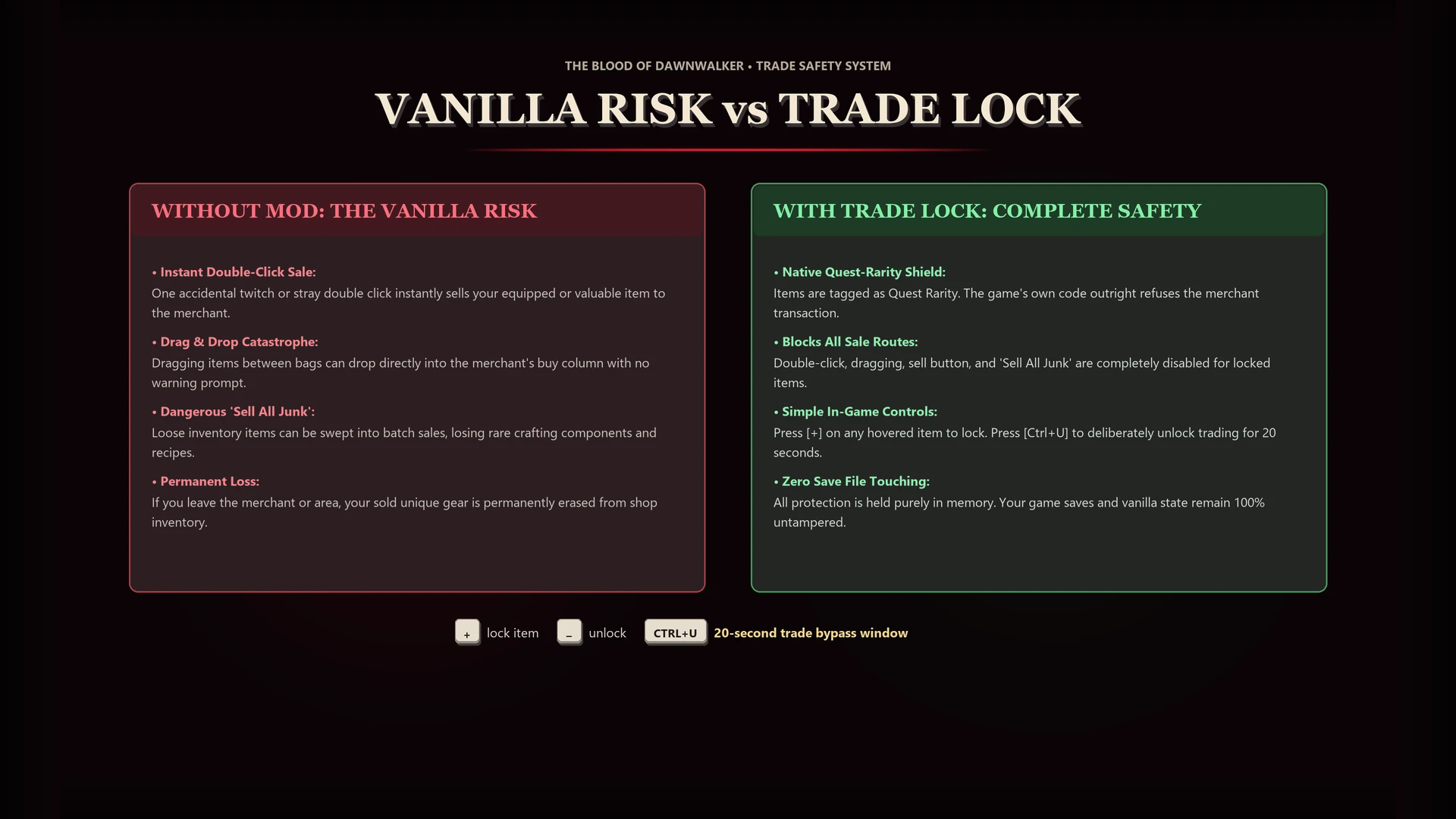
Prevents a stray double-click from selling something you meant to keep. In shops, items are sold with a double-click—one careless move and your sword is gone. This mod marks the items you choose as unsellable using the game's own flag, so the merchant simply refuses them, just as they refuse quest items and keys.
To sell something protected, press Ctrl+U first: that lifts protection for twenty seconds and puts it back by itself. That is the confirm-the-sale step — a deliberate action before the shop, rather than a dialog on top of it.
Marks chosen items unsellable the same way the game marks its own quest items (ItemRarity = Quest). That covers every route at once: double click, drag, the sell button, sell-all-junk — because what declines the sale is the game's own code, not this mod's. Writes nothing to your save and nothing to disk in the game's files; quitting the game undoes everything.
Installation instructions
Extract the archive anywhere and double-click install.bat, or run .\Install.ps1 from PowerShell. It finds the game through Steam, checks for UE4SS, and copies the mod into ...Dawnwalker\Binaries\Win64\ue4ss\Mods\DawnwalkerTradeLock\, recording exactly which files it created so removal is precise.
If the game is somewhere unexpected, use .\Install.ps1 -GamePath "D:\Games\The Blood of Dawnwalker".
To remove, use uninstall.bat or .\Uninstall.ps1. Settings and the protected list are kept; add -Purge to delete those as well.
Main features
+ on the item under the mouse: point at something in your inventory or a trade window and press it; the decision is remembered between sessions.
Minus sells something: the item under the mouse, or everything if no inventory is open.
Ctrl+U works like a single toggle key: it lifts protection for 20 seconds, then automatically re-locks itself.
Protected by default: worn gear, quest items, keys, recipes and the rarest equipment.
A sound and a corner badge mark the lock engaging and being lifted.
Full console access via tradelock help: status, item list, protect or free by name, diagnostics, and a self-contained recon report for bug reports.
Survives restarting the game: state lives in state/session.json, never in your save file.
Requirements
The Blood of Dawnwalker on Steam, build 25129649 (what this was built against).
UE4SS for Dawnwalker, the build-specific package (linked in the Requirements tab). The stock UE4SS release does not detect this engine build and crashes the game shortly after the main menu.
The mod is a plain folder of Lua scripts: no binaries of its own, no game file modified.
Shout-outs
UE4SS-RE contributors, for the modding framework this is built on. Rebel Wolves, for a game that exposes enough through reflection to make this possible.
This tool is provided by the third party [bufftool]

Download Mods For Free
Install LagoFast, start The Blood of Dawnwalker and play with the mods you love.
We use cookies to make interactions with our websites andservices easy and meaningful. For more information aboutthe cookies we use or to find out how you can disable cookies, click here.