
Weight Limit Plus
Autor:mmarcussaLast updated:13/09/2026 10:46:431.4K55KB

Mod Introduction
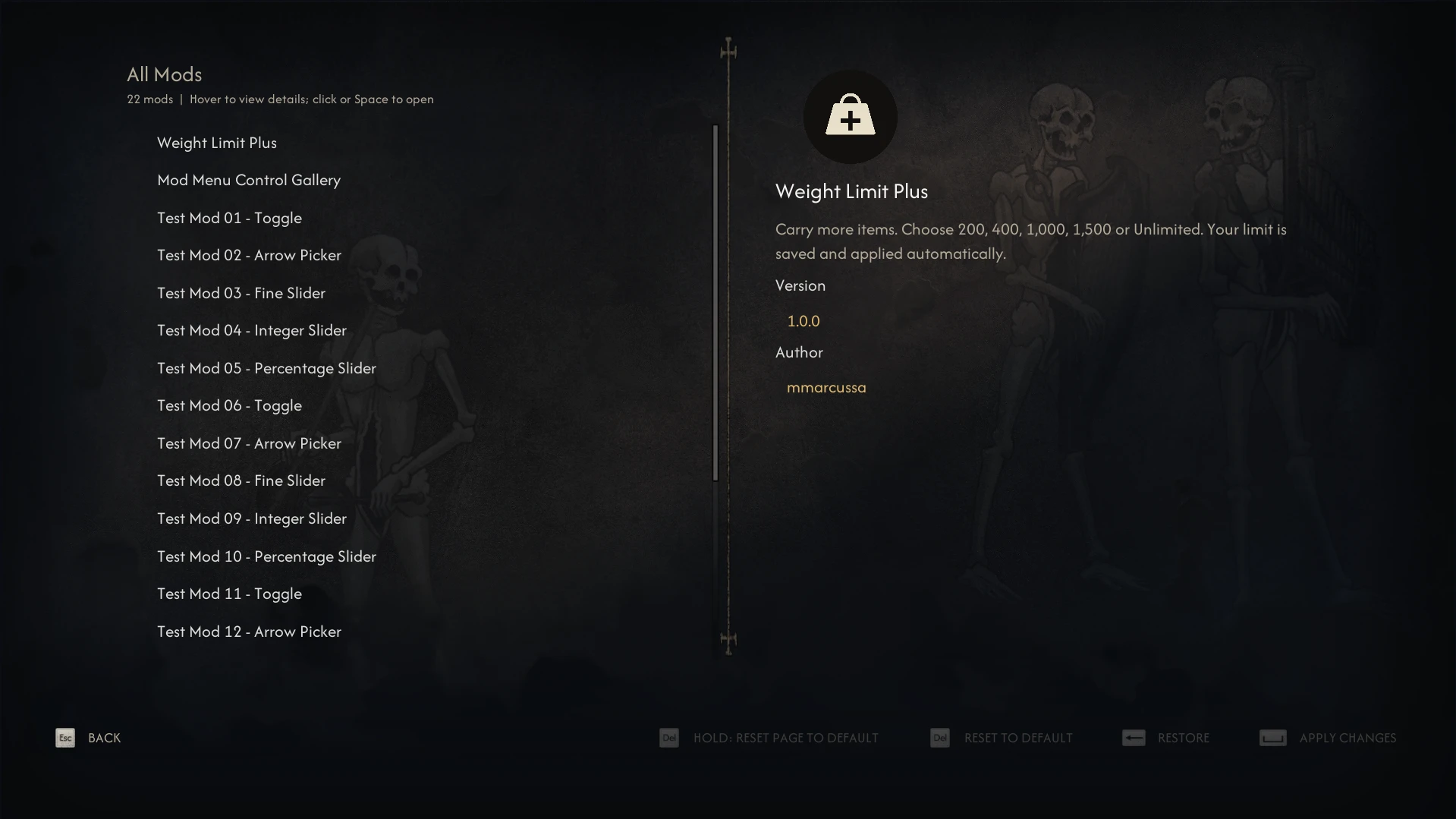
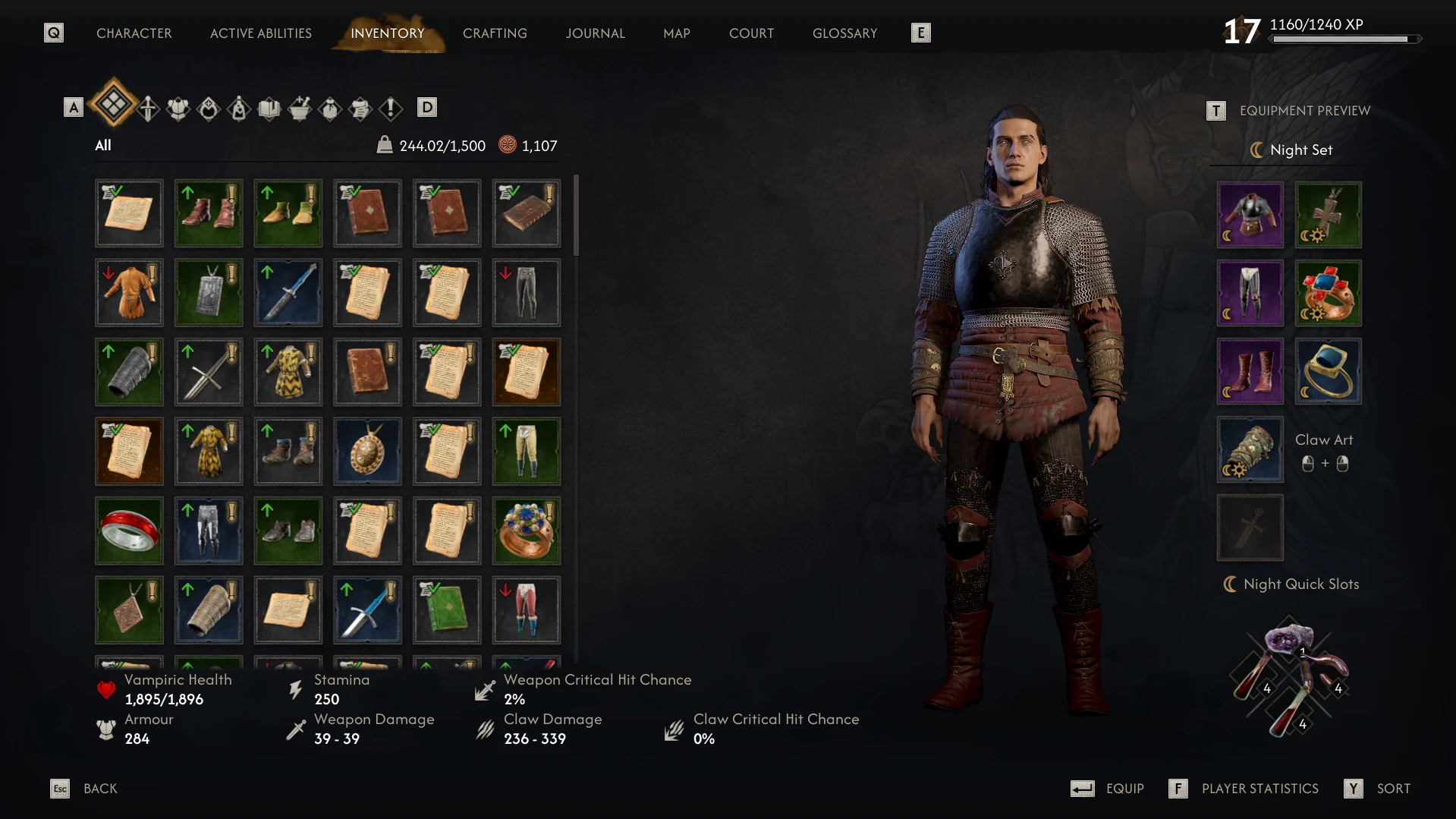
Adjust Weight Limit with Preset 200 (Vanilla), 400, 1000, 1500, and 999,999. This mod requires the Mod Setting Menu if you want to adjust the preset.
What it does
Requirements
UE4SS for The Blood of Dawnwalker.
Mod Settings Menu is optional, for changing the limit in-game. (But please use it cuz I spent a lot of time making it ;>)
Install
Install with Vortex and deploy. For manual install, extract the Dawnwalker folder into your game folder.
Enable only one version and restart the game.
Change the limit
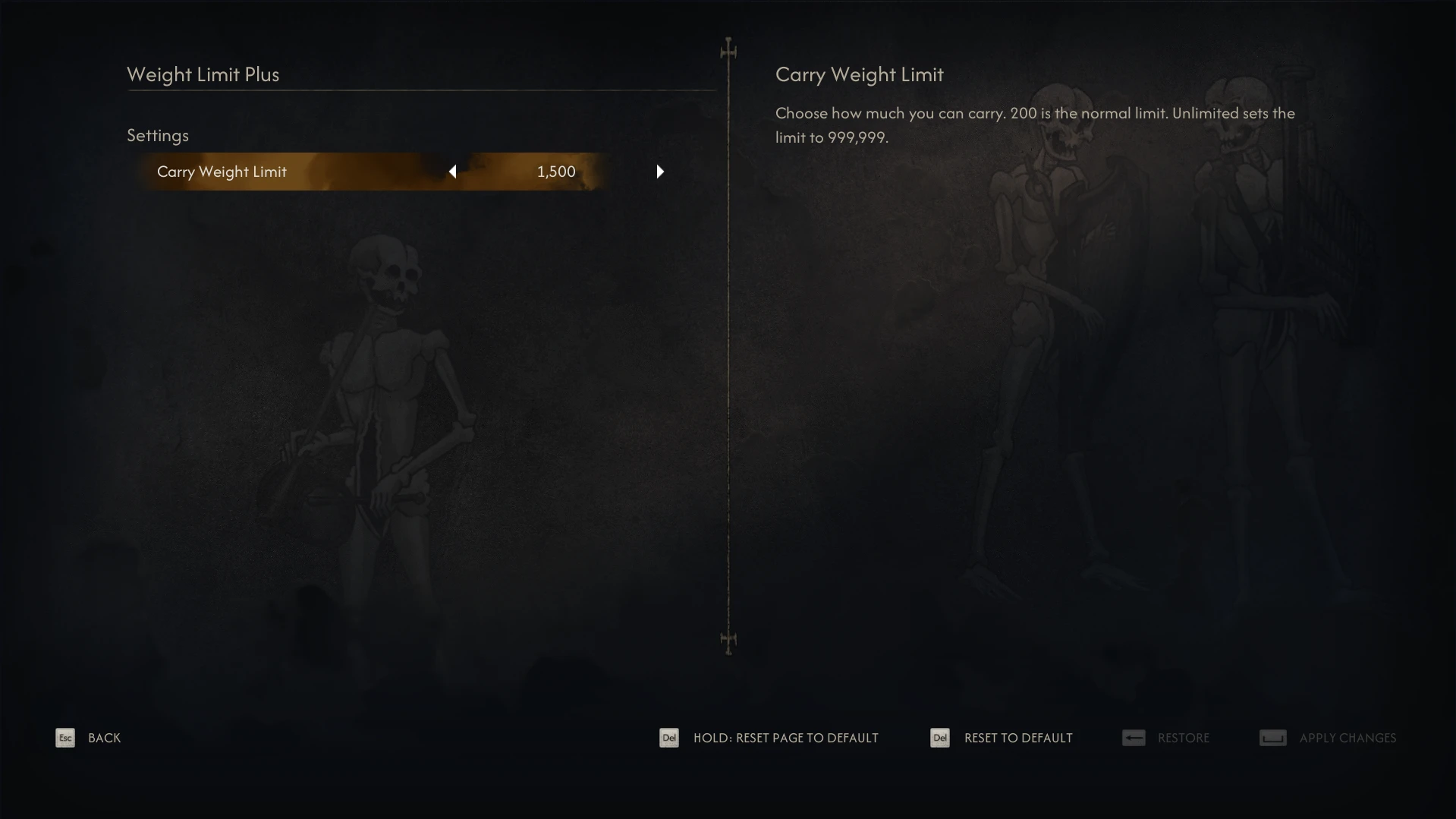
From the main menu, open Mod Settings, choose Weight Limit Plus, then Apply your choice. Give it up to three seconds to update.
Choose 200 to use the normal limit.
Without Mod Settings Menu, the default is Unlimited. You can also close the game and edit WeightLimit in user_settings.ini after the first launch.
Notes
Keep user_settings.ini when updating. The file is created by the mod, so changing options does not edit a file from the Vortex download.
Other mods changing carry weight may conflict.
To uninstall, disable the mod in Vortex, deploy, and restart.
My other mods (For This Game)
Mod Settings Menu
- Carry limit options: 200, 400, 1,000, 1,500 and Unlimited.
- Unlimited is the default. It sets the limit to 999,999.
- Your choice is saved and applied automatically, including after loading or travelling.
- Items still have their normal weight. Only your carry limit changes.
Requirements
UE4SS for The Blood of Dawnwalker.
Mod Settings Menu is optional, for changing the limit in-game. (But please use it cuz I spent a lot of time making it ;>)
Install
Install with Vortex and deploy. For manual install, extract the Dawnwalker folder into your game folder.
Enable only one version and restart the game.
Change the limit
From the main menu, open Mod Settings, choose Weight Limit Plus, then Apply your choice. Give it up to three seconds to update.
Choose 200 to use the normal limit.
Without Mod Settings Menu, the default is Unlimited. You can also close the game and edit WeightLimit in user_settings.ini after the first launch.
Notes
Keep user_settings.ini when updating. The file is created by the mod, so changing options does not edit a file from the Vortex download.
Other mods changing carry weight may conflict.
To uninstall, disable the mod in Vortex, deploy, and restart.
My other mods (For This Game)
Mod Settings Menu
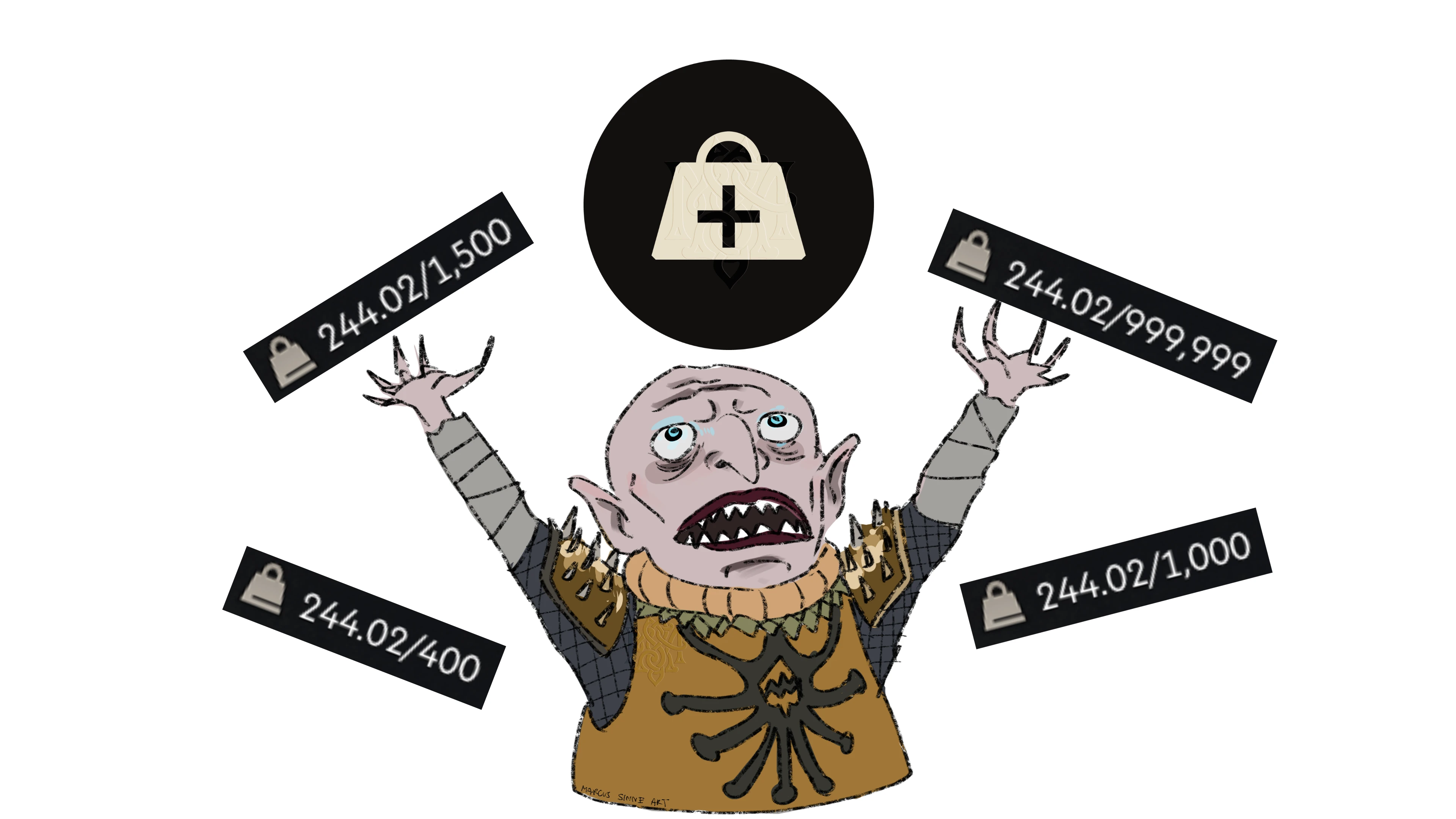
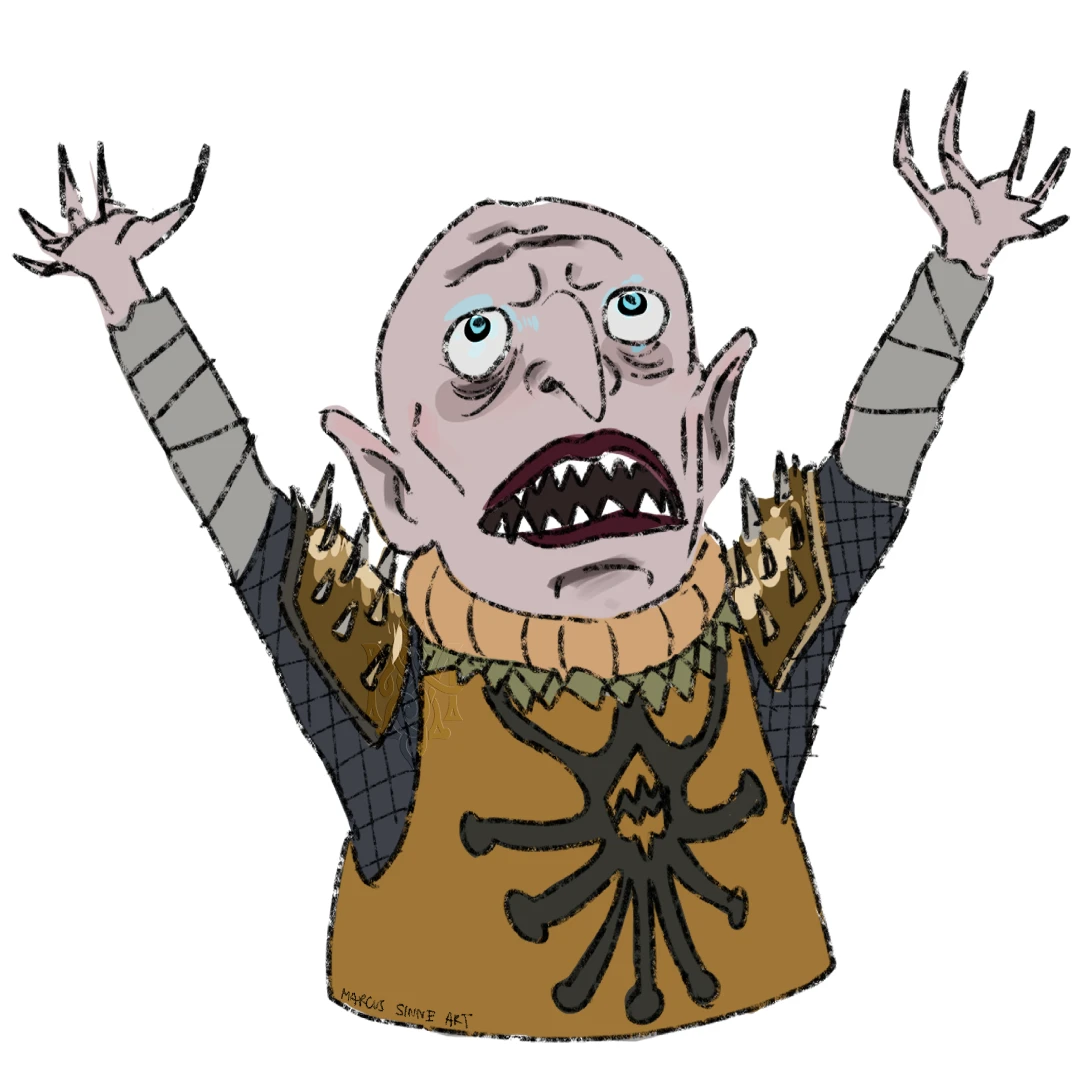
YES I DREW THE THUMBNAIL
This tool is provided by the third party [bufftool]

Download Mods For Free
Install LagoFast, start The Blood of Dawnwalker and play with the mods you love.
We use cookies to make interactions with our websites andservices easy and meaningful. For more information aboutthe cookies we use or to find out how you can disable cookies, click here.