Clock
Autor:aedenthornLast updated:17/02/2025 01:32:40275.3K7KB

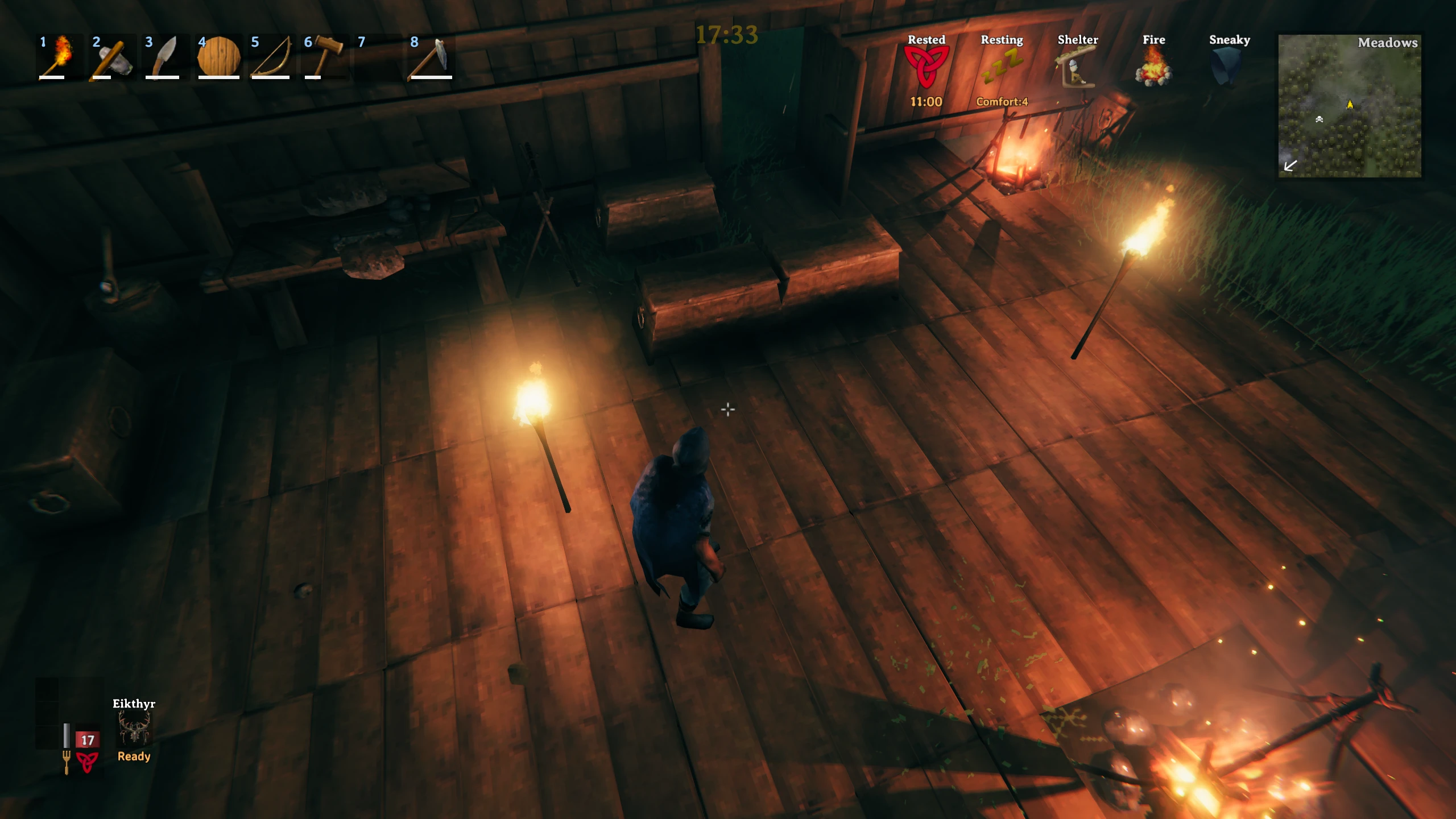
Mod Introduction
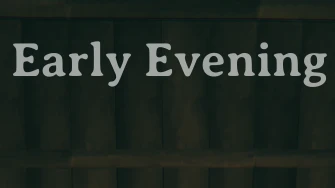
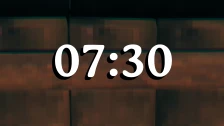
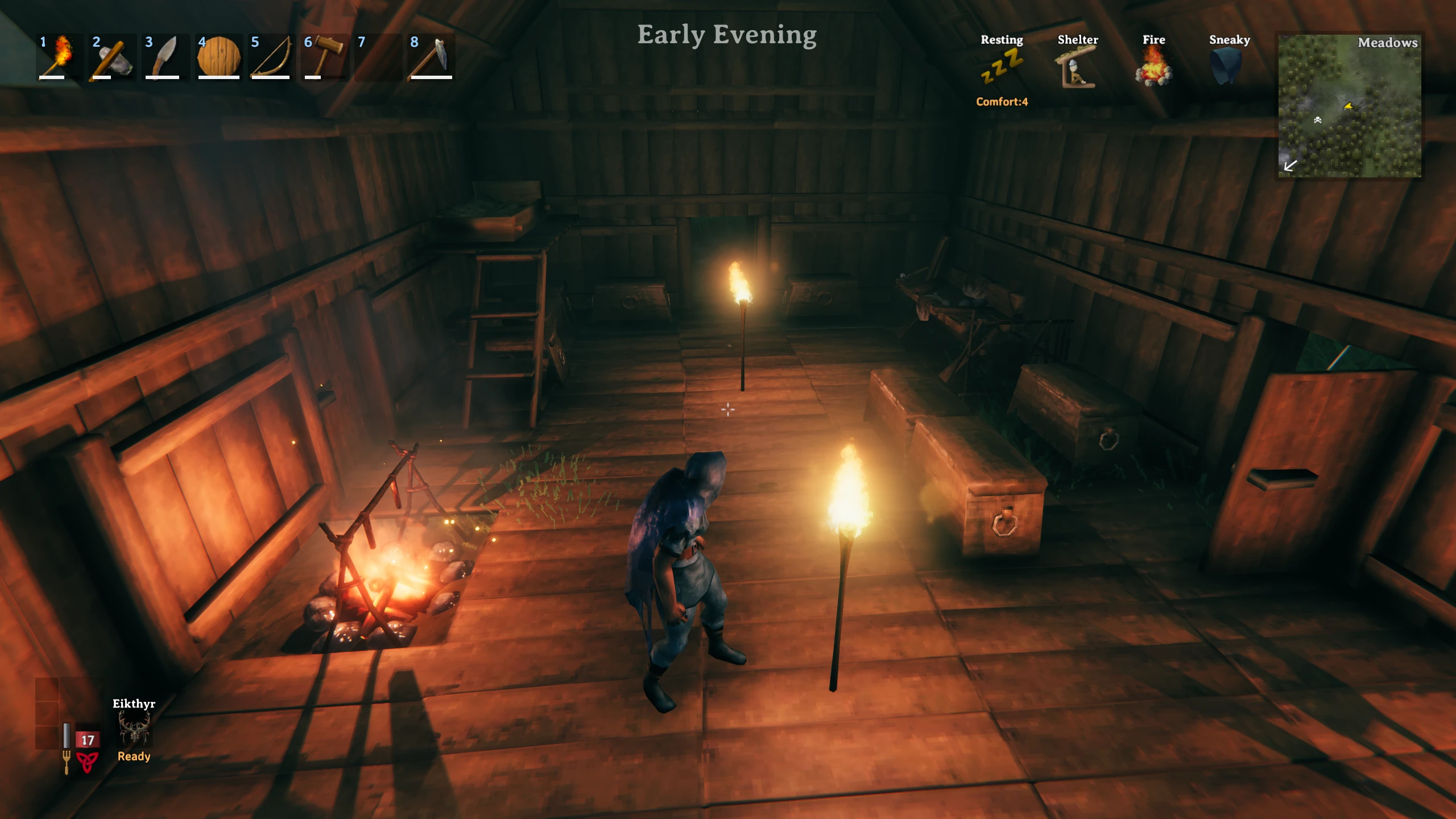
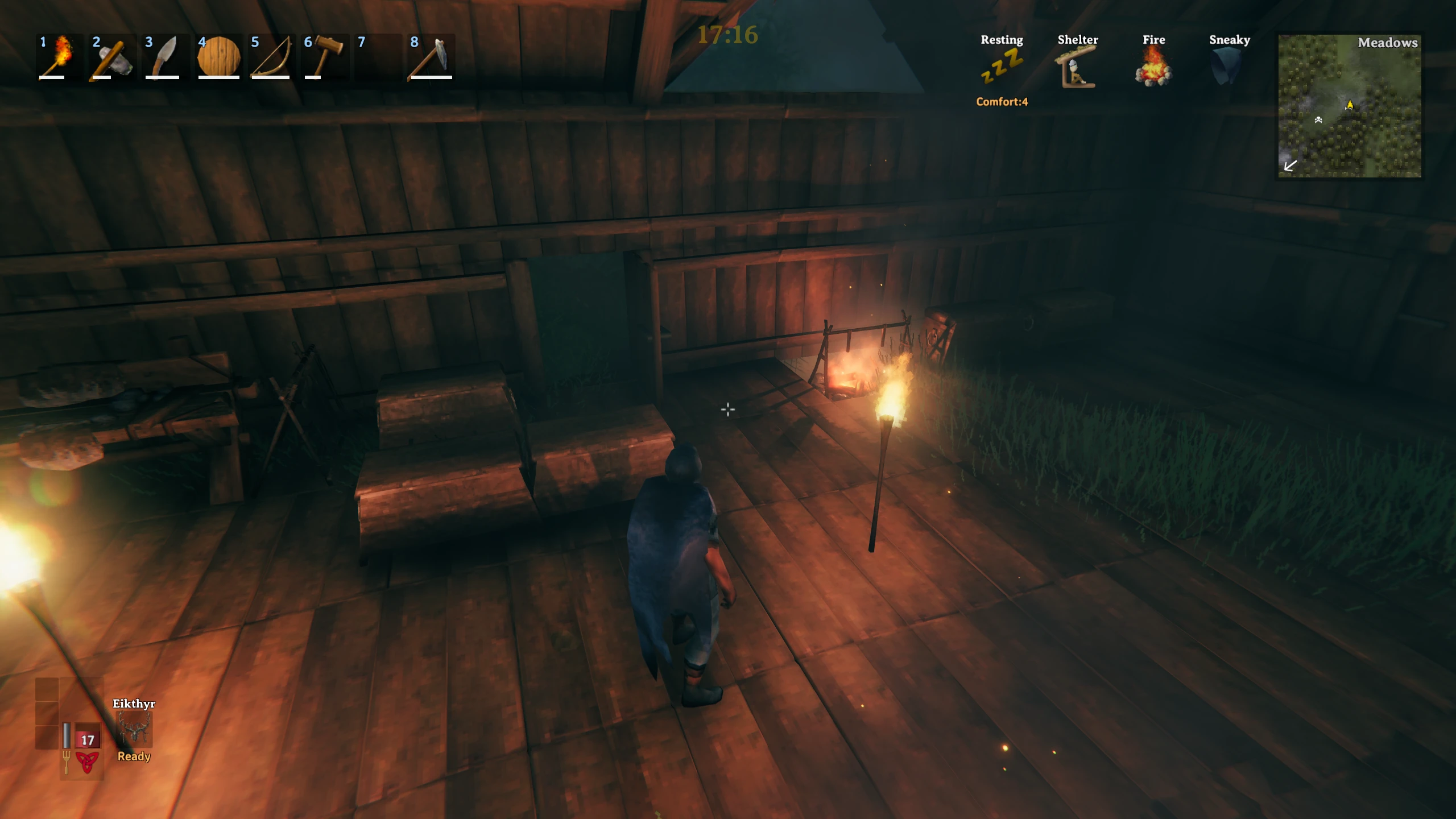
Adds a simple configurable clock widget to the screen showing the in-game time of day or a fuzzy representation like "Late Afternoon" and optionally the current day.
This mod adds a simple but highly configurable time and day display to the game.
Features
You can set:
You can also now drag the clock around the screen with the cursor, yay!
You can also customize the fuzzy strings used to divide the day up into custom intervals by editing ClockFuzzyStrings in the config file.
Clock Format
Clock format follows this syntax:
https://docs.microsoft.com/en-us/dotnet/standard/base-types/custom-date-and-time-format-strings
Clock String
The clock supports rich text and uses string.Format() to display the clock string, which you can set in the config file. The string can include up to three variables:
{0} is replaced by the actual time string,
{1} is replaced by the fuzzy string.
{2} is replaced by the current day
So, you could put something like:
<b>{0}</b> <color=blue>{1}</color> <i>{2}</i>
To show all three.
Fonts
By default, the mod now uses the game's UI font, AveriaSerifLibre-Bold. If you want to use a different font, here's a list of fonts currently available in the game:
Arial
AveriaSerifLibre-Light
AveriaSerifLibre-Regular
AveriaSerifLibre-Bold
AveriaSerifLibre-Italic
Averia Serif Libre Bold Italic
AveriaSansLibre-Light
AveriaSansLibre-Regular
AveriaSansLibre-Bold
AveriaSansLibre-Italic
AveriaSansLibre-LightItalic
AveriaSansLibre-BoldItalic
OpenSans-Light
OpenSans-Regular
OpenSans-LightItalic
OpenSans-Italic
OpenSans-BoldItalic
OpenSans-SemiBold
OpenSans-Bold
OpenSans-ExtraBold
OpenSans-SemiBoldItalic
OpenSans-ExtraBoldItalic
Norse
Norsebold
prstart
prstartk
Rune
Just change ClockFontName to one of these.
If you want to use a font installed on your OS (this is untested), set ClockUseOSFont to true and provide the name of your font file, e.g. Arial.ttf. Let me know if it doesn't work. To dump a list of OS fonts to the debug log, type ClockMod OSFonts into the console (F5).
Config
A config file BepInEx/config/aedenthorn.ClockMod.cfg is created after running the game once with this mod.
You can adjust the config values by editing this file using a text editor or in-game using the Config Manager.
Type in /reload to reload the config from the config file. Clockmod reset into the game's console (F5).
Technical
To install this mod, the easiest way is to just use Vortex, the Nexus Mods mod manager. It should take care of all dependencies.
To install manually, place the dll file in the BepInEx/plugins folder. You will need BepInEx.
Code is at https://github.com/aedenthorn/ValheimMods.
If you want to complain, ask for help, or help me test my mods, you can visit My Discord server.
Click here for a list of all my mods for Valheim.
Features
You can set:
- The clock's position on the screen, either in pixels or percent (it defaults to top-middle).
- the font name to use (see below)
- the font size of the clock text
- The color and transparency of the clock text
- A hotkey to toggle the clock display and an optional modifier key (e.g., "left shift")
- Time format (either something like HH:mm:ss or custom) Fuzzy (to use specified time strings)
- The actual displayed string to surround the time with (including simple HTML tags)
You can also now drag the clock around the screen with the cursor, yay!
You can also customize the fuzzy strings used to divide the day up into custom intervals by editing ClockFuzzyStrings in the config file.
Clock Format
Clock format follows this syntax:
https://docs.microsoft.com/en-us/dotnet/standard/base-types/custom-date-and-time-format-strings
Clock String
The clock supports rich text and uses string.Format() to display the clock string, which you can set in the config file. The string can include up to three variables:
{0} is replaced by the actual time string,
{1} is replaced by the fuzzy string.
{2} is replaced by the current day
So, you could put something like:
<b>{0}</b> <color=blue>{1}</color> <i>{2}</i>
To show all three.
Fonts
By default, the mod now uses the game's UI font, AveriaSerifLibre-Bold. If you want to use a different font, here's a list of fonts currently available in the game:
Arial
AveriaSerifLibre-Light
AveriaSerifLibre-Regular
AveriaSerifLibre-Bold
AveriaSerifLibre-Italic
Averia Serif Libre Bold Italic
AveriaSansLibre-Light
AveriaSansLibre-Regular
AveriaSansLibre-Bold
AveriaSansLibre-Italic
AveriaSansLibre-LightItalic
AveriaSansLibre-BoldItalic
OpenSans-Light
OpenSans-Regular
OpenSans-LightItalic
OpenSans-Italic
OpenSans-BoldItalic
OpenSans-SemiBold
OpenSans-Bold
OpenSans-ExtraBold
OpenSans-SemiBoldItalic
OpenSans-ExtraBoldItalic
Norse
Norsebold
prstart
prstartk
Rune
Just change ClockFontName to one of these.
If you want to use a font installed on your OS (this is untested), set ClockUseOSFont to true and provide the name of your font file, e.g. Arial.ttf. Let me know if it doesn't work. To dump a list of OS fonts to the debug log, type ClockMod OSFonts into the console (F5).
Config
A config file BepInEx/config/aedenthorn.ClockMod.cfg is created after running the game once with this mod.
You can adjust the config values by editing this file using a text editor or in-game using the Config Manager.
Type in /reload to reload the config from the config file. Clockmod reset into the game's console (F5).
Technical
To install this mod, the easiest way is to just use Vortex, the Nexus Mods mod manager. It should take care of all dependencies.
To install manually, place the dll file in the BepInEx/plugins folder. You will need BepInEx.
Code is at https://github.com/aedenthorn/ValheimMods.
If you want to complain, ask for help, or help me test my mods, you can visit My Discord server.
Click here for a list of all my mods for Valheim.
This tool is provided by the third party [bufftool]

Download Mods For Free
Install LagoFast, start Valheim and play with the mods you love.
We use cookies to make interactions with our websites andservices easy and meaningful. For more information aboutthe cookies we use or to find out how you can disable cookies, click here.