Jotunn the Valheim Library
Autor:ValheimModdingLast updated:09/09/2026 21:51:33815.9K389KB


Mod Introduction
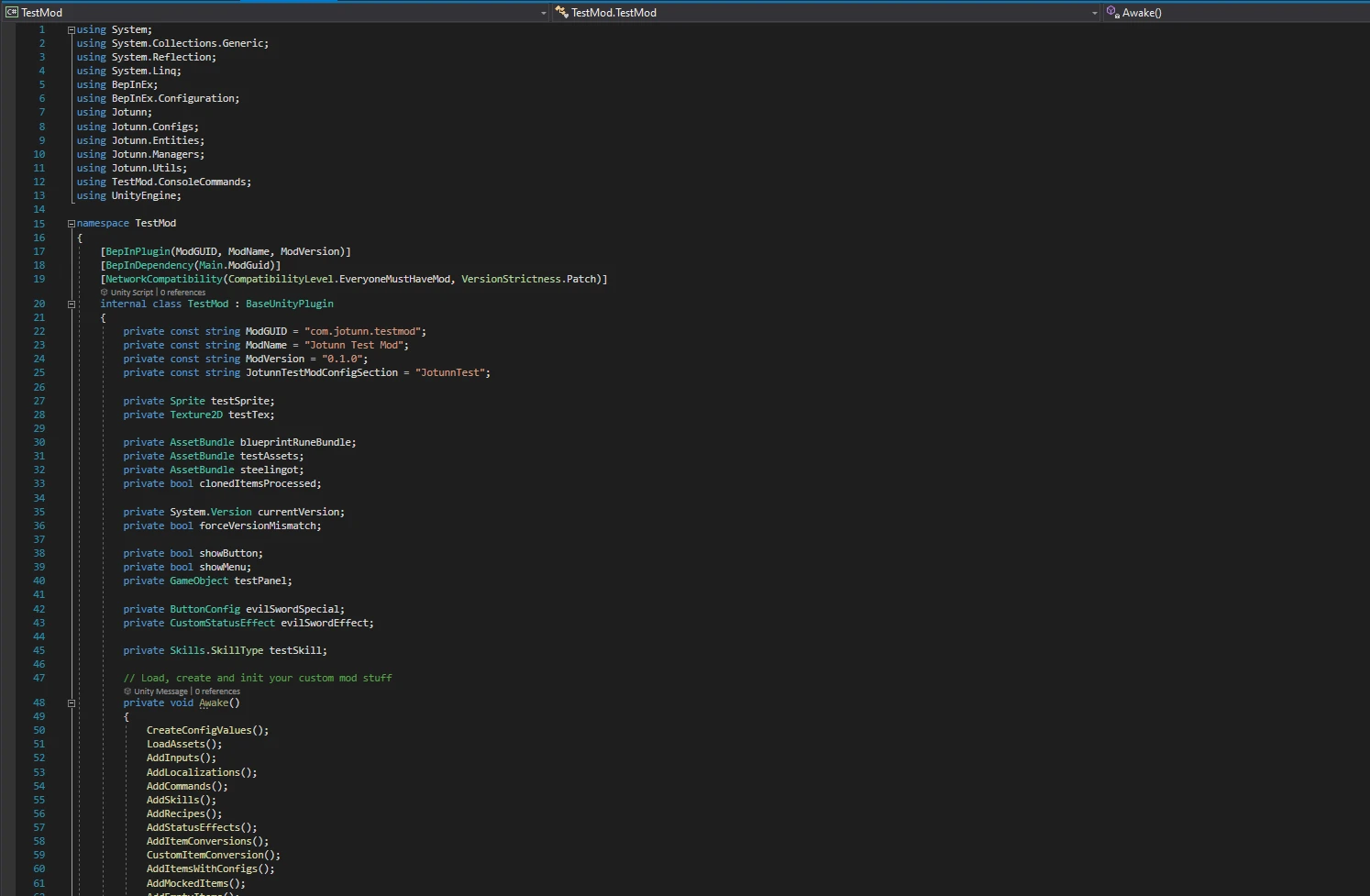
Jötunn (/ˈjɔːtʊn/, "giant"), the Valheim Library was created with the goal of making the lives of mod developers easier. It enables you to create mods for Valheim using an abstracted API so you can focus on the actual content creation.
Jötunn, the Valheim Library
Jötunn (/ˈjɔːtʊn/, "giant"), the Valheim Library, was created with the intent to facilitate developer creativity, unify the communities problem solving efforts, and enhance developer productivity by curating a library of common helper utilities. Additionally, it supplies specific interfaces and abstractions which aid with mod interoperability, networked gameplay consistency, and remove the need to maintain valheim version specific code by acting as an interface between the developer and the games changing internals.
Jötunn is not JotunnLib is not ValheimLib
Jötunn was created as a joint effort to merge JotunnLiband ValheimLibinto a single library to get the best of both worlds. It is possible to use all three libraries side by side, so all current mods will keep working. However, it is strongly recommended to migrate your mod to this new library since the other two will no longer receive active development.
Usage
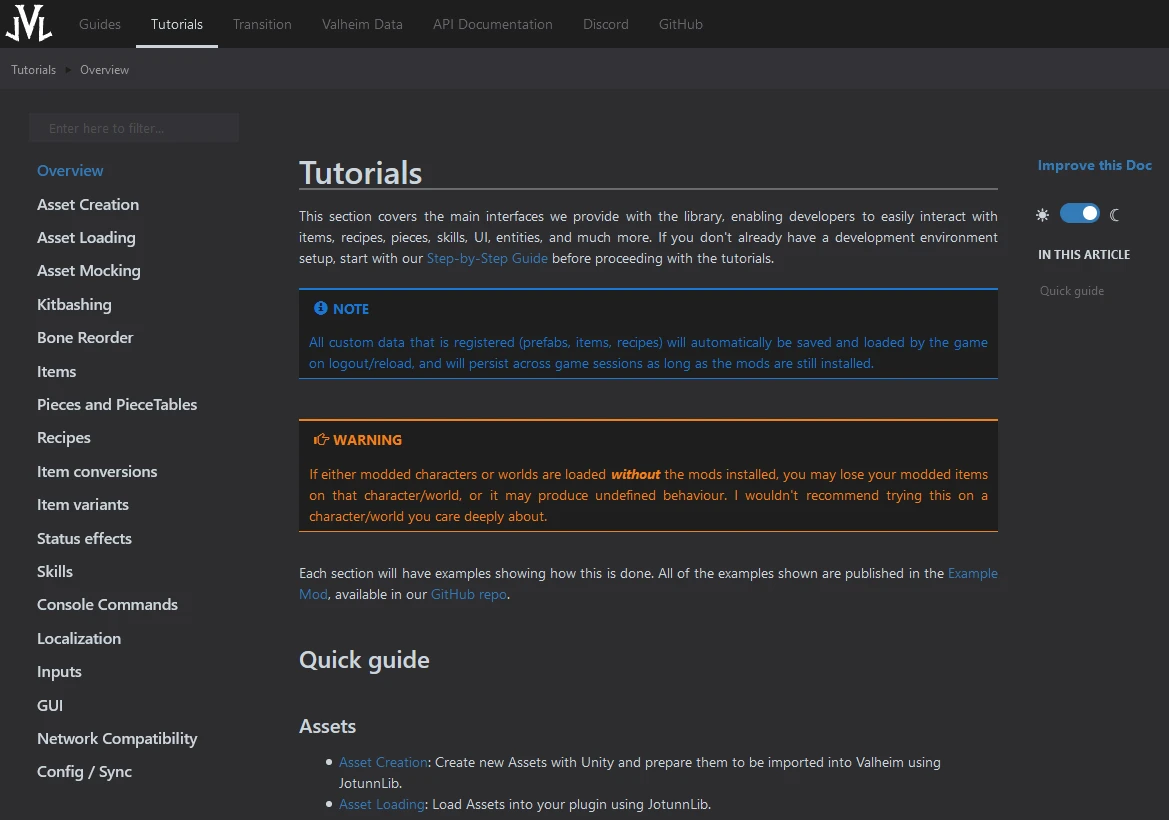
Please refer to our Documentation. We have gone to great lengths to ensure there is ample documentation to facilitate the developers' learning experience.
Installation
If you're using a mod installer, you can likely ignore this section.
For a more in-depth installation guide, please check out the Manual Installation Guide in our documentation.
However, here is a quick rundown:
That's it, launch the game and mod away!
Features
JVL provides three distinct groups of features. Entities, which abstract the game's own entities into easy-to-use interfaces. Managers, which act as interfaces between the entities and native collections or subsystems. Utilities, which are there to aid in generic/common functions that can span many different areas.
Entities
- CustomCreature - Represents custom animals, enemies, and NPCs.
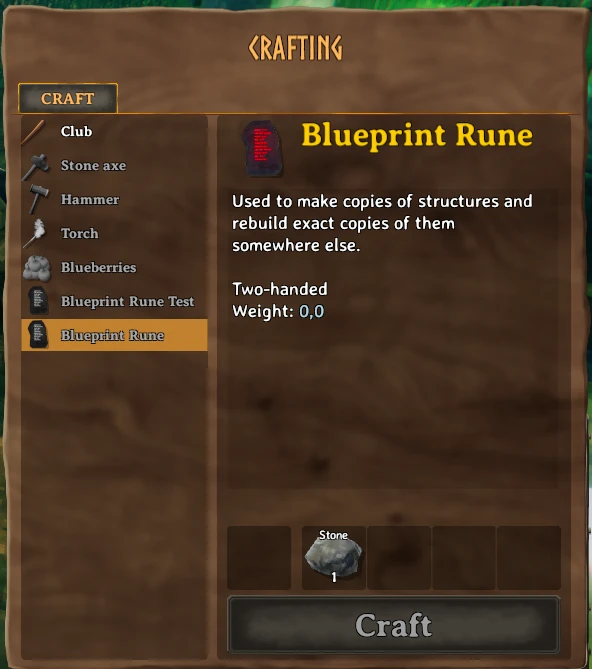
- CustomItem - Represents in-game items such as weapons, tools, and consumables.
- CustomItemConversion - Represents in-game item conversions for the CookingStation, Fermenter, and Smelter in a single abstraction.
- CustomLocalization - Represents custom localizations for your mod.
- CustomLocation - Represents custom locations from simple stone circles to complete villages.
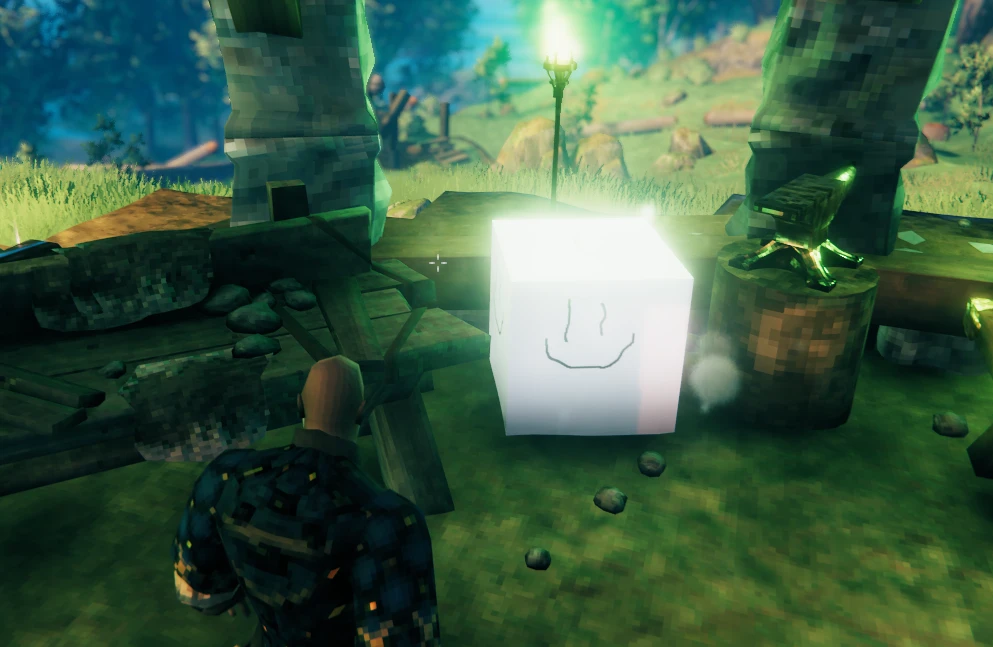
- Custom Piece - Represent in-game building pieces.
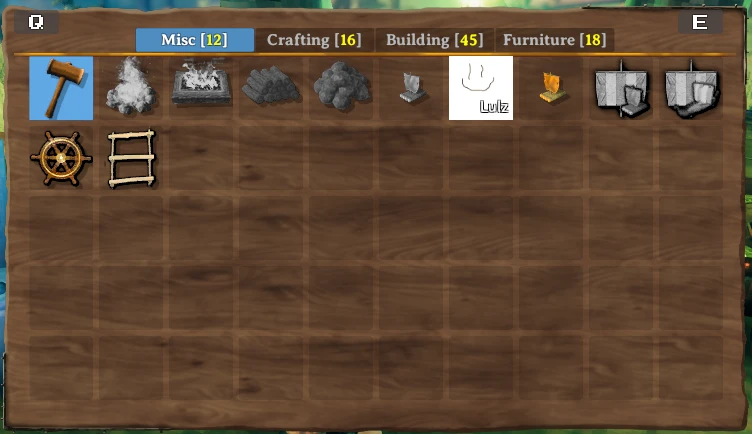
- CustomPieceTable - Represents in-game building tables. Custom category support included.
- CustomRecipe - Represents in-game recipes for managing item crafting and upgrading.
- CustomStatusEffect - Represents in-game status effects, from weapon hit effects to guardian powers.
- CustomVegetation - Represents vegetation spread throughout biomes, ranging from pickable items to decorative elements.
- KitbashObject - Represents a custom object assembled from components of various other prefabs.
- Mocks - Fake any vanilla prefab and use it in your custom assets - Jötunn resolves the references to the vanilla objects at runtime.
- Configure classes - There are many more abstractions besides the main entities that make it easy to create things like key bindings, custom commands, skills, and more.
Managers
- Command Manager - Facilitates implementation of methods which can be registered as executable console commands.
- Creature Manager - Add new creatures or copy and modify vanilla ones.
- GUI Manager - Allows invocation of UI prefabs on the fly via code.
- Input Manager - Provides an interface for binding keys via ZInput in a consistent manner, facilitating custom keybind hints.
- Item Manager - Abstracts away implementation details of configurations applied to items/recipes to provide a consistent developer experience in adding new items. tl;dr items are easy!
- Kitbash Manager - Create custom assets with individual pieces from vanilla prefabs.
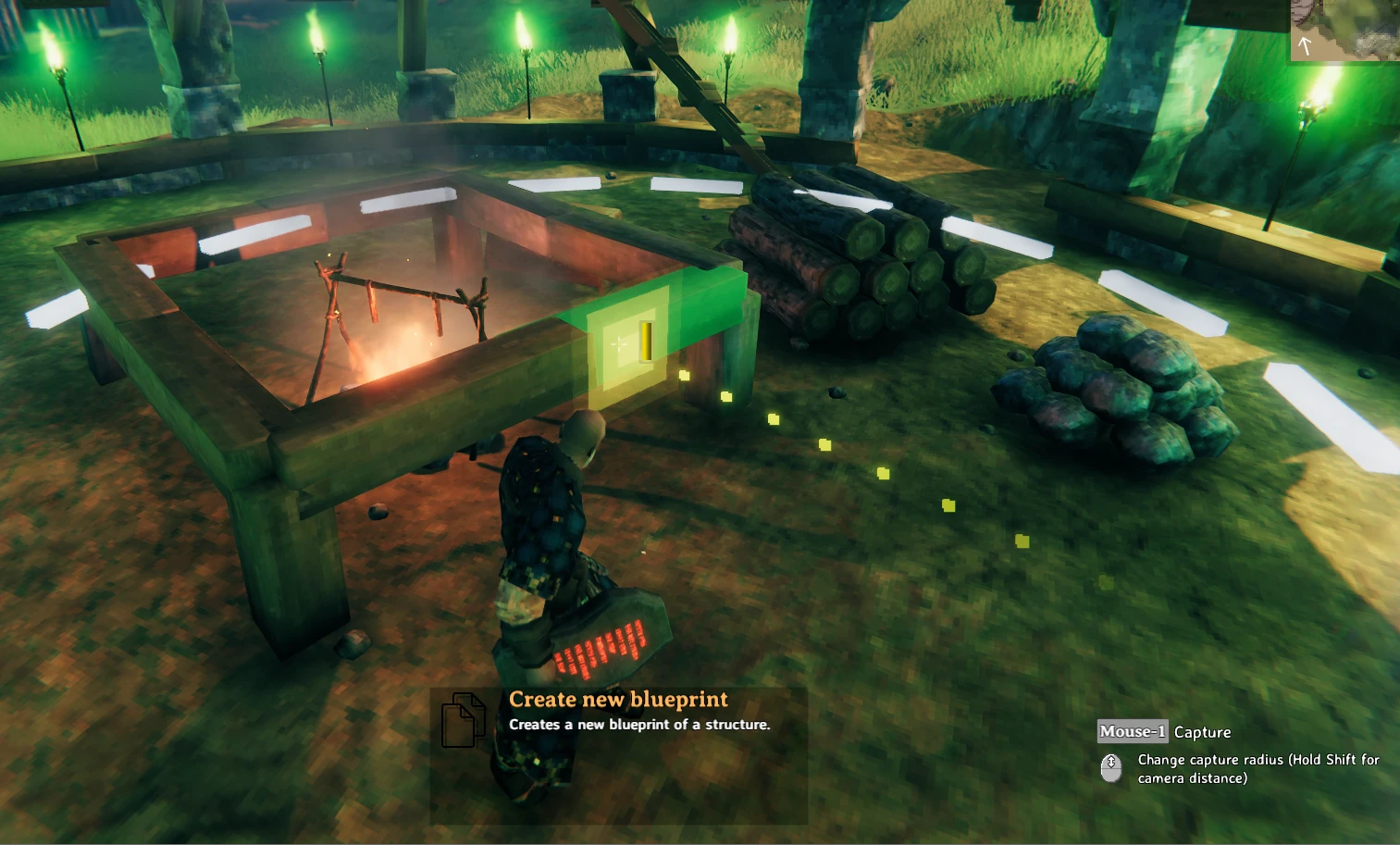
- KeyHint Manager - Create custom key hints for your weapons and tools, even down to the selected piece.
- Localization Manager - Provides multiple methods of loading localization data into the game, as well as exposing an interface for adding additional languages to provide localizations for unsupported languages.
- Minimap Manager - Alter map data or create overlays for the map.
- Piece Manager - Very similar to the Item Manager, abstracting implementation details of configurations for pieces/recipes.
- Prefab Manager - Provides a cache of prefabs registered through other managers, mostly developers will only query the cache for prefabs added via other managers.
- Render Manager - Provides a custom render queue to render visual GameObjects into a Sprite - Useful for generating icons for your custom items.
- Skill Manager - Facilitates additional custom skills.
- Zone Manager - Create custom locations and vegetation to add into world generation.
Utilities
- Asset Helpers - Methods to facilitate referencing and loading of assets.
- Bone Reorderer Fixes bone ordering issues on [code single]SkinnedMeshRenderer[/code]'s that have been ripped and imported into Unity.
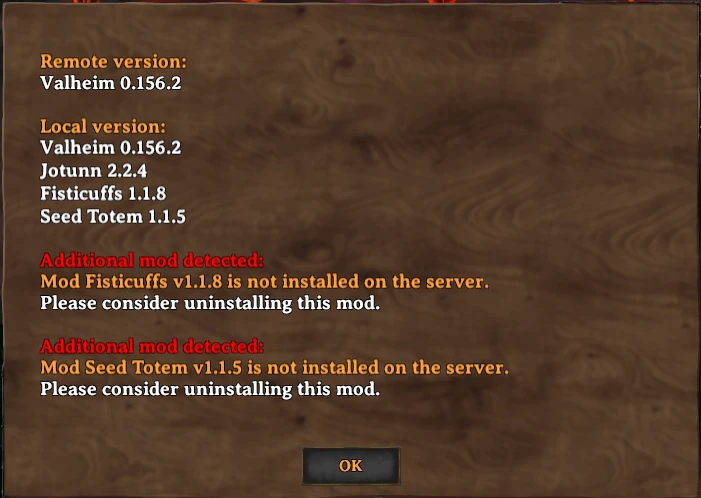
- Network Compatibility - Allows plugins to define their own version requirements for clients connected to the server. Ensures a customisable level of interoperability with clients of differing mod configurations on a plugin-by-plugin basis.
- Config Synchronization - Allows administrators to adjust configuration values via an in-game menu. Config settings are synced to connected clients.
- Mod Registry - Query added content per Mod.
- SimpleJSON - We have imported SimpleJSON into our library at the request of developers who would simply prefer to have this dependency taken care of already. We use the MIT Licensed SimpleJSON
Bugs, Support, Contributions
Please refer to our Documentation Before requesting Support via Discord. If there are any mod interoperability issues developers experience (not just exclusive JVL issues), we would like to hear from you! If we can facilitate better mod interoperability by providing a common interface, or exposing native Valheim objects, including a utility which you have created, then please feel free to create a new Feature request or Pull request.
Roadmap
Check our projects For a more up-to-date list of features currently in development, or to suggest your own features for inclusion, create a new Feature Request
Changelog
See the full Changelog.
Contributors to Jötunn, the Valheim Library
These people have been integral to pushing JVL out the door, and without them we couldn't have achieved nearly as much. Please show them some love on GitHub, Thunderstore, and Nexus.
Core:
IDeathHD#7866: GitHub, Thunderstore
- Algorithman#6741: GitHub
- Jules#7950: GitHub
- Quaesar#5604: GitHub
- radu#0571: GitHub, Thunderstore, nexus
- paddy#1337: GitHub, Thunderstore, nexus
- Margmas#9562: GitHub, Thunderstore, nexus
Contributors:
- Cinnabun#0451: GitHub
- GoldenJude#8965: GitHub, nexus
- zarboz#7828: GitHub, Thunderstore, nexus
MarcoPogo#6095: GitHub, nexus
- blaxxun#9098: GitHub
- Tekla#1012: GitHub
- JoeyParrish#8644: GitHub, Thunderstore, Nexus
- Nosirrom#2626: GitHub
- Searica: GitHub, Thunderstore
OrianaVenture: GitHub, Thunderstore
Jötunn (/ˈjɔːtʊn/, "giant"), the Valheim Library, was created with the intent to facilitate developer creativity, unify the communities problem solving efforts, and enhance developer productivity by curating a library of common helper utilities. Additionally, it supplies specific interfaces and abstractions which aid with mod interoperability, networked gameplay consistency, and remove the need to maintain valheim version specific code by acting as an interface between the developer and the games changing internals.
Jötunn is not JotunnLib is not ValheimLib
Jötunn was created as a joint effort to merge JotunnLiband ValheimLibinto a single library to get the best of both worlds. It is possible to use all three libraries side by side, so all current mods will keep working. However, it is strongly recommended to migrate your mod to this new library since the other two will no longer receive active development.
Usage
Please refer to our Documentation. We have gone to great lengths to ensure there is ample documentation to facilitate the developers' learning experience.
Installation
If you're using a mod installer, you can likely ignore this section.
For a more in-depth installation guide, please check out the Manual Installation Guide in our documentation.
However, here is a quick rundown:
- Install BepInEx:
Download BepInEx, extract everything inside
into your Valheim folder (typicallyBepInEx_Valheim
).C:\<PathToYourSteamLibary>\steamapps\common\Valheim - Install Jötunn:
Download from either Nexus / Thunderstore, extract the ZIP and place all content into
of your Valheim installation.BepInEx/plugins/Jotunn
That's it, launch the game and mod away!
Features
JVL provides three distinct groups of features. Entities, which abstract the game's own entities into easy-to-use interfaces. Managers, which act as interfaces between the entities and native collections or subsystems. Utilities, which are there to aid in generic/common functions that can span many different areas.
Entities
- CustomCreature - Represents custom animals, enemies, and NPCs.
- CustomItem - Represents in-game items such as weapons, tools, and consumables.
- CustomItemConversion - Represents in-game item conversions for the CookingStation, Fermenter, and Smelter in a single abstraction.
- CustomLocalization - Represents custom localizations for your mod.
- CustomLocation - Represents custom locations from simple stone circles to complete villages.
- Custom Piece - Represent in-game building pieces.
- CustomPieceTable - Represents in-game building tables. Custom category support included.
- CustomRecipe - Represents in-game recipes for managing item crafting and upgrading.
- CustomStatusEffect - Represents in-game status effects, from weapon hit effects to guardian powers.
- CustomVegetation - Represents vegetation spread throughout biomes, ranging from pickable items to decorative elements.
- KitbashObject - Represents a custom object assembled from components of various other prefabs.
- Mocks - Fake any vanilla prefab and use it in your custom assets - Jötunn resolves the references to the vanilla objects at runtime.
- Configure classes - There are many more abstractions besides the main entities that make it easy to create things like key bindings, custom commands, skills, and more.
Managers
- Command Manager - Facilitates implementation of methods which can be registered as executable console commands.
- Creature Manager - Add new creatures or copy and modify vanilla ones.
- GUI Manager - Allows invocation of UI prefabs on the fly via code.
- Input Manager - Provides an interface for binding keys via ZInput in a consistent manner, facilitating custom keybind hints.
- Item Manager - Abstracts away implementation details of configurations applied to items/recipes to provide a consistent developer experience in adding new items. tl;dr items are easy!
- Kitbash Manager - Create custom assets with individual pieces from vanilla prefabs.
- KeyHint Manager - Create custom key hints for your weapons and tools, even down to the selected piece.
- Localization Manager - Provides multiple methods of loading localization data into the game, as well as exposing an interface for adding additional languages to provide localizations for unsupported languages.
- Minimap Manager - Alter map data or create overlays for the map.
- Piece Manager - Very similar to the Item Manager, abstracting implementation details of configurations for pieces/recipes.
- Prefab Manager - Provides a cache of prefabs registered through other managers, mostly developers will only query the cache for prefabs added via other managers.
- Render Manager - Provides a custom render queue to render visual GameObjects into a Sprite - Useful for generating icons for your custom items.
- Skill Manager - Facilitates additional custom skills.
- Zone Manager - Create custom locations and vegetation to add into world generation.
Utilities
- Asset Helpers - Methods to facilitate referencing and loading of assets.
- Bone Reorderer Fixes bone ordering issues on [code single]SkinnedMeshRenderer[/code]'s that have been ripped and imported into Unity.
- Network Compatibility - Allows plugins to define their own version requirements for clients connected to the server. Ensures a customisable level of interoperability with clients of differing mod configurations on a plugin-by-plugin basis.
- Config Synchronization - Allows administrators to adjust configuration values via an in-game menu. Config settings are synced to connected clients.
- Mod Registry - Query added content per Mod.
- SimpleJSON - We have imported SimpleJSON into our library at the request of developers who would simply prefer to have this dependency taken care of already. We use the MIT Licensed SimpleJSON
Bugs, Support, Contributions
Please refer to our Documentation Before requesting Support via Discord. If there are any mod interoperability issues developers experience (not just exclusive JVL issues), we would like to hear from you! If we can facilitate better mod interoperability by providing a common interface, or exposing native Valheim objects, including a utility which you have created, then please feel free to create a new Feature request or Pull request.
Roadmap
Check our projects For a more up-to-date list of features currently in development, or to suggest your own features for inclusion, create a new Feature Request
Changelog
See the full Changelog.
Contributors to Jötunn, the Valheim Library
These people have been integral to pushing JVL out the door, and without them we couldn't have achieved nearly as much. Please show them some love on GitHub, Thunderstore, and Nexus.
Core:
IDeathHD#7866: GitHub, Thunderstore
- Algorithman#6741: GitHub
- Jules#7950: GitHub
- Quaesar#5604: GitHub
- radu#0571: GitHub, Thunderstore, nexus
- paddy#1337: GitHub, Thunderstore, nexus
- Margmas#9562: GitHub, Thunderstore, nexus
Contributors:
- Cinnabun#0451: GitHub
- GoldenJude#8965: GitHub, nexus
- zarboz#7828: GitHub, Thunderstore, nexus
MarcoPogo#6095: GitHub, nexus
- blaxxun#9098: GitHub
- Tekla#1012: GitHub
- JoeyParrish#8644: GitHub, Thunderstore, Nexus
- Nosirrom#2626: GitHub
- Searica: GitHub, Thunderstore
OrianaVenture: GitHub, Thunderstore
This tool is provided by the third party [bufftool]

Download Mods For Free
Install LagoFast, start Valheim and play with the mods you love.
We use cookies to make interactions with our websites andservices easy and meaningful. For more information aboutthe cookies we use or to find out how you can disable cookies, click here.