Unrestricted Portals
Autor:frostedplaything410Last updated:02/09/2023 17:39:40428.8K94KB
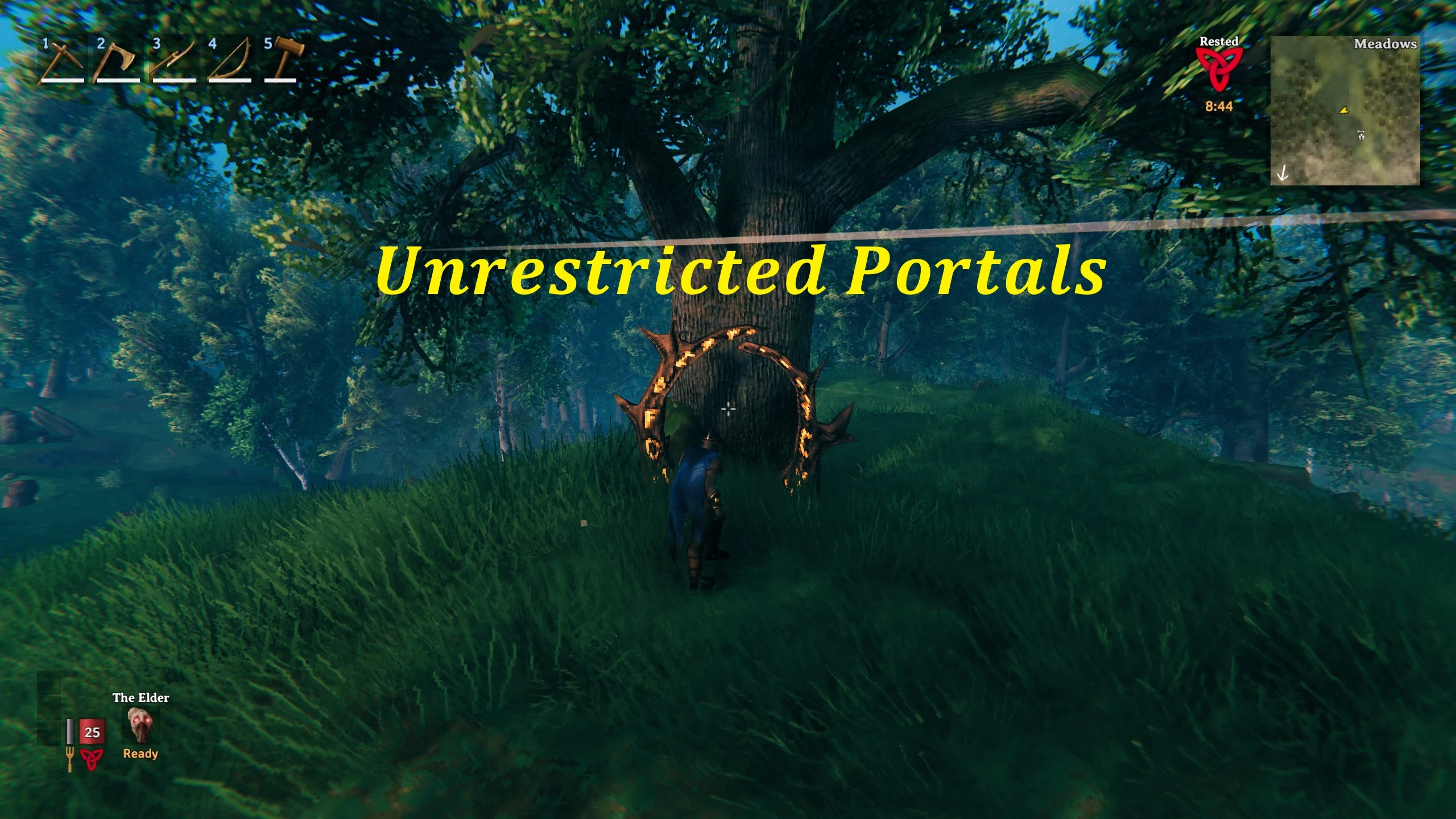

Mod Introduction
Unrestricted Portals is a client-side mod for players that enables the transfer of any item through portals. This mod offers extensive customization options, giving players the ability to control item restrictions, removal of restrictions,
Summary
In Valheim, gathering resources can be a hassle because they're all spread out across the game world. It takes a long time to travel from one place to another, and it might seem like a waste of time. The game developers tried to make things easier by adding portals, but then they limited which items you could use them for. So, players ended up having to go back to the old, time-consuming way of gathering resources. That's where this mod comes in.
Unrestricted Portals is a client-side mod for players that allows any item to be transferred through portals. This mod offers extensive customization options, giving players the ability to add or remove item restrictions, and even apply multipliers to specific items as desired.
If you find the idea of freely transporting all items through portals too overpowered, you can adjust the configuration file to manage the limitations for each individual item.
Installation
Usage
To refresh the configuration, use the command:
By default, the mod allows you to transport all items that were previously restricted through portals. To change this, modify the configuration file in:
In Valheim, gathering resources can be a hassle because they're all spread out across the game world. It takes a long time to travel from one place to another, and it might seem like a waste of time. The game developers tried to make things easier by adding portals, but then they limited which items you could use them for. So, players ended up having to go back to the old, time-consuming way of gathering resources. That's where this mod comes in.
Unrestricted Portals is a client-side mod for players that allows any item to be transferred through portals. This mod offers extensive customization options, giving players the ability to add or remove item restrictions, and even apply multipliers to specific items as desired.
If you find the idea of freely transporting all items through portals too overpowered, you can adjust the configuration file to manage the limitations for each individual item.
Installation
- Go to BepInExPack Valheim.
- Follow the installation guide.
- Move the unzipped Unrestricted Portals folder into:
<Steam Location>\steamapps\common\Valheim\BepInEx\plugin
Usage
To refresh the configuration, use the command:
/reloadBy default, the mod allows you to transport all items that were previously restricted through portals. To change this, modify the configuration file in:
<Steam Location>\steamapps\common\Valheim\BepInEx\config\UnrestrictedPortals.yml- Enable teleportation for all items:
AllTeleportable: True
NoneTeleportable: False - Disable teleportation for all items:
AllTeleportable: False
NoneTeleportable: True - Set individual items to their default teleportation restriction:
AllTeleportable: False
NoneTeleportable: False - Enable teleportation for specific items (example):
TinOre: True - Disable teleportation for specific items (example):
CopperOre: False
This tool is provided by the third party [bufftool]

Download Mods For Free
Install LagoFast, start Valheim and play with the mods you love.
We use cookies to make interactions with our websites andservices easy and meaningful. For more information aboutthe cookies we use or to find out how you can disable cookies, click here.