DAI Community Patch
Autor:EhamloptiranLast updated:26/01/2015 06:14:35115.2K291KB

Mod Introduction
A collection of community-suggested bug fixes that Bioware has not yet addressed.
This mod includes an ongoing collection of community-discovered bug fixes that have not yet been addressed by BioWare. The current package contains the following fixes:
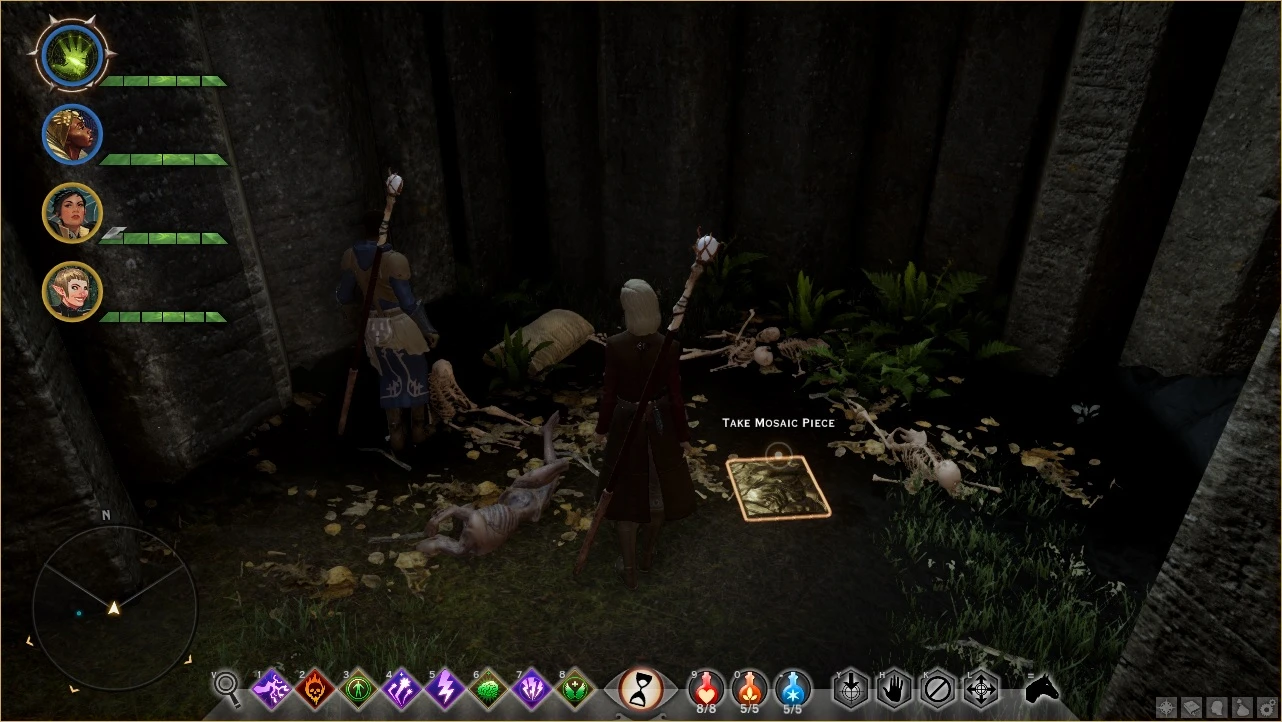
- Mosaic piece J in the Hinterlands (Wolf Hollow) is no longer obtainable. It has been relocated to a new accessible location.
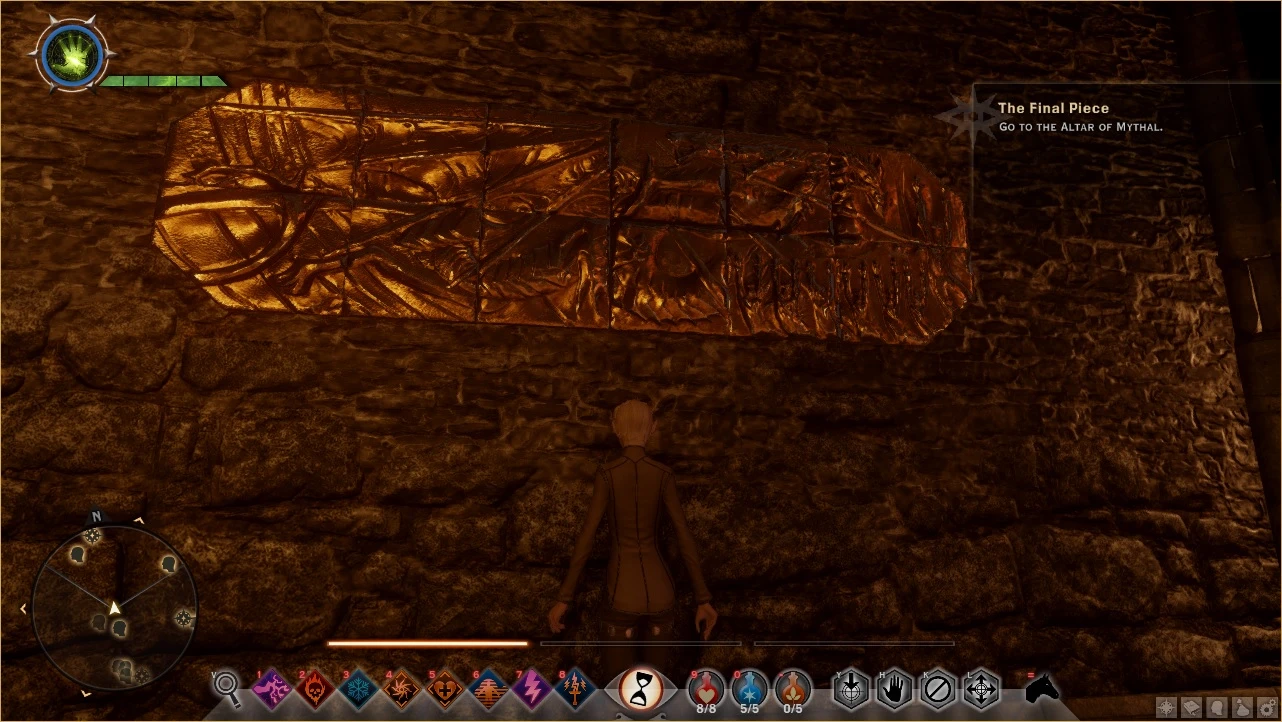
- Mosaic piece J in the Western Approach had the same PlotID as another piece, preventing completion of the mosaic. Replaced with the correct PlotID.
If there is a bugfix you would like to see included, please post with as much information as possible on how to reproduce the bug. At this time, only logic-based bugs are being accepted. Mesh bugs cannot be fixed, and texture bugs will only be fixed if a texture artist provides the fixed texture.
Installation Instructions
1. Download the DAI Mod Manager and extract it anywhere on your computer.
2. Create a directory somewhere to store all the Mods you want to merge. For example, "D:\Mods"
3. Extract the contents of the rar file into a folder inside the Mods folder above, e.g., D:\Mods\CommunityPatch
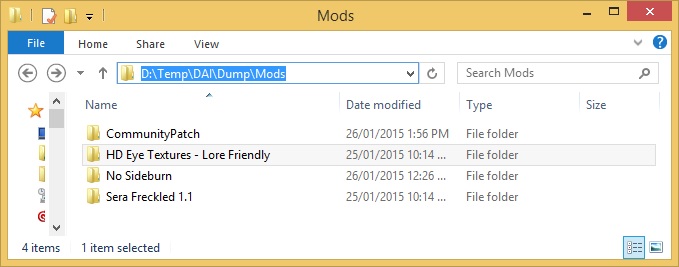
4. Run the mod manager and select your DAI executable to set the base DAI Directory.
5. Select your mods directory. This should be the top-level folder, e.g., D:\Mods (Do not select individual mod folders)
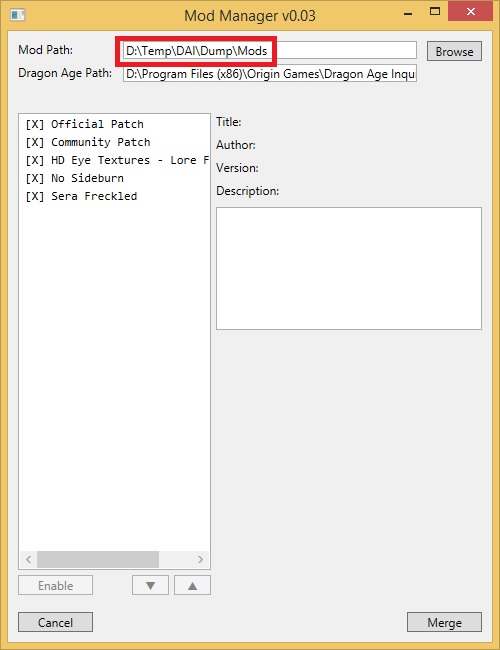
6. Click merge, choose a save location for the patch. *WARNING* DO NOT OVERWRITE THE OFFICIAL PATCH.
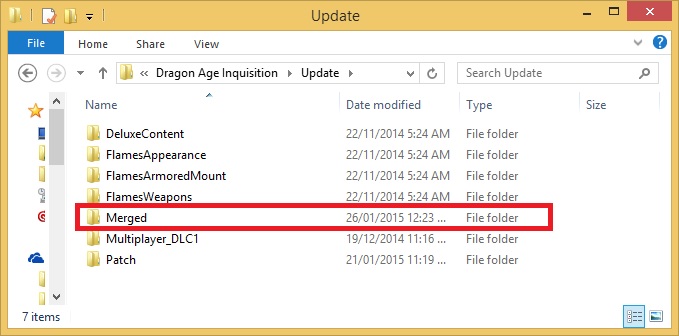
7. Wait for the process to complete and move the new merged patch into the <dAI Installation Dir>\Update directory (inside its own unique folder), alongside the official patch and other DLCs.
- Mosaic piece J in the Hinterlands (Wolf Hollow) is no longer obtainable. It has been relocated to a new accessible location.
- Mosaic piece J in the Western Approach had the same PlotID as another piece, preventing completion of the mosaic. Replaced with the correct PlotID.
If there is a bugfix you would like to see included, please post with as much information as possible on how to reproduce the bug. At this time, only logic-based bugs are being accepted. Mesh bugs cannot be fixed, and texture bugs will only be fixed if a texture artist provides the fixed texture.
Installation Instructions
1. Download the DAI Mod Manager and extract it anywhere on your computer.
2. Create a directory somewhere to store all the Mods you want to merge. For example, "D:\Mods"
3. Extract the contents of the rar file into a folder inside the Mods folder above, e.g., D:\Mods\CommunityPatch
4. Run the mod manager and select your DAI executable to set the base DAI Directory.
5. Select your mods directory. This should be the top-level folder, e.g., D:\Mods (Do not select individual mod folders)
6. Click merge, choose a save location for the patch. *WARNING* DO NOT OVERWRITE THE OFFICIAL PATCH.
7. Wait for the process to complete and move the new merged patch into the <dAI Installation Dir>\Update directory (inside its own unique folder), alongside the official patch and other DLCs.
This tool is provided by the third party [bufftool]

Download Mods For Free
Install LagoFast, start Dragon Age Inquisition and play with the mods you love.
We use cookies to make interactions with our websites andservices easy and meaningful. For more information aboutthe cookies we use or to find out how you can disable cookies, click here.