
Sprint Mod
Autor:LorkLast updated:25/08/2017 22:04:17863.9K1.8MB

Mod Introduction
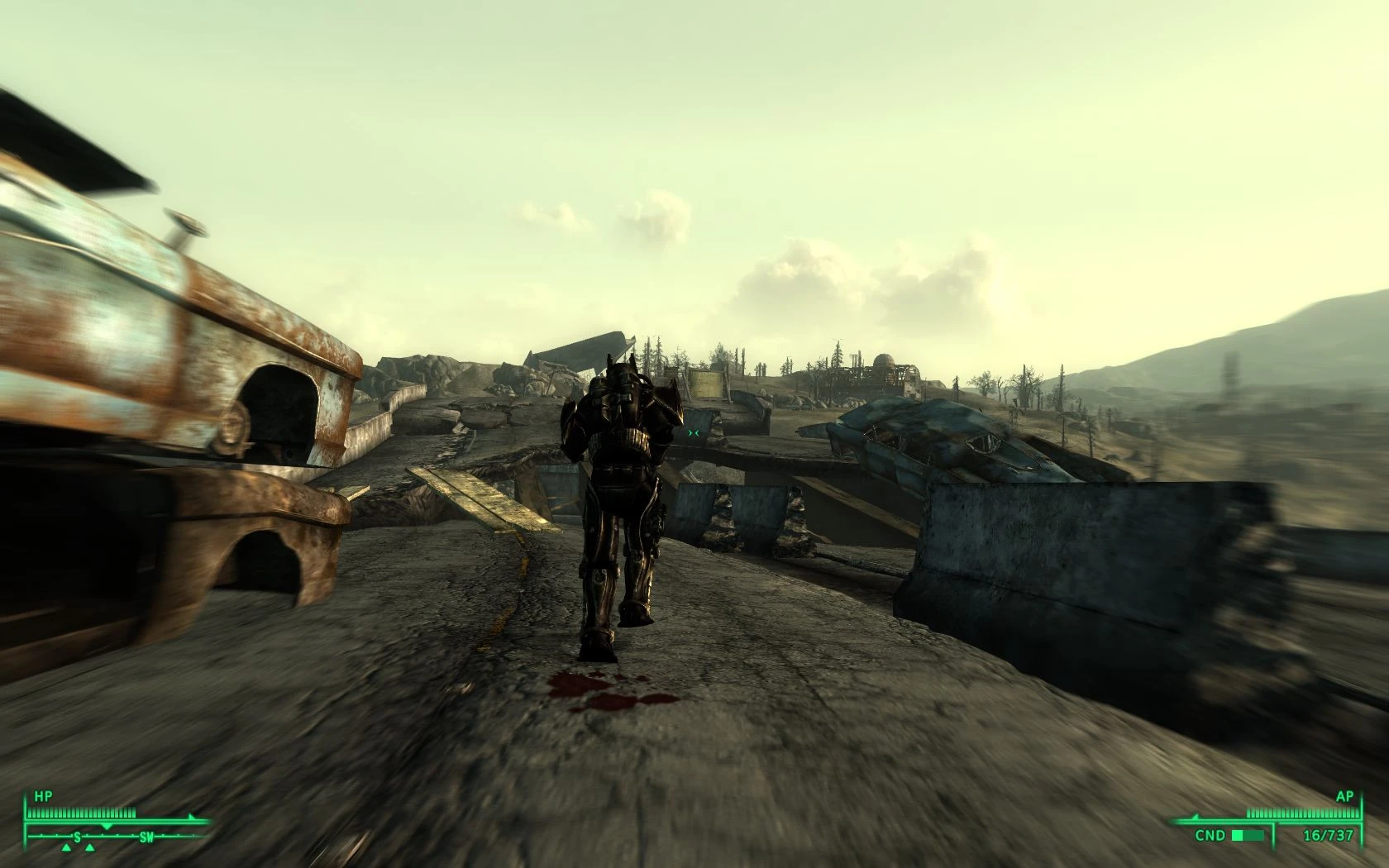
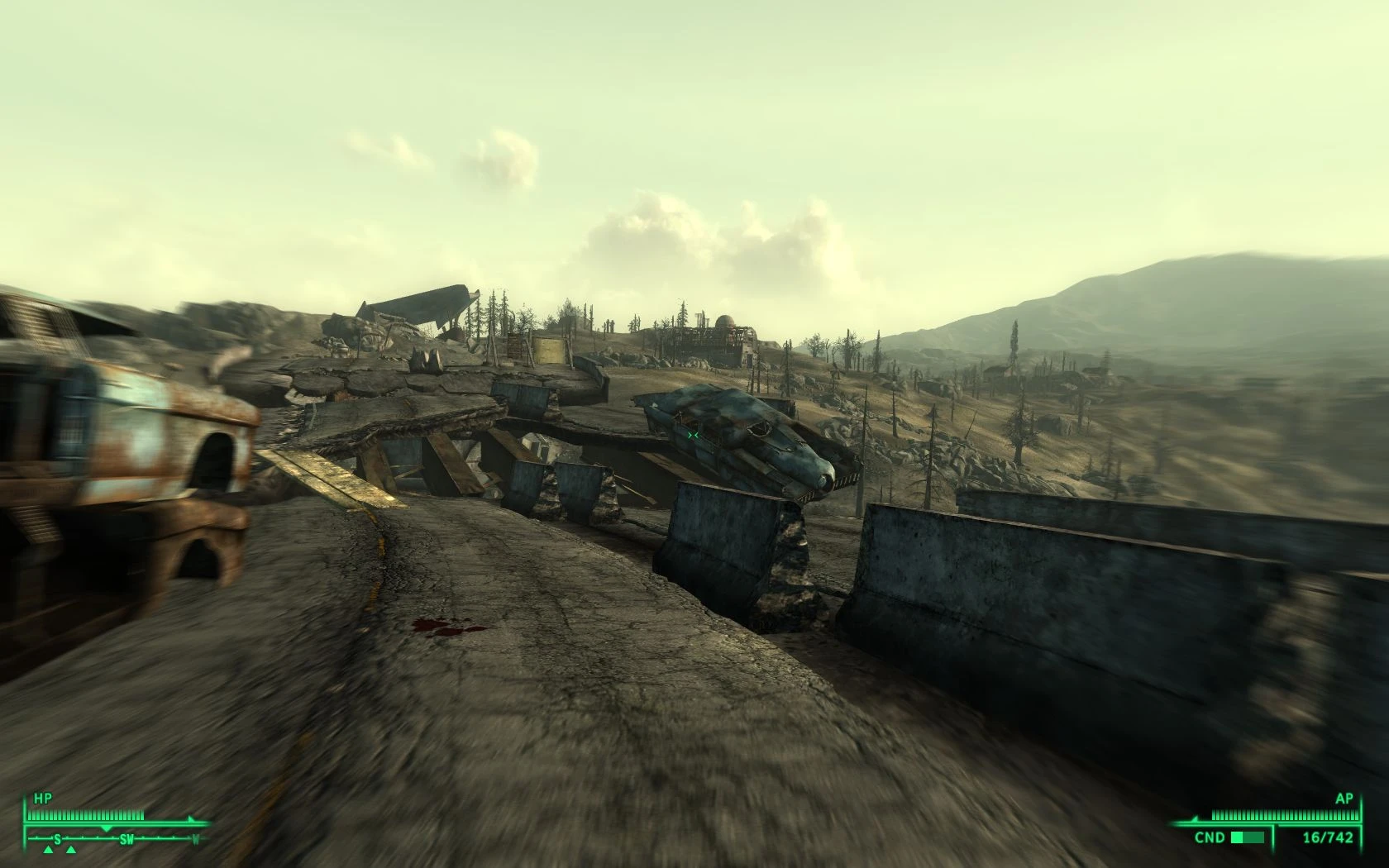
Adds a sprint button. Now you can run freely across the wastes, just like you always wanted—limited only by your action points.
Name: Sprint Mod
Version: 1.01
Date: 08/25/2017
Category: Gameplay Effects and Changes
Requirements: FOSE Required for some features
Author: Lork
Perk icons by Drag0ntamer
Male breathing sounds by bluehiro
Female breathing sounds by Diegog5
I specialize in professional game localization. Please provide the source text you'd like me to translate into English. http://www.fallout3nexus.com/downloads/file.php?id=1854
**Forum:** http://www.bethsoft.com/bgsforums/index.php?showtopic=940474
Description
I'll be happy to help with game localization translation. However, it seems you haven't provided any source text to translate. Could you please share the text you'd like me to translate into English?
Adds a sprint button. Now you can run freely across the wasteland, just like you've always wanted—limited only by your action points.
Details
I'll need the source text to translate it into English. Could you please provide the text you'd like me to translate?
With FOSE: The sprint key replaces the run key. Simply hold down run to sprint. -OR-If you want to keep the run key working, you can assign a custom key in the pedometer's control settings.
Without FOSE: In NoFOSE mode, you must assign the Sprint Hotkey or Pedometer from your inventory to a number key. To sprint, press the sprint hotkey and then move forward. To stop sprinting, press it again. To bind a key, hold a number key while in the inventory and click on the item you want to assign. You can set a sprint delay in the Pedometer’s settings, allowing you to run for a set duration before sprinting. For example, setting a delay of 2 means you'll need to run for 2 seconds before sprinting begins.
For both: Sprinting consumes action points. When they run out, you’ll need to wait for them to recharge. The higher your endurance, the fewer AP sprinting costs. The higher your agility, the faster you move. Carrying more weight also affects your speed. You won’t be able to sprint in certain situations—for example, if your legs are broken or you’re overencumbered. Various screen effects help enhance the sense of speed. To check your speed, distance potential, and adjust related settings, use the Pedometer in the apparel section of your inventory.
Perks:
Tackle (ID: XX025889)
Sprint into a hostile enemy to try and tackle them. Your Strength and Unarmed skill are compared against their Strength and Endurance. If you succeed, they’ll be knocked down. If you fail badly, you might be the one on the ground—so be careful! Attempting a tackle costs 1/4 of your AP, so don’t waste it all just getting there.
Charge! (ID: XX025888)
With this perk, you can keep your weapon out while sprinting. Don't expect to be very accurate while you're doing this, though.
**Formulas:**
Speed multiplier: 100(base speed) + (Agility * 4 + 40 * (1 - (current weight / max weight))) * SprintSpeedMult
AP drain: ( (25 - Endurance) × SprintAPMult ) per second
**Tweaks:**
SprintSpeedMult and SprintAPMult are global variables that can be easily adjusted in the GECK or in-game via the console. The formulas for sprint speed and AP drain are multiplied by these values respectively. For example, to halve your sprint speed, set SprintSpeedMult to 0.5. Setting SprintAPMult to 0 allows unlimited sprinting. Both variables default to 1.
Set SprintForceNoFOSE to 1 to force the mod to run in noFOSE mode.
To set a variable in-game, open the console using the tilde (~) key and type "set x to y" (without quotes), where x is the variable you want to change and y is the new value.
Install
I need the text you'd like translated. Please provide it.
1. Extract the files to a temporary location.
2. Examine the folder structure and make corrections where necessary.
3. Copy files to (install folder)\Fallout 3\Data\
4. Start Fallout Launcher, click 'Data Files', then check the .esp file(s).
Uninstall
I need the text you want translated. Please provide the text for me to work with.
1. Start Fallout Launcher, click Data Files, uncheck the .esp file(s).
2. Delete the mod’s associated files and folders.
Fallout 3\Data\Sprint Mod.esp
Fallout 3\Data\sound\fx\Sprint\
Fallout 3\Data\textures\interface\icons\pipboyimages\perks\Sprint\
Incompatibility
It seems you haven't provided the source text to translate. Please share the text you'd like me to translate into English.
The Tackle perk relies on the game's auto-aim system to function properly. Any mods that reduce or remove auto-aim will make Tackle harder—or even impossible—to use. As a rule of thumb, if your crosshair doesn't turn red when aiming at enemies, you likely won't be able to tackle them.
Fallout Wanderer's Edition includes its own balanced version of Sprint Mod. Do not use it alongside this one.
Mods that dynamically alter the game's look sensitivity may conflict with Sprint Mod. If you notice your sensitivity changing to unintended values, try setting the turn radius to 1 in the pedometer's settings menu.
Known Issues or Bugs
It seems you haven't provided the source text. Please paste the text you'd like me to translate, and I’ll proceed accordingly.
Sprinting while in god mode usually doesn't work. Due to a quirk in the game engine, the script has to damage your health in order to get the game to recalculate your speed, so god mode isn't supported. If you absolutely must use tgm, you can put your weapon away or pull it back out to make sure your speed is updated.
Sprinting in water leads to... interesting results. Normally, you shouldn't be able to sprint underwater at all, but I can't enforce that until FOSE adds a way to detect when you're in water. Until then, enjoy the explosions ;). If it really bothers you, you can fix it by disabling head bobbing in the pedometer settings.
As of the current version of FOSE, gamepad button mapping is not yet supported. Gamepad users can either use keyboard emulation software like xpadder or joytokey, or switch to noFOSE mode to assign the sprint hotkey to the D-pad. If you do this, be sure to disable head bobbing, as it may cause heavy controller vibration.
History
It seems you didn't include the text to be translated. Please provide the source text, and I'll proceed with the translation into English as requested.
1.01
-Minor update to readme and re-upload due to a potential issue with Fallout Nexus
1.0
- Added separate breathing sounds for female characters
-Fixed an issue where sprinting was not possible at the encumbrance threshold
-Fixed sprint script starting too early
-Prevented sprinting while controls are disabled
-Added the global variable SprintForceNoFOSE
- Changed noFOSE behavior so that you won't sprint while sneaking
-Run/walk state is now preserved through sprints
v.8b
-Added support for FOSE 1.1
- Added breathing sounds
-Clarified the wording of some of the menus
v.7b
-Added control settings menu
- Fixed sprint walking in noFOSE mode
-Added sprint delay option (like the Dash mod)
-Added in-game notes with instructions
-Added perk icons by Drag0ntamer
-Reduced tackle AP cost to 1/4
- Improved the spread calculation while charging
v.6b
- Added noFOSE mode
-Added Perks
-Fixed potential crash when adding an item before the player has a Pip-Boy
-Fixed player walking when attempting to sprint but unable to do so
-Removed Cheats Menu
-Added tweak variables
v.5b
-Restored automatic control detection
-Improved pedometer
-Fixed sprint walking
-Fixed weapon firing twice on its own and putting itself away if you sprint immediately after firing
-Fixed left leg being damaged every time you sprint
-Increases turning radius by 3x while sprinting (can be turned off)
-Sprinting strafe disabled (can be toggled off)
-Rebalanced tackle mode
-The run key is now unbound only when necessary.
-Misc bug fixes
v.4.1b
-Temporarily removed automatic control detection for FOSE b4 compatibility
-Increased turning radius by 2x while sprinting
- Improved weapon re-equip feature (If your gun fires without you doing anything, let me know)
-Added gameplay menu
v.4b
-Changed AP drain formula to allow for longer sprinting and less inventory hassle
-Added display menu with options to disable FOV shift, blur, and head bobbing
-Toned down head bobbing effect
-Fixed pedometer displaying incorrect distance and speed values
-Script now automatically detects FOV setting changes, eliminating the need for the "Re-evaluate FOV Settings" button.
-Added experimental tackle mode
v.3b
- Revised formulas to account for carry weight
- Added head bobbing effect
-Added menu
-Script now automatically detects FOV settings
-Script now automatically detects the controls, no configuration required
- Script now returns the player to a crouch if they started the sprint from one
-FOV now scales with speed
-Misc bug fixes
v.2b
-Added support for right shift
-Added a separate esp for players who prefer not to use the FOV changes
v.1b
-First Public Beta
Contact
I see you’ve provided a text block with dividers but no actual content to translate. Could you please paste the game text you’d like me to translate into English?
You can find me on the official Fallout 3 forums as 'Clorf'.
You can find me on Fallout3Nexus as 'Lork'
You can send me an email here: pulsaris AT gmail DOT com
Credits
I'm a professional game localization translator. Please identify the source language automatically and translate the following text into English. Requirements: - Output must be in English only, with no mixing of other languages - Fit the game context (UI, dialogue, quests, system text, etc.) - Natural expression that suits player habits, avoiding literal translation - Do not add explanations or notes Text: =======
感谢...
LHammonds for the Readme Generator this file was based on.
Bethesda for making Fallout 3
Malakaius for testing and advice
Badmagic used to create placeholder icons for the perks.
The FOSE team for... you guessed it: making FOSE
Licensing/Legal
I'm a professional game localization translator. Auto-detect the source language and translate the following text into 【English】. Requirements: - Output must be and only be in 【English】, no other languages mixed in. - Fit the game context (UI, dialogue, quest, system text, etc.). - Natural expression, player-friendly, avoid literal translation. - Do not add explanations or notes. Text: =============== (You didn't include the text to be translated. Please provide it.)
You can do whatever you want with this mod, but all I ask in return is that you credit me if you distribute any part of it. I'd also like to know which mods include my work.
This tool is provided by the third party [bufftool]

Download Mods For Free
Install LagoFast, start Fallout 3 - Game of the Year Edition and play with the mods you love.
We use cookies to make interactions with our websites andservices easy and meaningful. For more information aboutthe cookies we use or to find out how you can disable cookies, click here.