Youthful Female Face Textures
Autor:UberGrainyLast updated:21/01/2022 07:49:58164.1K16.9MB

Mod Introduction
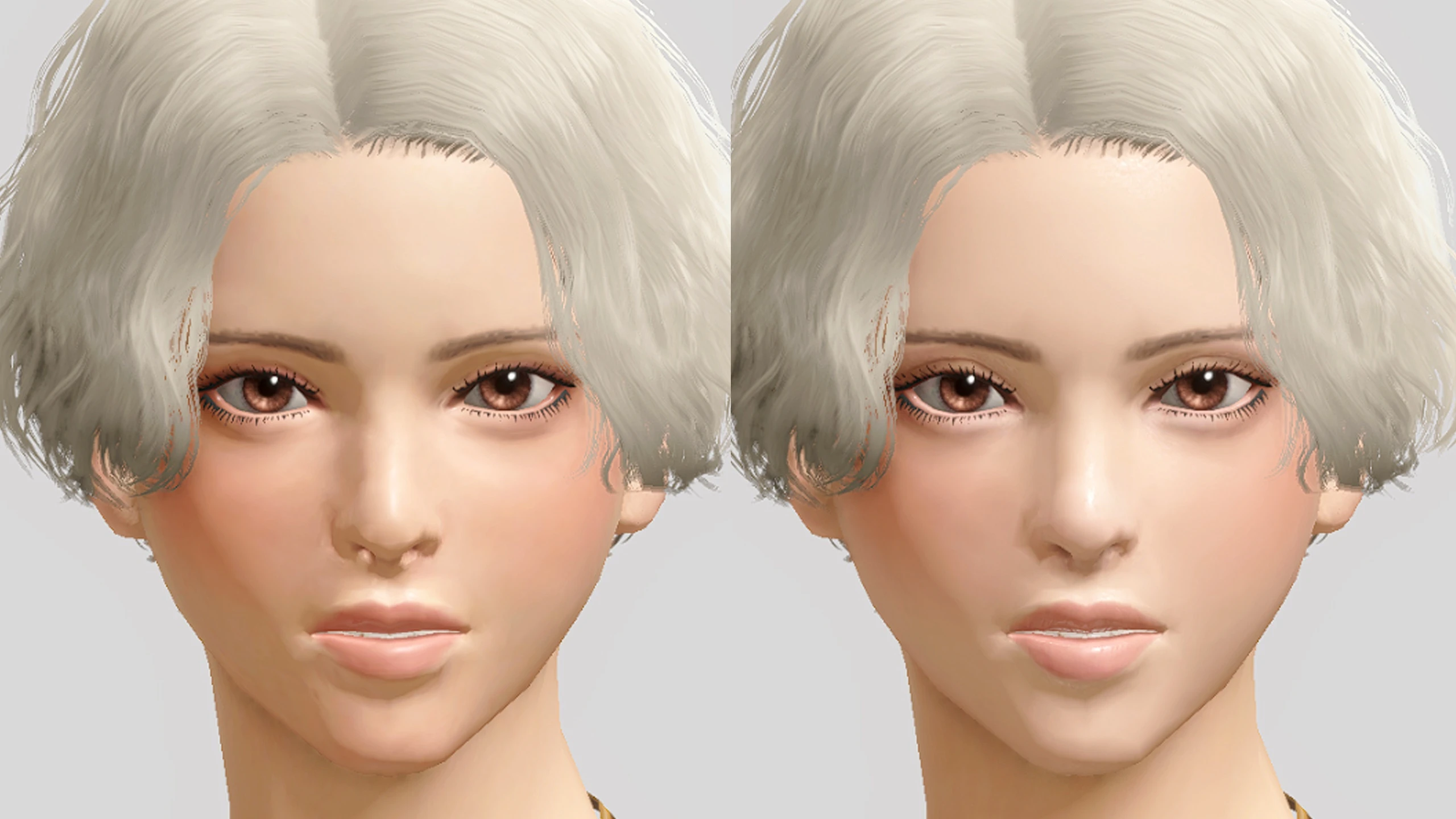
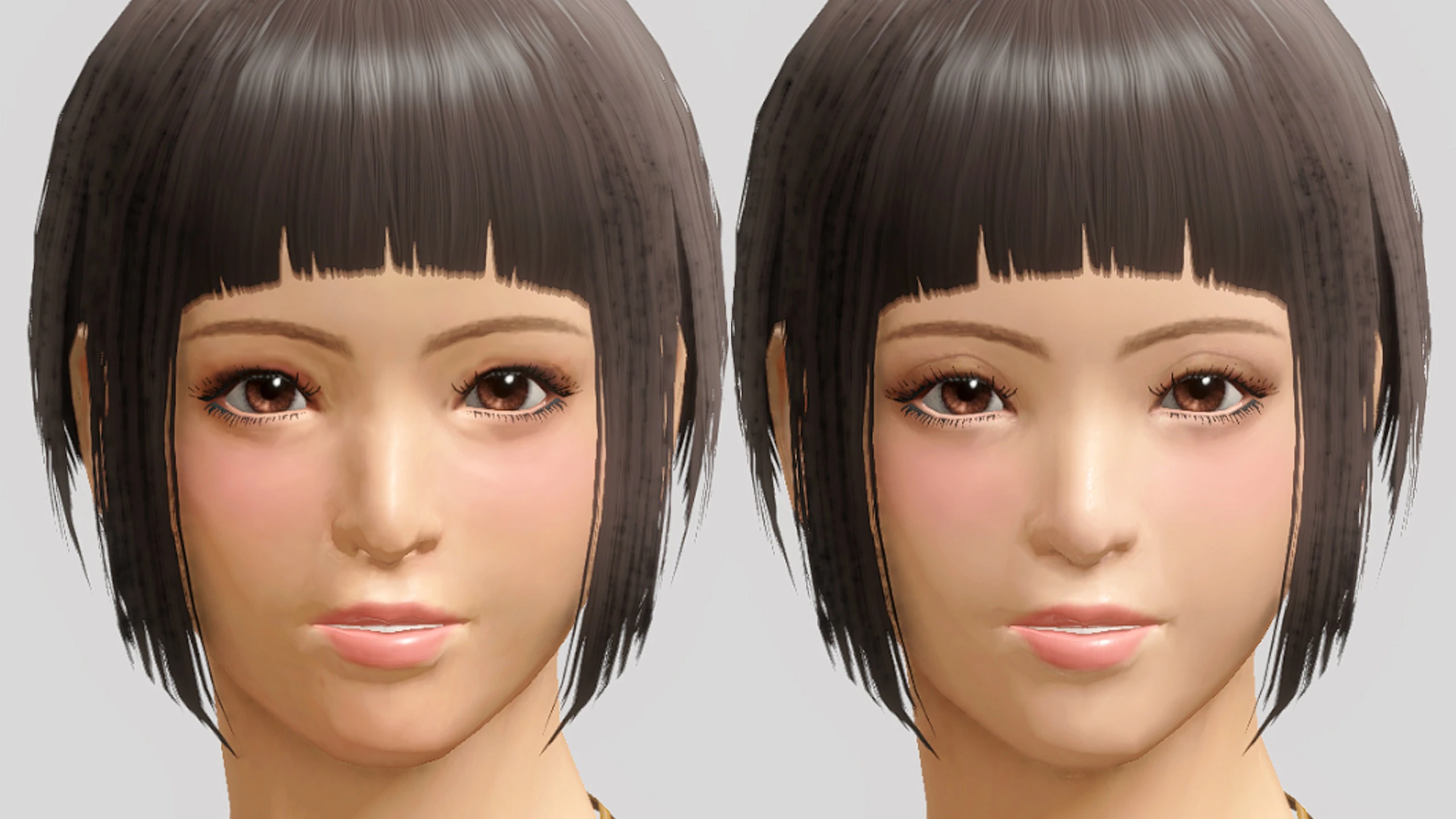
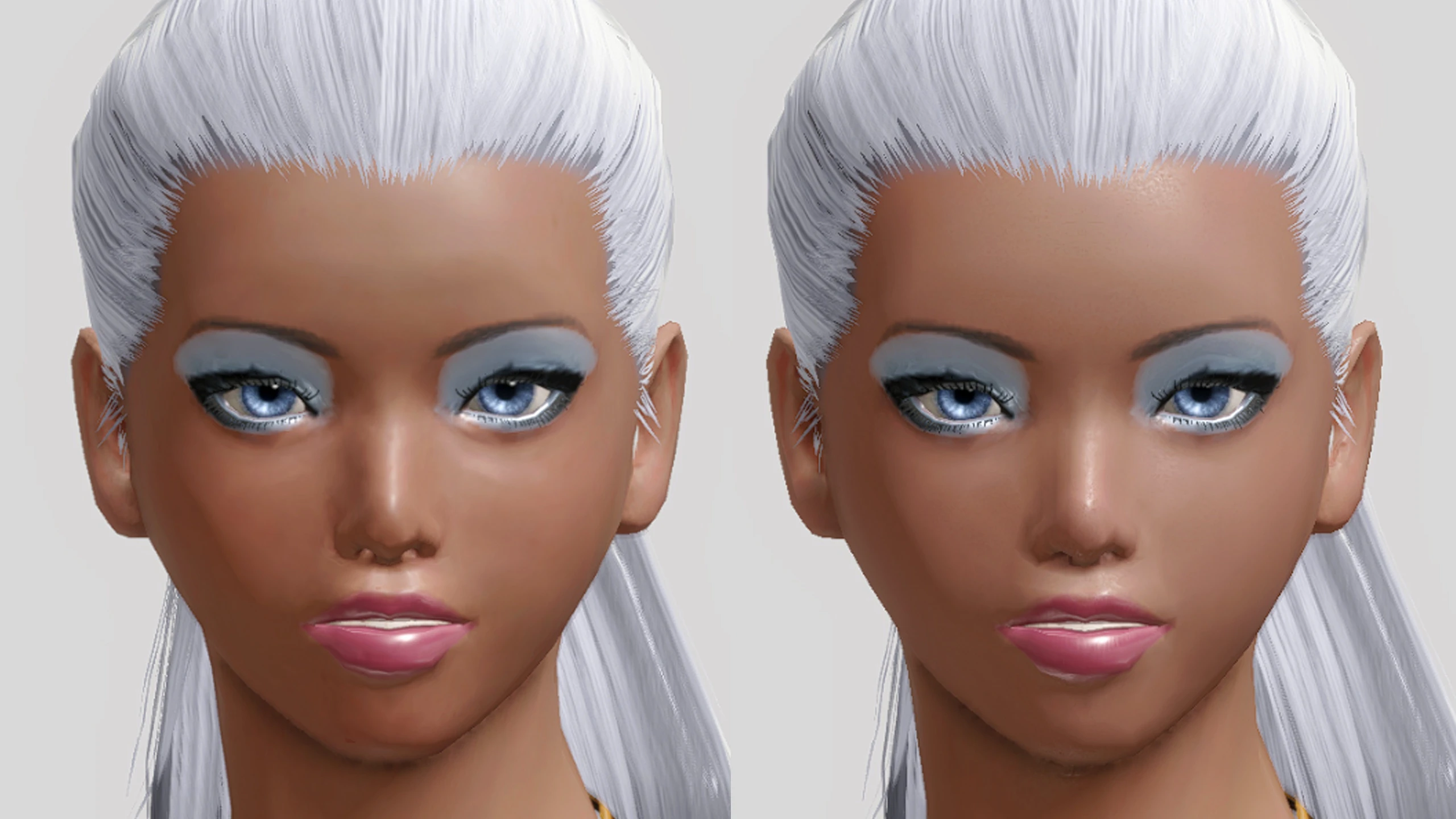
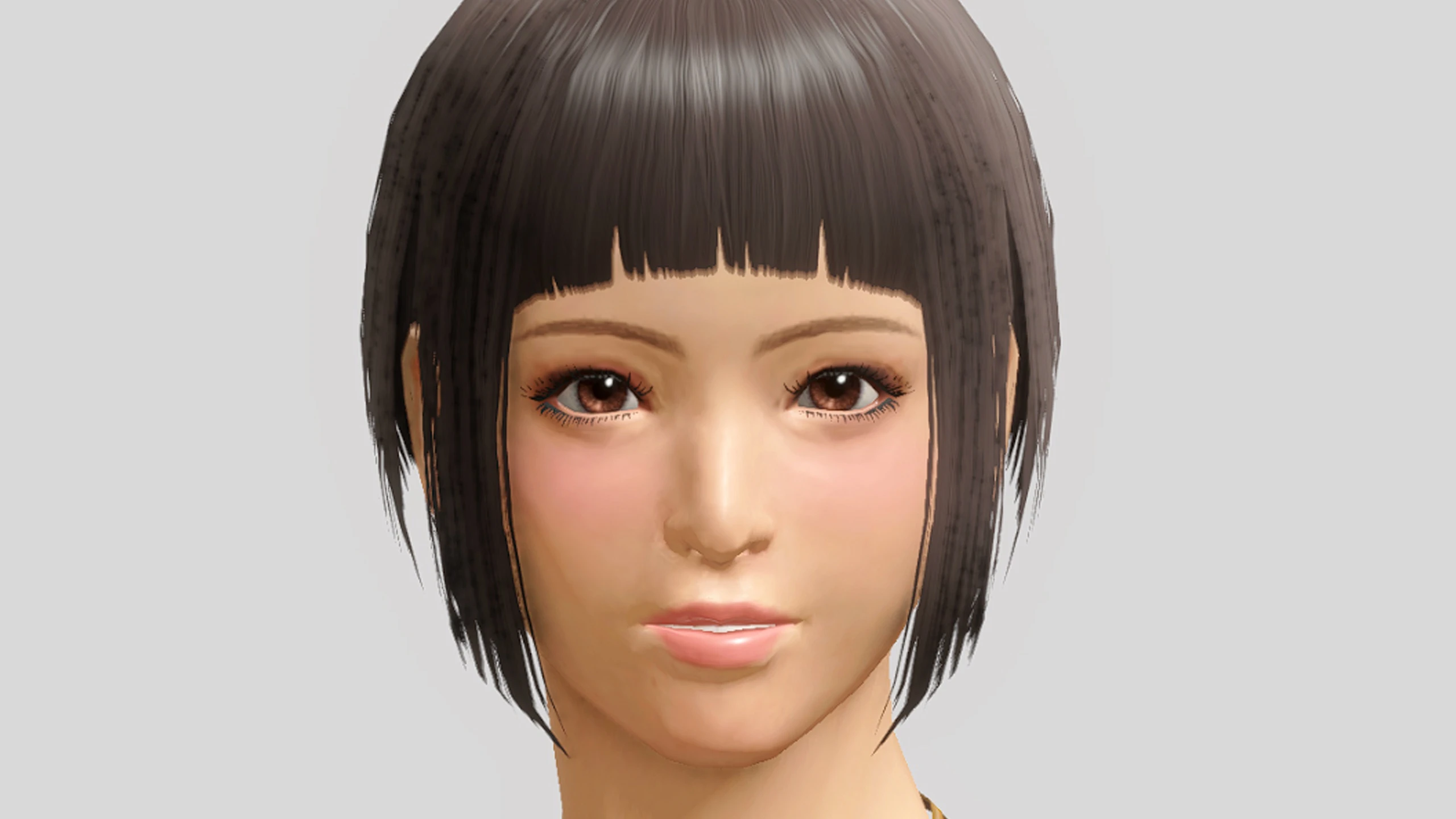
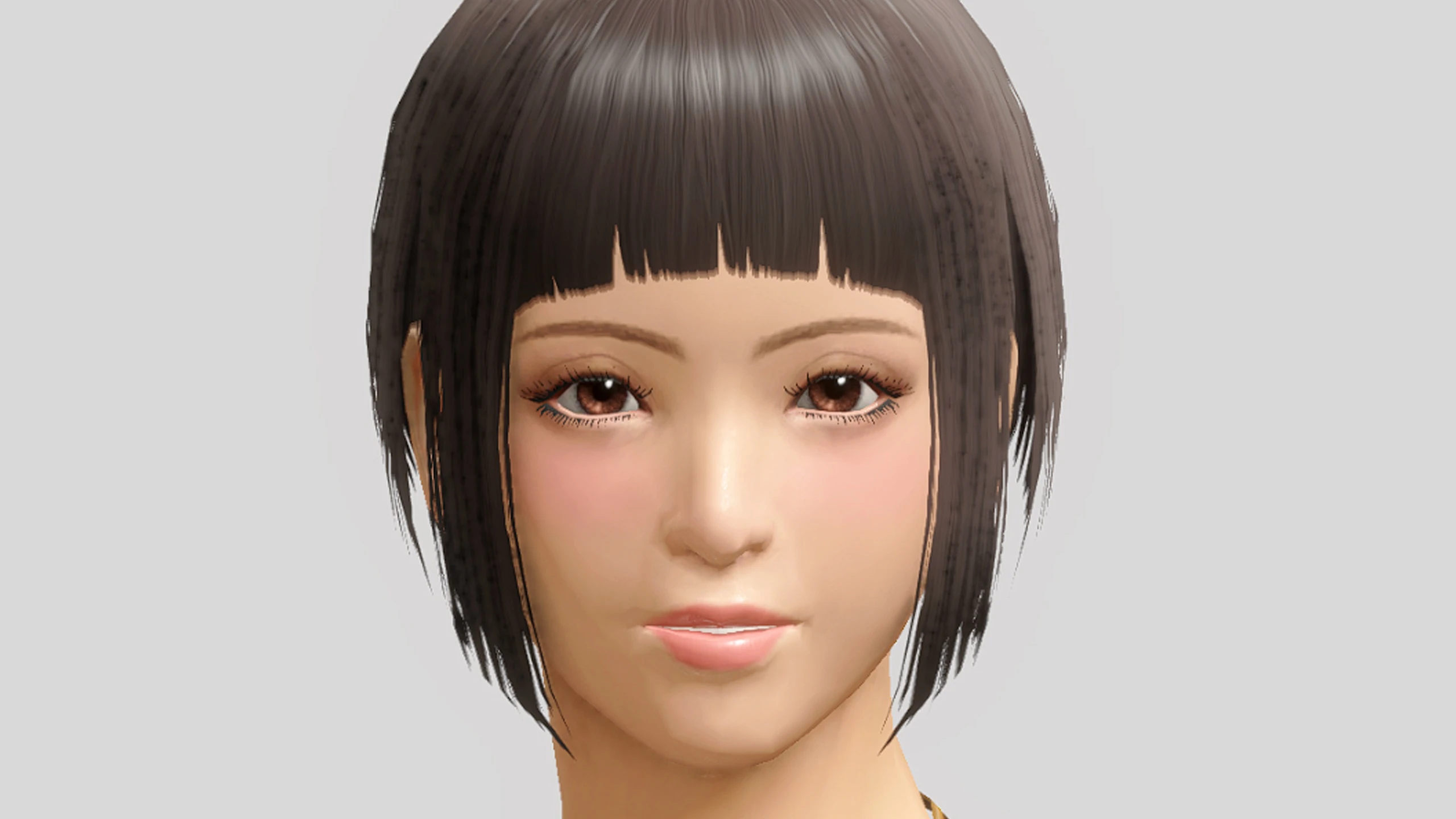
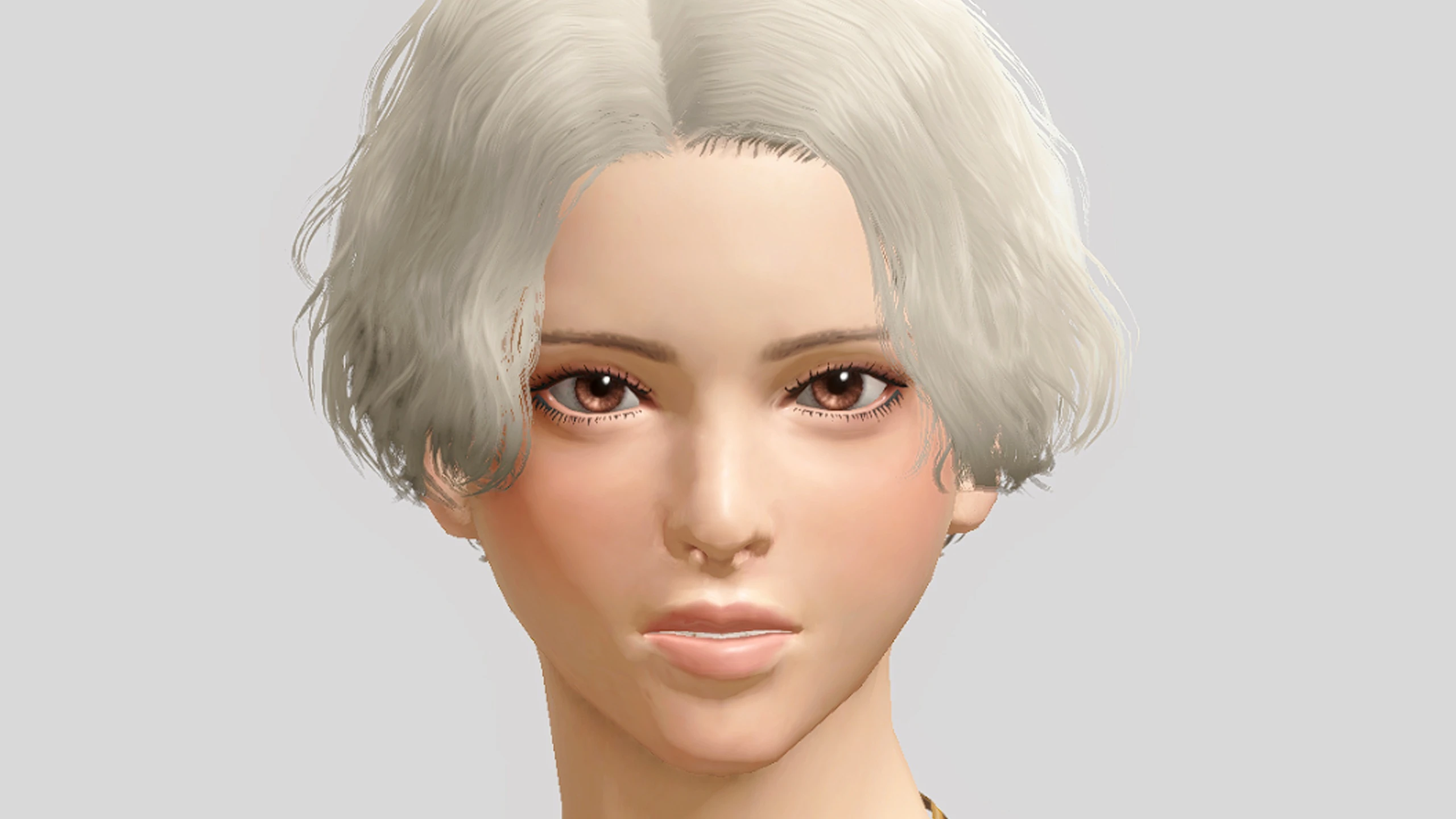
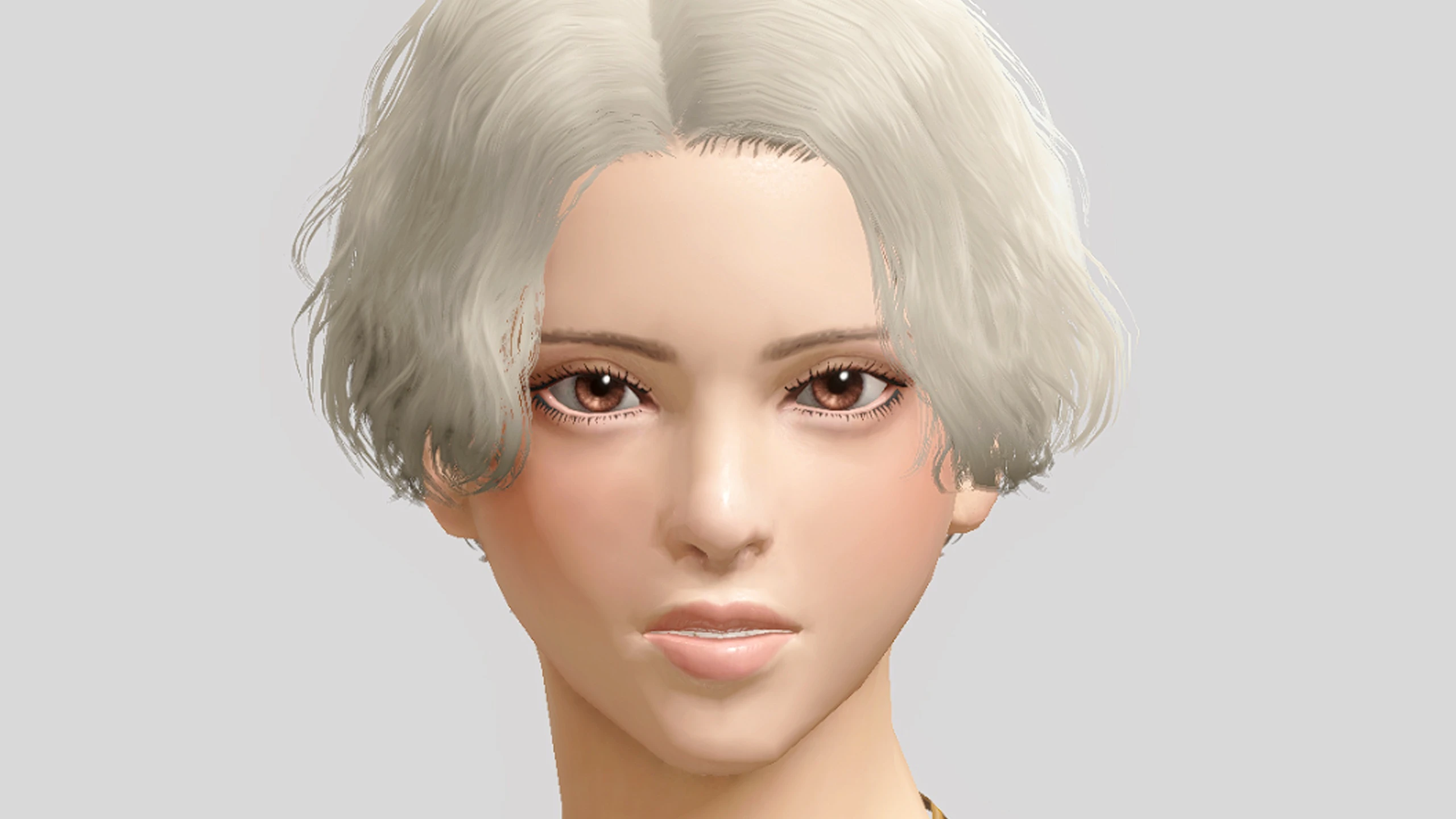
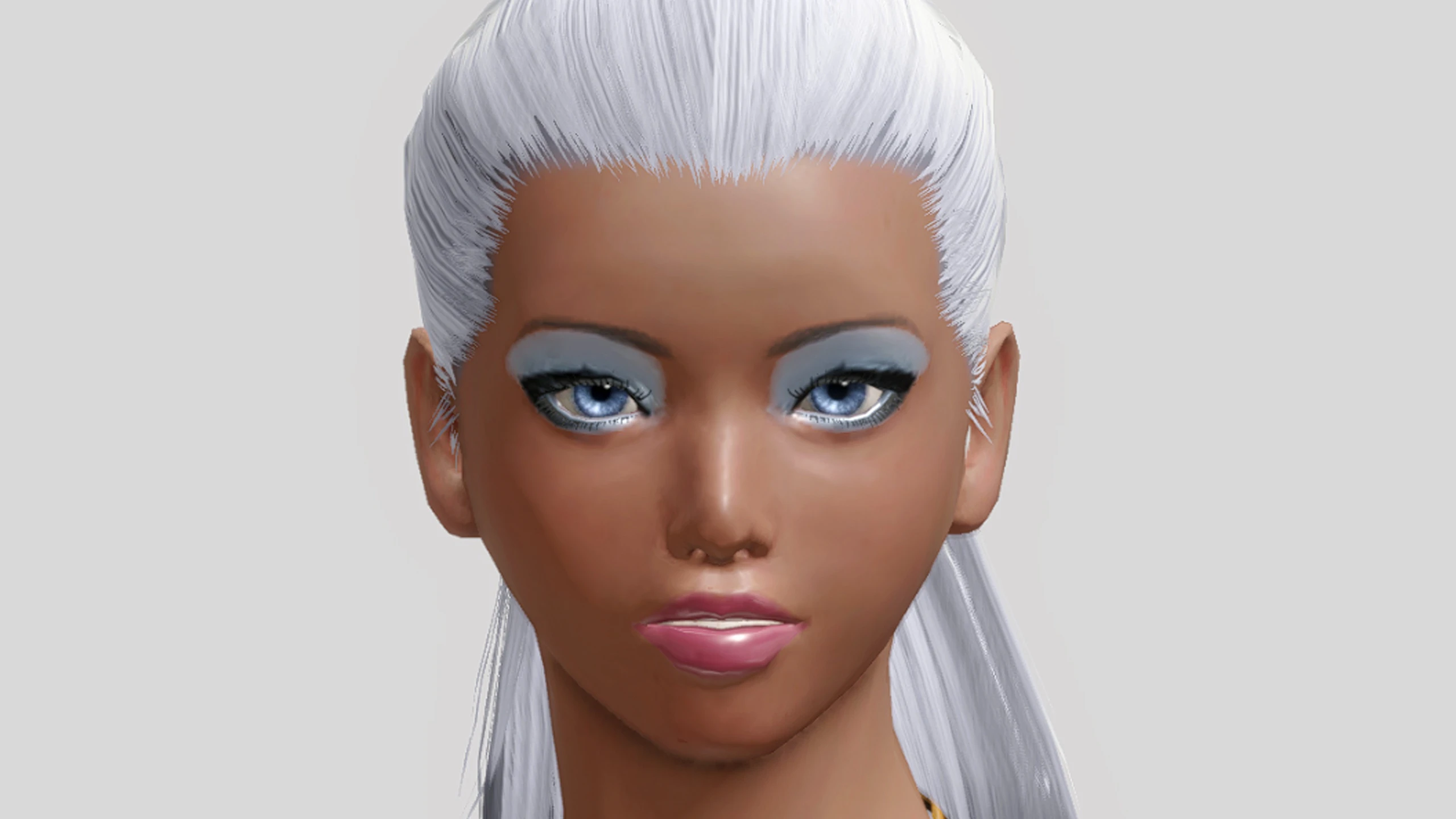
Higher resolution, smoother, softer female face textures with double eyelids, and without wrinkles, bumps, sharp edges and other weird blemishes.
Higher resolution, smoother, and softer female face textures with double eyelids, free from wrinkles, bumps, sharp edges, or other strange imperfections.
Based on my MHW mod of the same name, but adapted for Rise. The normal and roughness maps are essentially carried over from the MHW version.
Still works in Sunbreak.
I think I might write the Japanese explanation later.
Changelog:
None yet.
Notes:
- This overrides age/muscle etc sliders, because it seems like the game was blending them slightly even if you had them set to 0. Not 100% sure.
- It is currently not possible to edit the face mesh, as none of the tools support importing or exporting blendshapes. A face without blendshapes will cause the game to crash.
**Installation (Mod Manager)**
Move the downloaded file into the Fluffy Manager 5000's mod folder.
It should look like this: Fluffy Manager 5000\Games\MHRISE\downloadedfilename.rar
Click refresh mod list if needed, then enable the mod.
Installation (Pak version):
Unpack the archive into the MHR folder. If another mod already uses the same filename, rename the pak number to the next available one.
For example: re_chunk_000.pak.patch_001 -> re_chunk_000.pak.patch_002
Uninstallation:
If you want to revert to the original, simply disable the mod in Fluffy Manager, or delete the pak file.
**Credits:**
I want to stress that none of this would have been possible without the hard work of the people listed here.
- Thanks to all modding contributors. Full credits coming soon once I identify each contributor's work.
- Fluffy and Ekey for RETool, and Fluffy again for Fluffy Manager.
- AlphaZomega for the RE Engine tools, as well as for the RSZ templates with work from Praydog and thedarkness704.
Silvris and others for MDF Manager.
AsteriskAmpersand for MHR Tex Chopper.
- AndoryuuRE for figuring out the algorithm for decrypting the PAK file.
MHVuze, Asterisk, etc., for the MH Rise Modding Wiki and figuring out various things.
- Michalss & Kramla, Ekey, MHVuze for Rise Pak Patch Tool.
- Riot1986 for explaining what ALBM and NRMR mean.
- Notebook, Silvris, Ando, Asterisk, MHVuze, mhrice (wwylele), dtlnor for the MHR PC demo RE Tool file list.
Noesis by Rich Whitehouse.
- Anyone else I've forgotten to list here.
Special thanks to the donors, bug reporters, and everyone lending a hand in the forum.
Based on my MHW mod of the same name, but adapted for Rise. The normal and roughness maps are essentially carried over from the MHW version.
Still works in Sunbreak.
I think I might write the Japanese explanation later.
Changelog:
None yet.
Notes:
- This overrides age/muscle etc sliders, because it seems like the game was blending them slightly even if you had them set to 0. Not 100% sure.
- It is currently not possible to edit the face mesh, as none of the tools support importing or exporting blendshapes. A face without blendshapes will cause the game to crash.
**Installation (Mod Manager)**
Move the downloaded file into the Fluffy Manager 5000's mod folder.
It should look like this: Fluffy Manager 5000\Games\MHRISE\downloadedfilename.rar
Click refresh mod list if needed, then enable the mod.
Installation (Pak version):
Unpack the archive into the MHR folder. If another mod already uses the same filename, rename the pak number to the next available one.
For example: re_chunk_000.pak.patch_001 -> re_chunk_000.pak.patch_002
Uninstallation:
If you want to revert to the original, simply disable the mod in Fluffy Manager, or delete the pak file.
**Credits:**
I want to stress that none of this would have been possible without the hard work of the people listed here.
- Thanks to all modding contributors. Full credits coming soon once I identify each contributor's work.
- Fluffy and Ekey for RETool, and Fluffy again for Fluffy Manager.
- AlphaZomega for the RE Engine tools, as well as for the RSZ templates with work from Praydog and thedarkness704.
Silvris and others for MDF Manager.
AsteriskAmpersand for MHR Tex Chopper.
- AndoryuuRE for figuring out the algorithm for decrypting the PAK file.
MHVuze, Asterisk, etc., for the MH Rise Modding Wiki and figuring out various things.
- Michalss & Kramla, Ekey, MHVuze for Rise Pak Patch Tool.
- Riot1986 for explaining what ALBM and NRMR mean.
- Notebook, Silvris, Ando, Asterisk, MHVuze, mhrice (wwylele), dtlnor for the MHR PC demo RE Tool file list.
Noesis by Rich Whitehouse.
- Anyone else I've forgotten to list here.
Special thanks to the donors, bug reporters, and everyone lending a hand in the forum.
This tool is provided by the third party [bufftool]

Download Mods For Free
Install LagoFast, start MONSTER HUNTER RISE and play with the mods you love.
We use cookies to make interactions with our websites andservices easy and meaningful. For more information aboutthe cookies we use or to find out how you can disable cookies, click here.