
UE4SS for BoD
Autor:FramecoreLast updated:17/09/2026 12:41:3924.2K8.0MB

Pre-dependencies
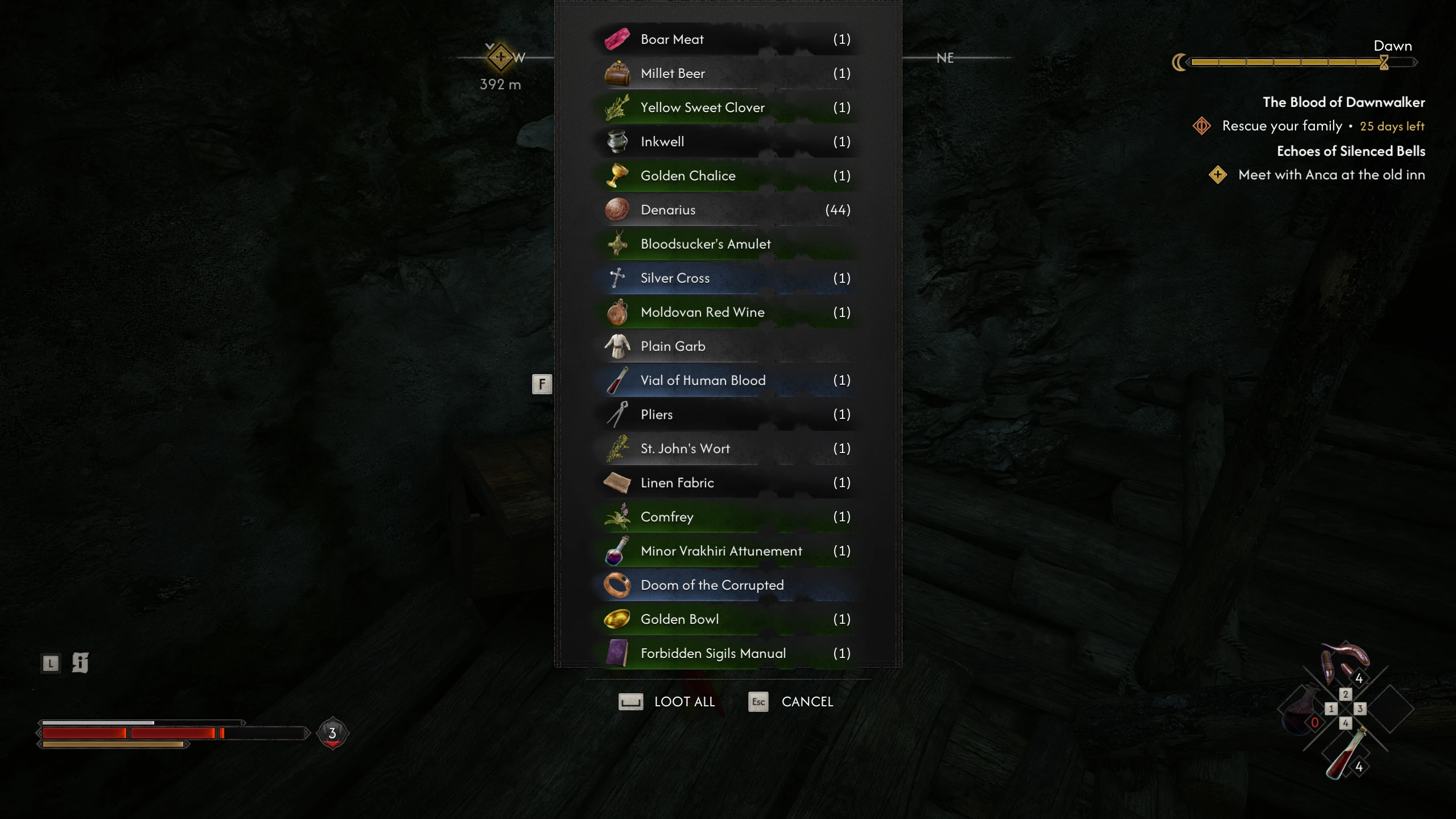
Area Loot - One Menu For All Nearby Loot
4.6K4KB
Better Enemy UI - HP and Level
12.1K6KB
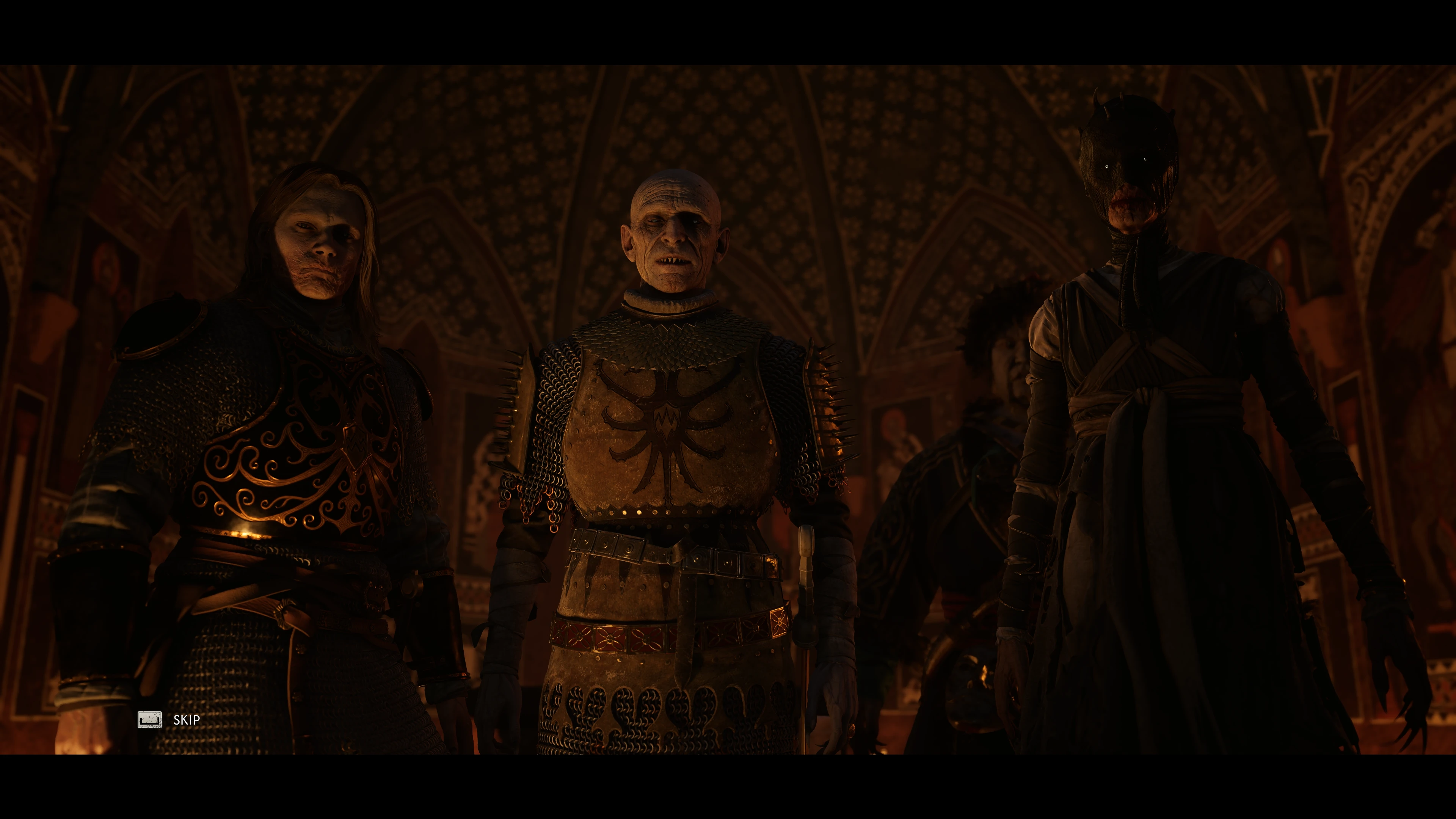
Cutscene and Cinematics Letterbox
1.4K2KB
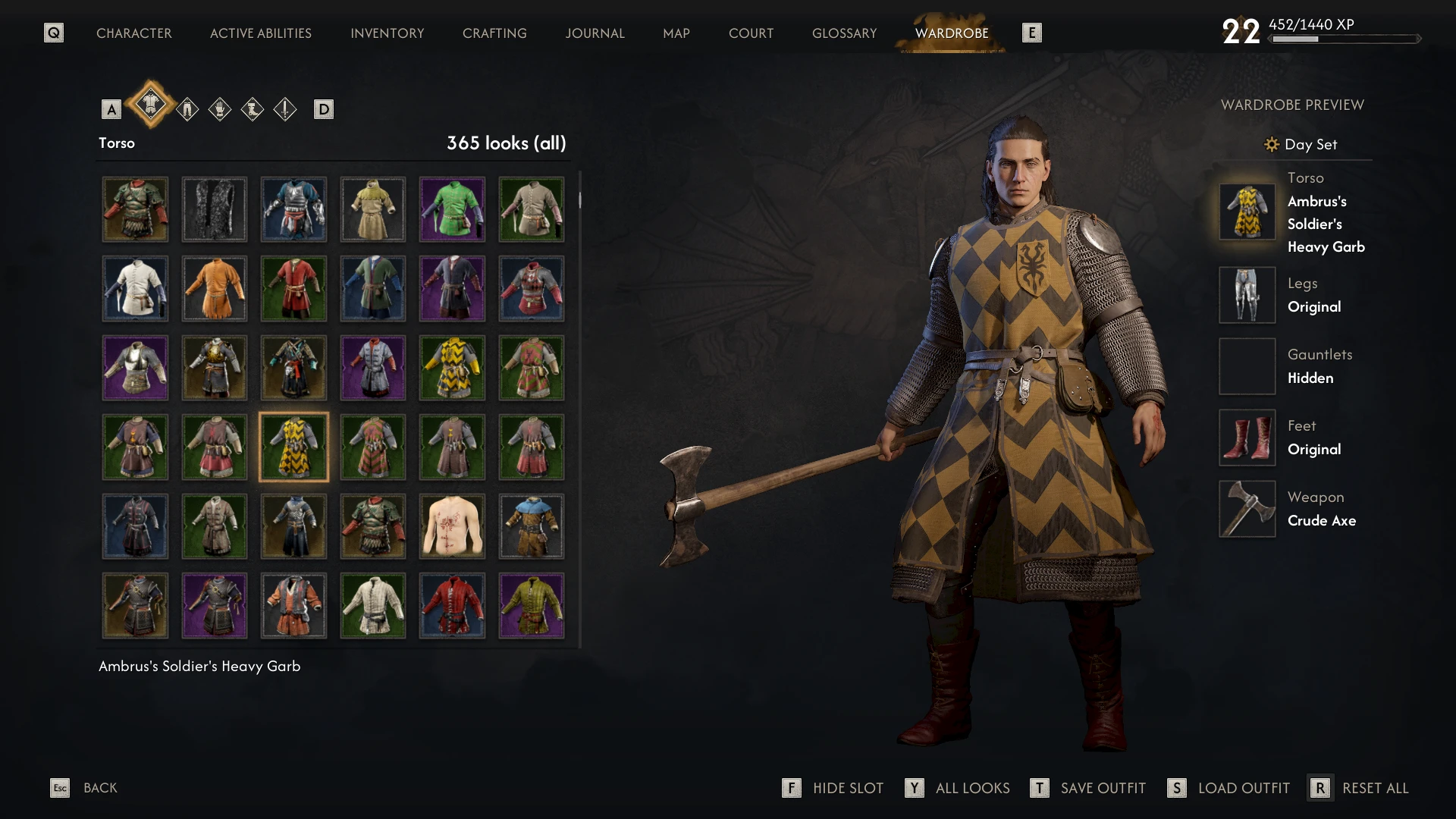
Dawnwalker Wardrobe (Transmog)
10.8K9.4MB

Hunger Knows No Dawn
67395KB
Immersive HUD
2.3K22KB

Known POI Icons
1.3K1KB

Less Boars - Reduced Wild Boar Herds
8883KB
Less or Zero Fall Damage
1.2K2KB
Mod Settings
29.6K86KB
Movement Tweaks
3.9K3KB
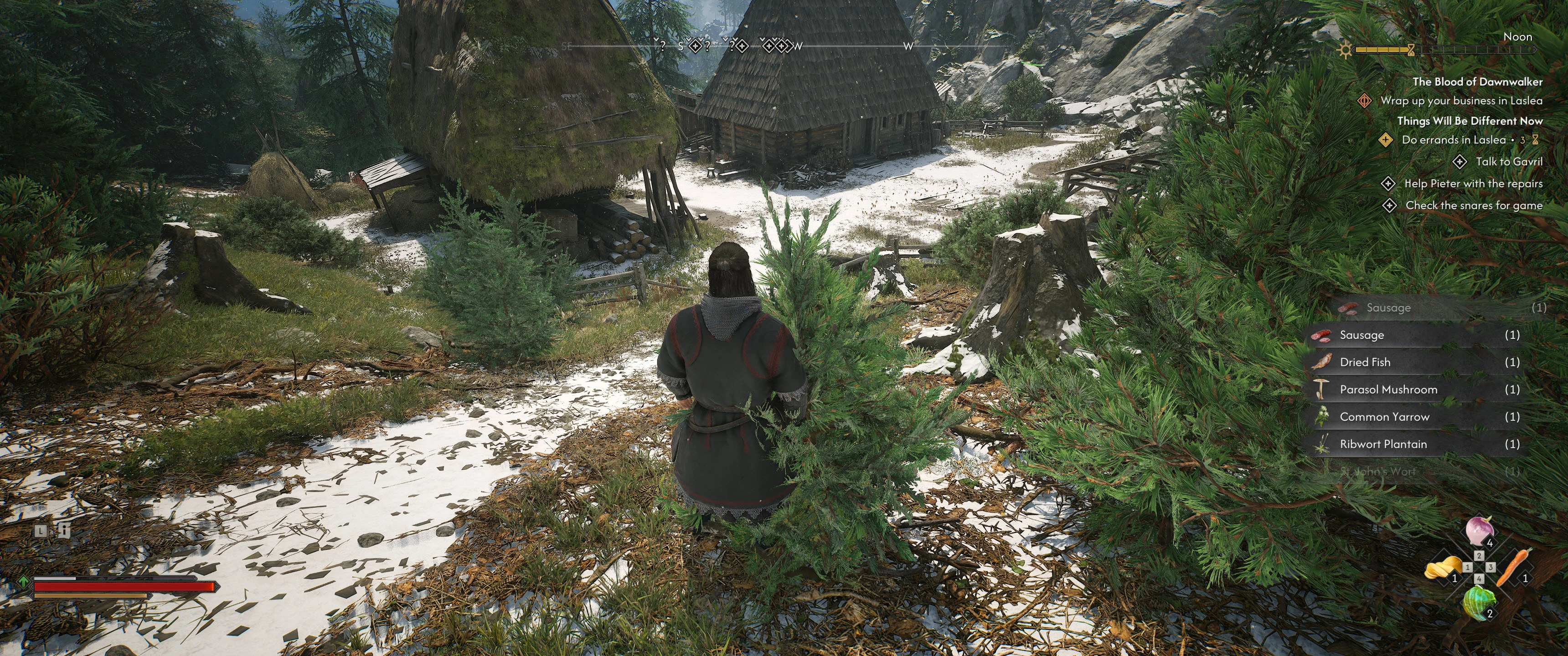
Nax-AutoLoot - Automatic Looting and Gathering
4.9K146KB
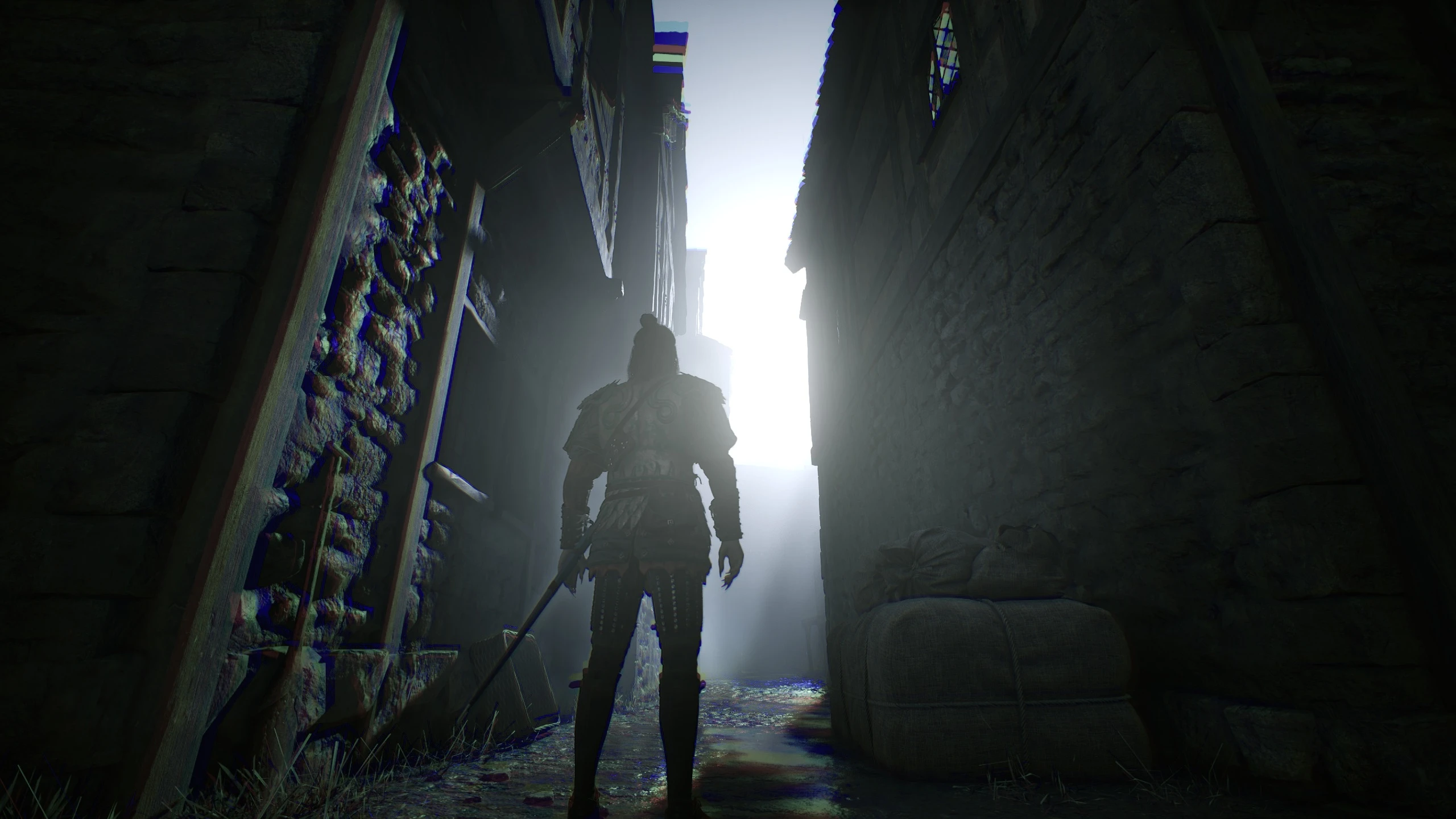
Night Vision
8.4K11KB
Skip Intro
1.9K11KB
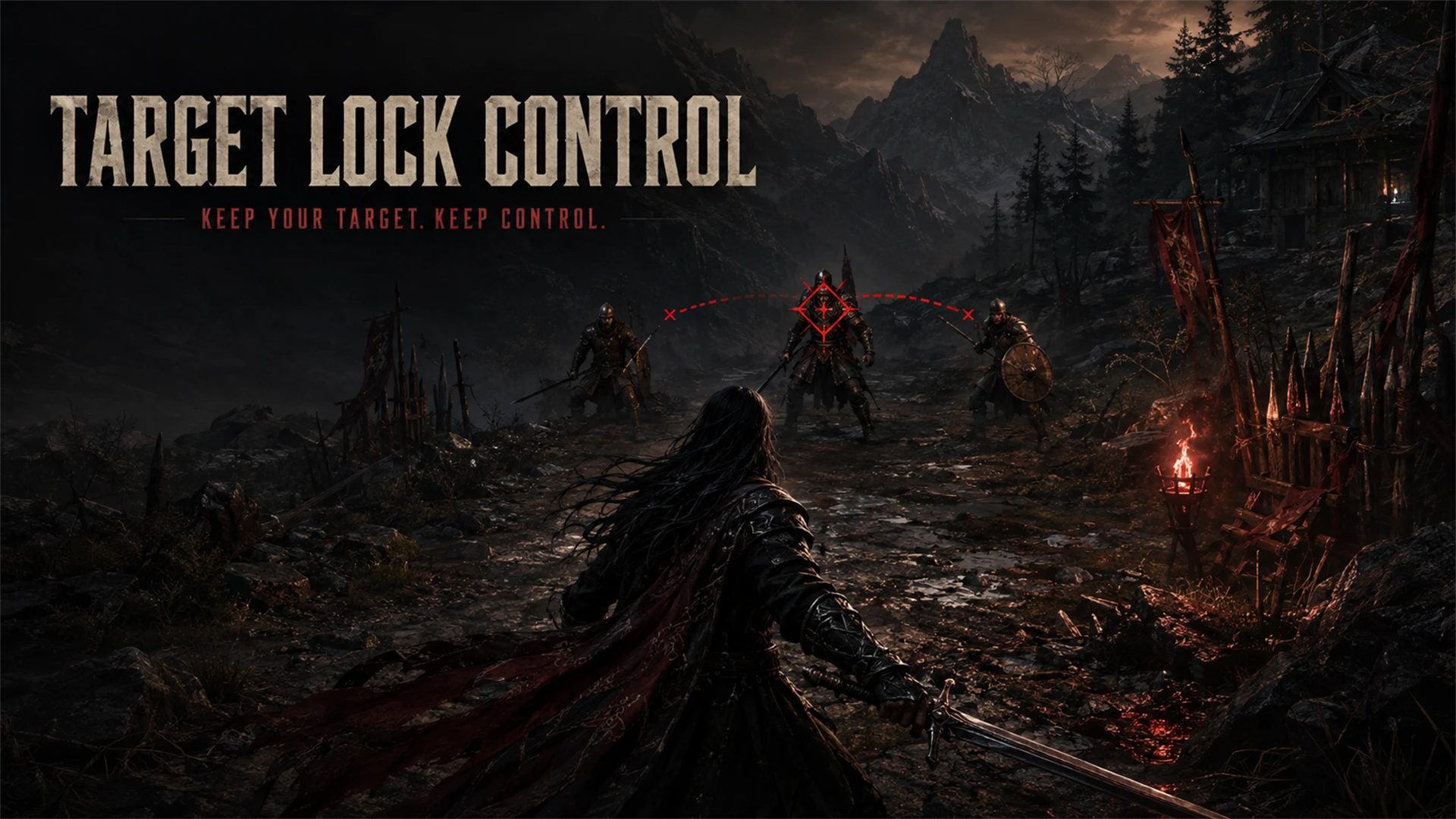
Target Lock Control - No Automatic Target Switching
2.8K17KB
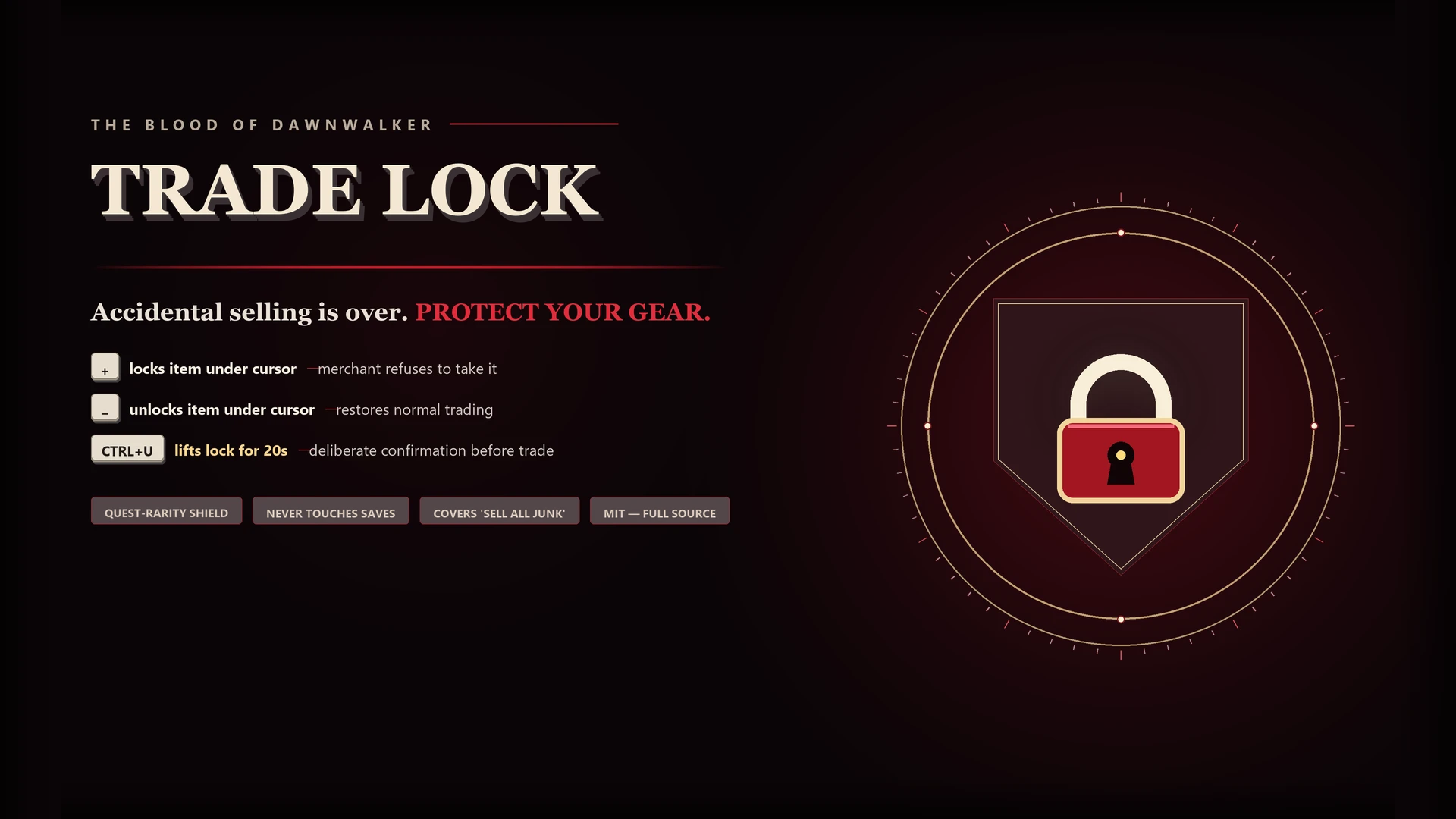
Trade Lock
208534KB
The Blood of Dawnwalker - Uncapped Cutscene and Menu FPS
38.8K118KB
Weight Limit Plus
1.4K55KB

Where Did My Time Go
94936KB

Yet Another Parry
2.5K8KB
Mod Introduction
A rock-solid, zero-maintenance UE4SS. Uses smart caching to eliminate constant AOB scan updates. Fully supports Lua scripts and Blueprints, automatically adjusting to game updates without breaking. Multi-Storefront Resilience: Epic Games /
Stable, Zero-Maintenance UE4SS for The Blood of Dawnwalker
Tired of your UE4SS mods breaking after every tiny game hotfix or executable update? This configuration completely eliminates the need for constant manual AOB scan updates and provides a rock-solid foundation for your Lua scripts and Blueprints.

Why choose this version over others?
* Smart Caching System: Unlike other configurations that force unnecessary file changes, this setup utilizes UE4SS's native caching engine.UseCache = 1). It performs a single, highly optimized internal scan on the very first launch, saves the precise memory addresses, and bypasses the scanning phase on all subsequent startups for near-instant load times.
* Automated Update Recovery: Thanks to InvalidateCacheIfDLLDiffers = 1, if the game executable receives an official patch, the system automatically detects the change, flushes the outdated cache, and silently recalculates the new addresses on its own without requiring a mod update.
* Full Lua & Blueprint Mod Support: Tested and fully compatible with popular mods such as TimeBarControl, FastTravelAnywhere, and NoAltTabPause. Your custom hooks, gameplay tweaks, and background event loops will execute flawlessly without crashing or triggering detour installation errors.
Installation Instructions
Windows:
Linux / Steam Deck:
Cross-Platform & Storefront Compatibility
One of the biggest flaws in alternative UE4SS releases is their reliance on hardcoded signature configurations optimized only for a single game distribution. If you switch platforms or if a storefront applies a unique digital rights management (DRM) wrapper, those builds will instantly hard-crash your game.
This package features universal cross-platform adaptation built directly into the core configuration:
Nvidia Overlay & RTX HDR Compatibility Fixes
If you use Nvidia Overlay or experience issues where RTX HDR settings reset to default or turn off every time you launch the game, choose one of the verified solutions below. This happens because UE4SS hooks into the rendering pipeline and spawns diagnostic components that can disrupt Nvidia's display profile detection.
Fix 1: Switch the UE4SS Boot Method (Highly Recommended)
Fix 3: : Disable UE4SS Diagnostic Windows (Forces Direct Focus)
RTX HDR requires a strictly focused display window to hold its color profile. UE4SS initializes a separate logging console window on startup that can temporarily steal focus from the main engine environment.
Technical Breakdown: How It Works & Why It's Superior
The Problem with Other Configurations:
Alternative versions on Nexus force a specific execution-thread method and array handling, which breaks compatibility with minor executable changes. By relying on unoptimized signature-scanning filters with no fallback parameters, those builds require a full file replacement (a mod update) every time the game triggers a hotfix or shifting compilation offsets.
The Solution in this Build (Config Analysis):
This build modifies the internal engine hooking and caching behavior inside. UE4SS-settings.ini to ensure complete, automatic adaptation:
* UseCache = 1 & InvalidateCacheIfDLLDiffers = 1
Instead of executing a heavy, failure-prone signature scan on every single game launch, UE4SS performs a primary lookup only on the very first boot. The calculated memory offsets (such as GUObjectArray at 0x7ff654d73340 and GameEngineTick at 0x7ff64c1ef3d8) are safely stored in a local cache file. On subsequent launches, it loads instantly from the cache. If the game updates and the executable's size or digital footprint changes, the system discards the old cache automatically and safely rebuilds a new one without crashing.
* DefaultFNameToStringMethod = Scan & EngineTickResolveMethod = Scan
By forcing the resolve methods to internal memory scanning coupled with the caching system, we guarantee that string conversions and frame ticking hooks remain dynamic. This acts as an absolute defense against static offset drift caused by different game distribution platforms (Steam vs. Epic Games Store vs. Game Pass builds).
* HookEngineTick = 1 & HookUObjectProcessEvent = 1
These configurations guarantee stable hooks on the master engine thread loop. As proven by the diagnostic logs, background loops like the alt-tab mitigation systems (NoAltTabPause) and phase-state tracking (TimeBarControl) hook successfully into the runtime without triggering detour installation failures or memory access violations.
* bUseUObjectArrayCache = false
Forced to false to prevent virtual table mismatch crashes on newer Unreal Engine 5.5 setups, ensuring that the global object state evaluation remains reliable even during heavy blueprint/asset loading sequences.
What This Means For You:
Install this package once and you can forget about it. Whether the game updates tomorrow or a month from now, the framework will quietly recalibrate itself in the background without you needing to check Nexus Mods for an update.
Credits & Legal Disclaimer
This package includes and distributes the RE-UE4SS framework. All rights, software engineering, and core binaries belong to the original development network and contributors.
UE4SS for WFF
UE4SS for BoR
UE4SS for MS2
Stable, Zero-Maintenance UE4SS for The Blood of Dawnwalker
Tired of your UE4SS mods breaking after every tiny game hotfix or executable update? This configuration completely eliminates the need for constant manual AOB scan updates and provides a rock-solid foundation for your Lua scripts and Blueprints.
Why choose this version over others?
* Smart Caching System: Unlike other configurations that force unnecessary file changes, this setup utilizes UE4SS's native caching engine.UseCache = 1). It performs a single, highly optimized internal scan on the very first launch, saves the precise memory addresses, and bypasses the scanning phase on all subsequent startups for near-instant load times.
* Automated Update Recovery: Thanks to InvalidateCacheIfDLLDiffers = 1, if the game executable receives an official patch, the system automatically detects the change, flushes the outdated cache, and silently recalculates the new addresses on its own without requiring a mod update.
* Full Lua & Blueprint Mod Support: Tested and fully compatible with popular mods such as TimeBarControl, FastTravelAnywhere, and NoAltTabPause. Your custom hooks, gameplay tweaks, and background event loops will execute flawlessly without crashing or triggering detour installation errors.
Installation Instructions
Windows:
- Download the mod archive.
- Extract the contents directly into your game binaries directory: ...\The Blood of Dawnwalker\Dawnwalker\Binaries\Win64
- Ensure that dwmapi.dll and the UE4SS Folders are placed correctly right next to the main Dawnwalker.exe. (The UE4SS-settings.ini is located inside the UE4SS folder).
- Launch the game and enjoy a seamless, update-free modding experience!
Linux / Steam Deck:
- Follow the exact same extraction steps as listed above for Windows.
- Open Steam, right-click on the game, and go to Properties...
- In the General Tab, navigate to the Launch Options field at the bottom.
- [Paste the following parameter exactly as shown:]
WINEDLLOVERRIDES="dwmapi=n,b" %command% - Launch the game through Steam.
Cross-Platform & Storefront Compatibility
One of the biggest flaws in alternative UE4SS releases is their reliance on hardcoded signature configurations optimized only for a single game distribution. If you switch platforms or if a storefront applies a unique digital rights management (DRM) wrapper, those builds will instantly hard-crash your game.
This package features universal cross-platform adaptation built directly into the core configuration:
- Steam Distribution: Out-of-the-box native support for the primary PC build (Game__Shipping__Win64). Offsets match the official executable architecture perfectly.
- Multi-Storefront Resilience (Epic Games / Windows Store / Game Pass): Different PC storefronts compile executables with shifting memory boundaries. Because this configuration uses dynamic lookup combined with an active caching state (UseCache = 1), it automatically recalculates and maps the correct GUObjectArray Layout for your specific game executable on the very first launch. You do not need to hunt down store-specific mod variants.
- Proton & Wine Compatibility: Fully optimized for Linux and Steam Deck environments. It bypasses virtualization hooking errors that normally cause generic UE4SS builds to hang indefinitely during the early object construction phase.
Nvidia Overlay & RTX HDR Compatibility Fixes
If you use Nvidia Overlay or experience issues where RTX HDR settings reset to default or turn off every time you launch the game, choose one of the verified solutions below. This happens because UE4SS hooks into the rendering pipeline and spawns diagnostic components that can disrupt Nvidia's display profile detection.
Fix 1: Switch the UE4SS Boot Method (Highly Recommended)
- Go to your game binaries folder: ...\Binaries\Win64
- Locate dwmapi.dll and rename it to dxgi.dll.
- NOTE FOR LINUX / STEAM DECK USERS: If you apply this fix under Proton, you must update your Steam Launch Options to use the new proxy name:
WINEDLLOVERRIDES="dxgi=n,b" %command%
- Open the Nvidia App.
- Navigate to Graphics > Program Settings > Driver Settings.
- Locate RTX HDR, switch it to On, and click Apply to force the profile driver-wide.
Fix 3: : Disable UE4SS Diagnostic Windows (Forces Direct Focus)
RTX HDR requires a strictly focused display window to hold its color profile. UE4SS initializes a separate logging console window on startup that can temporarily steal focus from the main engine environment.
- Open UE4SS-settings.ini I notice you've indicated "Text to translate:" but haven't actually provided any text after it. Please provide the actual text you'd like me to translate into English. UE4SS folder).
- Locate the [Debug] section.
- Change the console visibility lines to disable them on startup like this:
ConsoleEnabled = 0
GuiConsoleEnabled = 0
Technical Breakdown: How It Works & Why It's Superior
The Problem with Other Configurations:
Alternative versions on Nexus force a specific execution-thread method and array handling, which breaks compatibility with minor executable changes. By relying on unoptimized signature-scanning filters with no fallback parameters, those builds require a full file replacement (a mod update) every time the game triggers a hotfix or shifting compilation offsets.
The Solution in this Build (Config Analysis):
This build modifies the internal engine hooking and caching behavior inside. UE4SS-settings.ini to ensure complete, automatic adaptation:
* UseCache = 1 & InvalidateCacheIfDLLDiffers = 1
Instead of executing a heavy, failure-prone signature scan on every single game launch, UE4SS performs a primary lookup only on the very first boot. The calculated memory offsets (such as GUObjectArray at 0x7ff654d73340 and GameEngineTick at 0x7ff64c1ef3d8) are safely stored in a local cache file. On subsequent launches, it loads instantly from the cache. If the game updates and the executable's size or digital footprint changes, the system discards the old cache automatically and safely rebuilds a new one without crashing.
* DefaultFNameToStringMethod = Scan & EngineTickResolveMethod = Scan
By forcing the resolve methods to internal memory scanning coupled with the caching system, we guarantee that string conversions and frame ticking hooks remain dynamic. This acts as an absolute defense against static offset drift caused by different game distribution platforms (Steam vs. Epic Games Store vs. Game Pass builds).
* HookEngineTick = 1 & HookUObjectProcessEvent = 1
These configurations guarantee stable hooks on the master engine thread loop. As proven by the diagnostic logs, background loops like the alt-tab mitigation systems (NoAltTabPause) and phase-state tracking (TimeBarControl) hook successfully into the runtime without triggering detour installation failures or memory access violations.
* bUseUObjectArrayCache = false
Forced to false to prevent virtual table mismatch crashes on newer Unreal Engine 5.5 setups, ensuring that the global object state evaluation remains reliable even during heavy blueprint/asset loading sequences.
What This Means For You:
Install this package once and you can forget about it. Whether the game updates tomorrow or a month from now, the framework will quietly recalibrate itself in the background without you needing to check Nexus Mods for an update.
Credits & Legal Disclaimer
This package includes and distributes the RE-UE4SS framework. All rights, software engineering, and core binaries belong to the original development network and contributors.
- The open-source framework repository can be found here: UE4SS-RE GitHub Organization
- This software is distributed under the conditions of the MIT License, allowing open modifications and redistributions provided that appropriate copyright and authorship attribution is maintained.
- This custom release simply offers a highly optimized, zero-maintenance configuration specifically tailored to stabilize runtime environments and asset caching for The Blood of Dawnwalker.
UE4SS for WFF
UE4SS for BoR
UE4SS for MS2
This tool is provided by the third party [bufftool]

Download Mods For Free
Install LagoFast, start The Blood of Dawnwalker and play with the mods you love.
We use cookies to make interactions with our websites andservices easy and meaningful. For more information aboutthe cookies we use or to find out how you can disable cookies, click here.